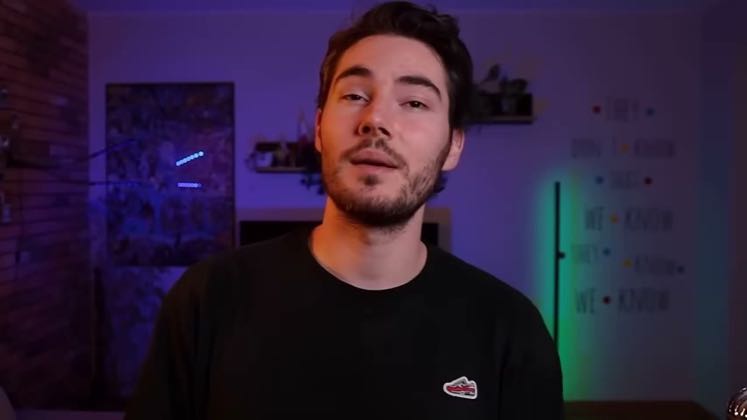
 6:42
6:42Plays here · Open on youtube ↗
“Are you still creating marketing videos one-by-one and constantly running out of fresh content for your campaigns?”
The opening line · 0:00 · move: problem
Starts with a polished product campaign, then shows how one reference image becomes multiple CapCut ad variants inside a single editable workflow.
@CAPITAL R · 123K followers · 4 of 30 recent posts mention CapCut AI · creator page →
- 0:00Are you still creating marketing videos one-by-one and constantly running out of fresh content for your campaigns?
- 0:05Editing every ad manually takes too much time, especially when you need multiple versions for social media, e-commerce and paid ads.
- 0:13Today I want to show you a much faster workflow. With CapCut PC you can take just one product image and turn it into a full set of stylized marketing videos
Price separate shoots and tools as the enemy, batch-generate several brand-safe image and video variants from one product photo, then refine every asset on CapCut's multitrack timeline.
YouTube marketing and AI-workflow educators demonstrating the same CapCut PC campaign brief · 49 creators · 56 posts
Open the full playbook →
this post · other creators who ran it
@CAPITAL Ryoutube · 123K followers · median 25K views · n=60best post62.1K2.5×views · for CapCut AIUnknown Public profile, recent-feed scan and audited CapCut AI post checked; no post-specific commercial tie was established: https://www.youtube.com/watch?v=tehdmGEn-RAOpen creator →Views and likes are public counts at capture time. The multiple compares this post with the creator’s own recent median, not a claim about what caused its reach. Read the methodology →