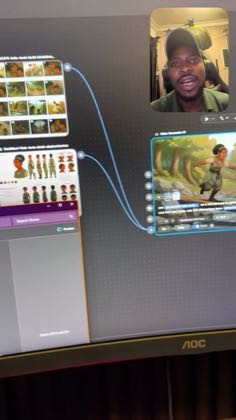
 1:11
1:11Plays here · Open on tiktok ↗
“So here is how you can use storyboards like this with your character design sheets to create like a 15 seconds, 30 seconds, one minute animation video”
The opening line · 0:00 · move: howto
Turns a named Magnific/Freepik task into a screen-led sequence, exposing the controls and output rather than asking viewers to trust a feature claim.
@coach_dami_ai · 8.5K followers · 0 of 30 recent posts mention Magnific / Freepik AI · creator page →
- 0:00So here is how you can use storyboards like this with your character design sheets to create like a 15 seconds, 30 seconds, one minute animation video that has consistent characters.
- 0:09Let me play the full video for you. You won't be able to hear the audio though. Here is the full video.
- 0:20Do you see that the characters are consistent?
Replace one-off prompting with a visible graph of reusable steps, then prove the canvas by carrying the same character, product or brief across multiple outputs.
Workflow educators building node canvases for e-commerce, storyboards, avatars and repeatable asset batches · 22 creators · 22 posts
Open the full playbook →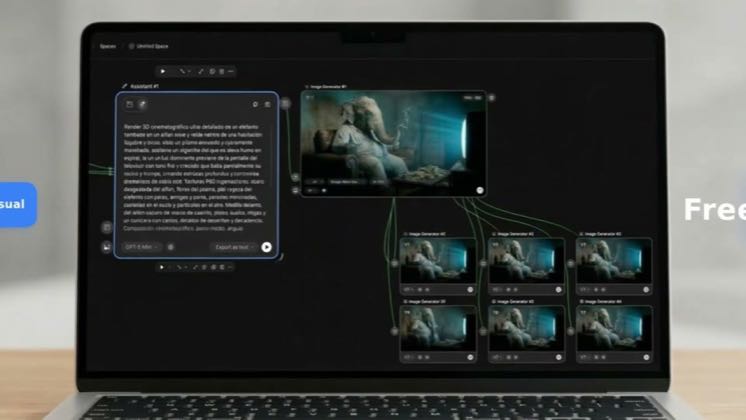
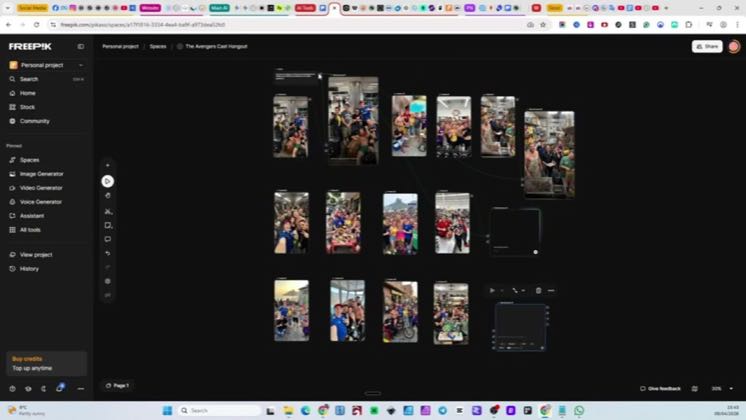
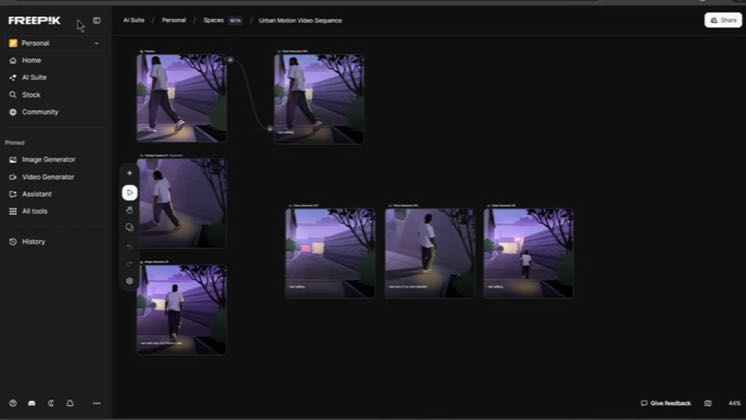
this post · other creators who ran it
@coach_dami_aitiktok · 8.5K followers · median 1.8K views · n=60best post264.7K146×views · for Magnific / Freepik AIUnknown “How to create consistent animation with storyboard in magnific” identifies Magnific/Freepik; public description checked, commercial relationship unverified — https://www.tiktok.com/@coach_dami_ai/video/7668227005254503698Open creator →Views and likes are public counts at capture time. The multiple compares this post with the creator’s own recent median, not a claim about what caused its reach. Read the methodology →