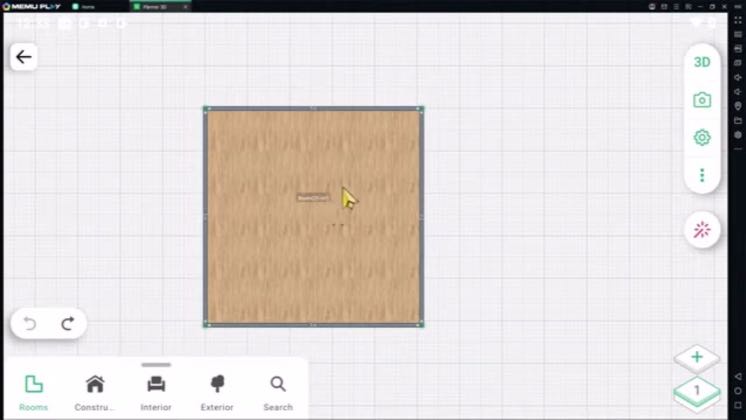
 1:51
1:51Plays here · Open on youtube ↗
“Hello everyone, today we are going to learn basic planar 5D how to add wall.”
The opening line · 0:00 · move: howto
Answers one narrow CAD-style task by repeatedly splitting, dragging, resizing, and hiding wall segments in the live Planner 5D editor until the new room shape is complete.
@Mufasu CAD · — followers · 0 of 60 recent posts mention Planner 5D · creator page →
- 0:00Hello everyone, today we are going to learn basic planar 5D how to add wall.
- 0:12So we have this example room, and then I will click at this wall, you can click this
- 0:18icons to spread, I will click again from this point, click this icon to spread.
Start from one structural problem viewers cannot solve, keep the cursor path visible, and end only when the corrected room works in 3D.
Independent mobile tutorial creators answering narrow search questions · 24 creators · 25 posts
Open the full playbook →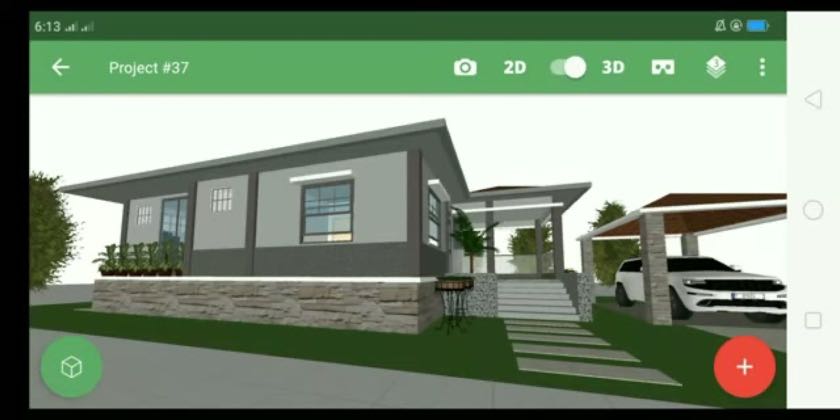

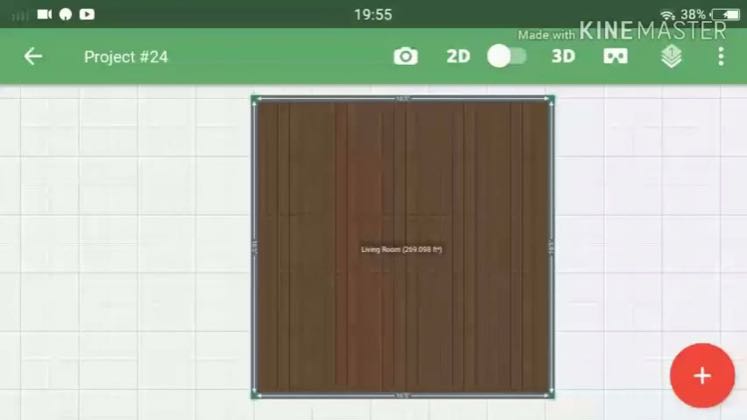
this post · other creators who ran it
@Mufasu CADyoutube · — followers · median 1.1K views · n=60best post13.3K12×views · for Planner 5DUnknown The public description identifies a step-by-step Planner 5D wall tutorial and links the creator’s own learning channels, but includes no disclosure, Planner 5D referral URL, creator code, or partner wording: https://www.youtube.com/watch?v=ysV8SJio3osOpen creator →Views and likes are public counts at capture time. The multiple compares this post with the creator’s own recent median, not a claim about what caused its reach. Read the methodology →