 1
1HOOK · howtoStart with the missing roof, not a new house0:00
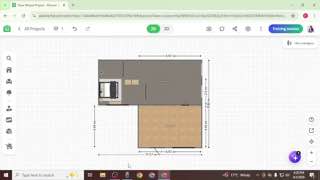
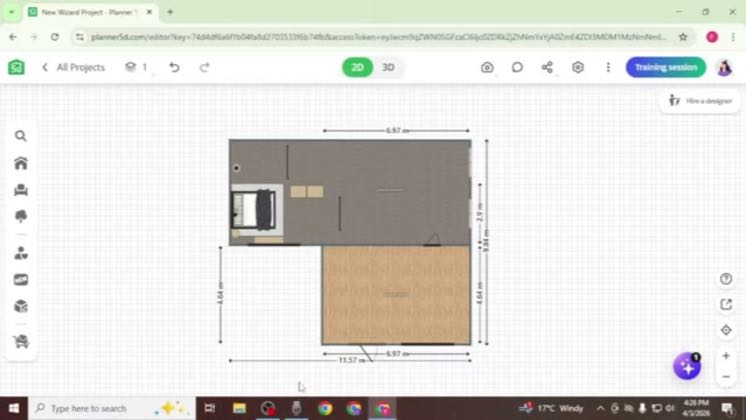
In this video, I'm going to show you how to add a roof in Planner 5D.
 PAID2:46
The anchor — the post this playbook is read from.
Open the post page →
Start from one structural problem viewers cannot solve, keep the cursor path visible, and end only when the corrected room works in 3D.
Who runs it Independent mobile tutorial creators answering narrow search questions
1In this video, I'm going to show you how to add a roof in Planner 5D.
 2
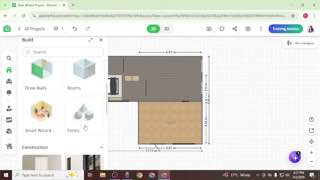
2To begin, you first need to create a base for your roof.
 3
3Once the cube is added, double click on it to access its properties.
 4
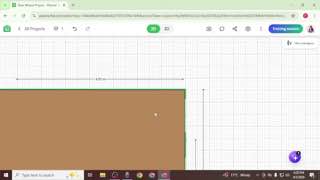
4Next, adjust the width and depth of the cube so that it covers your entire structure.
 5
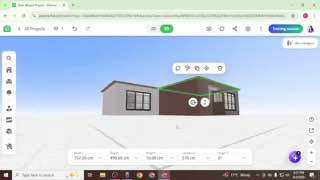
5Once the base is ready, go back to the build menu
 6
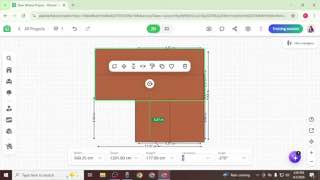
6Now, since your base has a thickness of around 10cm,
 7
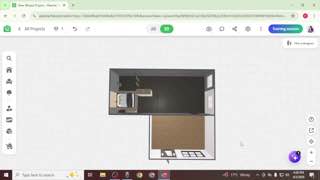
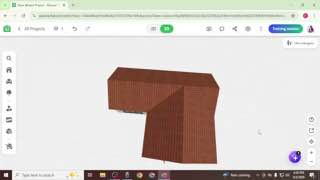
7Finally, switch to 3D view to review your work and fix any alignment issues if necessary.
 PAID@Planner 5Dyoutube3.7K views
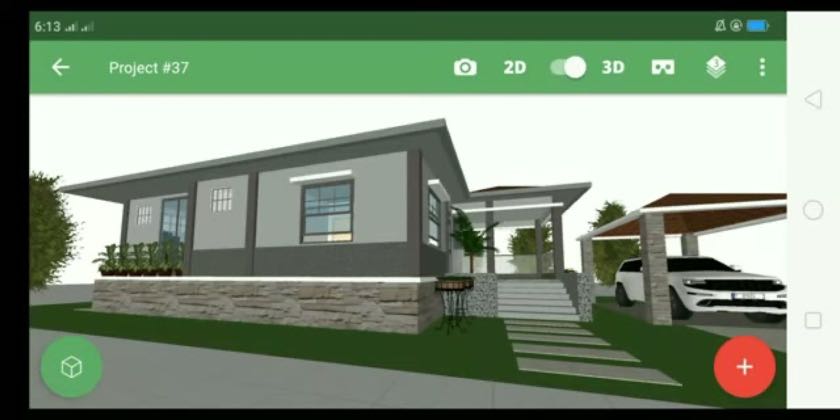 PAID69.3×@5D Planner Artistyoutube39.3K views
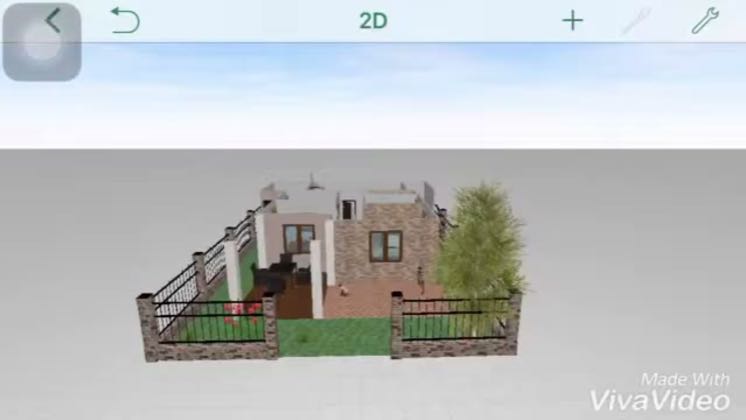 PAID131×@GAME OVERyoutube30.9K views
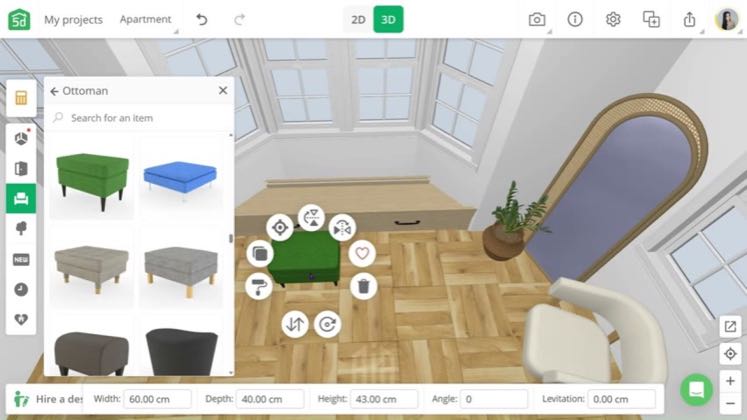 AFFILIATE11.2×@Ayuhyoutube26.8K viewsPAID420×@Answer ASAPyoutube1.3K views
Earlier playbook analysis · not fully re-reviewed in the latest pass
This playbook belongs to a structure shared across brands. Its member videos count toward each structure’s total. Open a structure to compare the grouped playbooks.