 0:58
0:58Plays here · Open on youtube ↗
“Want to save your favorite chats on Toki AI then you'll on the right video”
The opening line · 0:00 · move: question
Uses an on-screen walkthrough to answer “How to Save Your Favorite Chats on Talkie AI,” turning a search query into a reproducible Talkie product task.
@How to Tech Guide · 506 followers · 5 of 30 recent posts mention Talkie · creator page →
- 0:00Want to save your favorite chats on Toki AI then you'll on the right video, it's for a simple and quick process so without any further delay, let's get started.
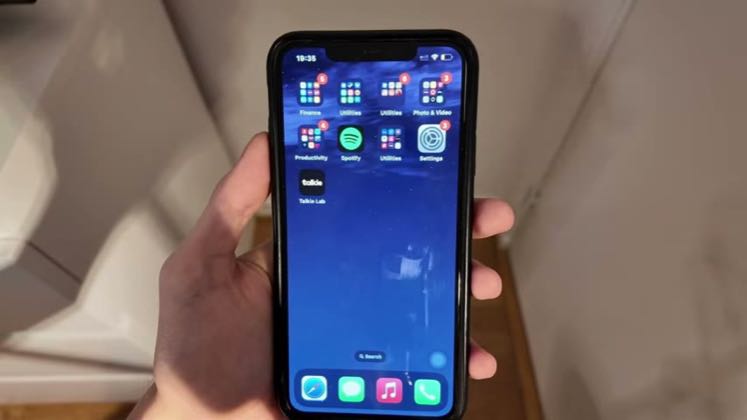
- 0:09First thing first, head over to your application, Toki AI Lab. Make sure you are logged in into a specific account, once logged in head over to the inbox.
- 0:18You will see all the list of the Toki AI that you have chatted with. Moving to the one that you want to save the chat off.
Repeat the user's exact how-to query, show the taps in Talkie, and stop as soon as the requested state is visible.
Tutorial publishers answering narrow setup, character, privacy, rewards, and messaging questions · 13 creators · 46 posts
Open the full playbook →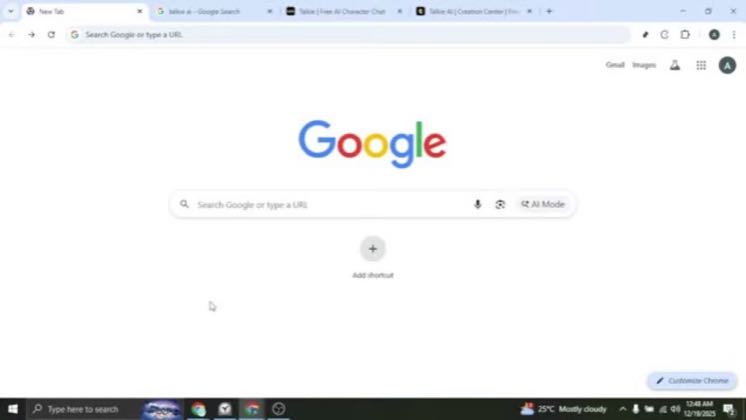

this post · other creators who ran it
@How to Tech Guideyoutube · 506 followers · median 58 views · n=60best post3065.3×views · for TalkieUnknown Public video title says “How To PIN Chats On Talkie AI”; the commercial relationship is unverified.Open creator →Views and likes are public counts at capture time. The multiple compares this post with the creator’s own recent median, not a claim about what caused its reach. Read the methodology →