 1
1HOOK · howtoPromise the complete build0:00
In today's video, I'm going to teach you how to create a character on Tauky AI.
 2:55
2:55The anchor — the post this playbook is read from.
Open the post page →
Repeat the user's exact how-to query, show the taps in Talkie, and stop as soon as the requested state is visible.
Who runs it Tutorial publishers answering narrow setup, character, privacy, rewards, and messaging questions
1In today's video, I'm going to teach you how to create a character on Tauky AI.
 2
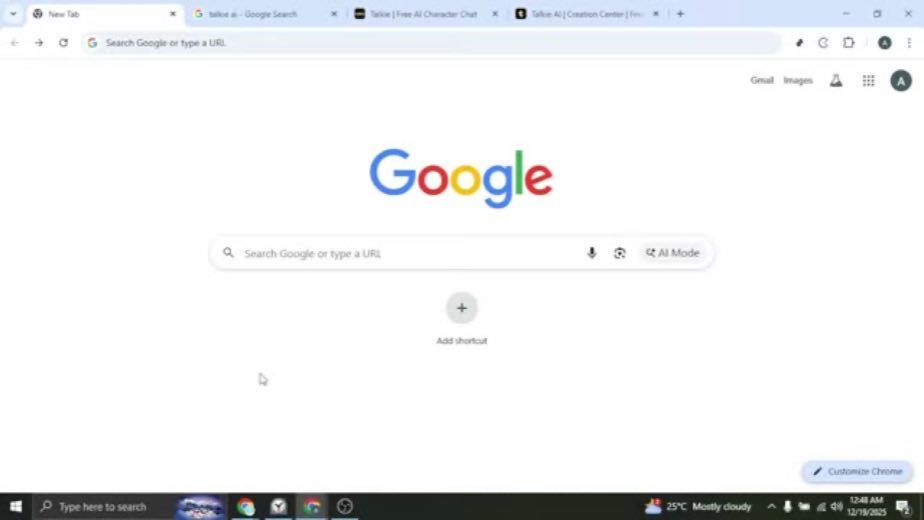
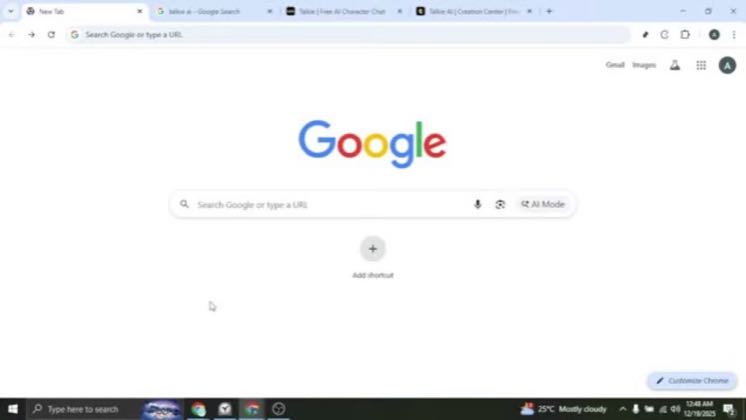
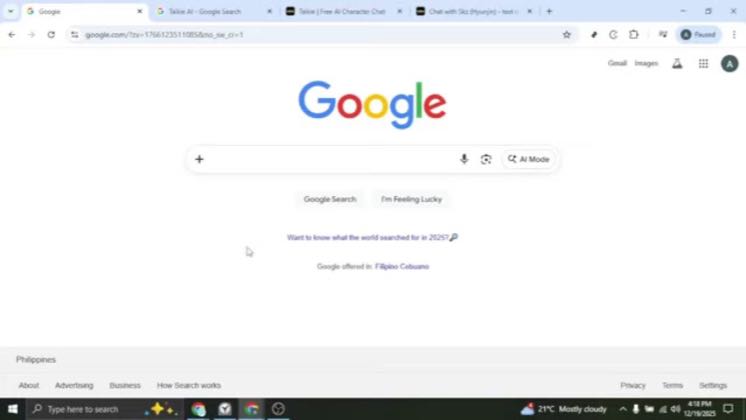
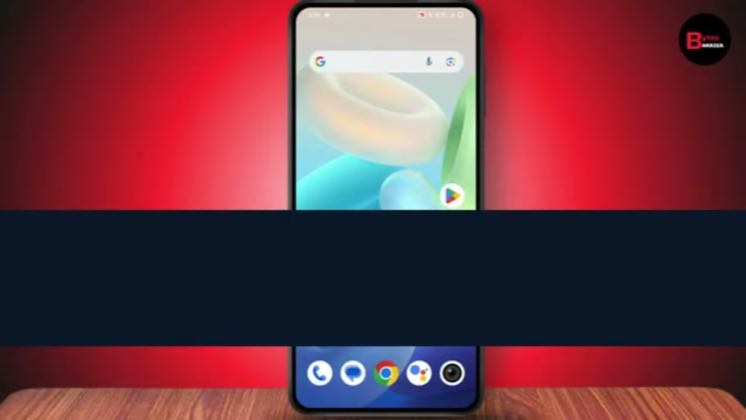
2Start by opening your browser and heading to Google.
 3
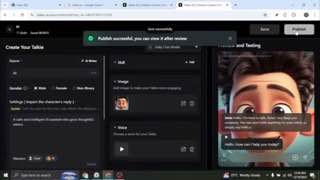
3In the editor, begin with a name.
 4
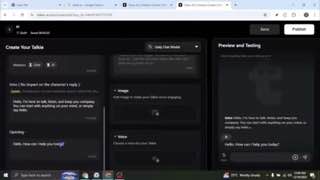
4After that, write the opening.
 5
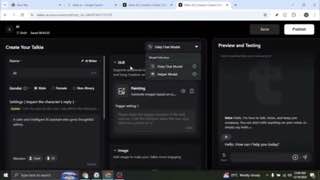
5To make your Tauky more engaging, add an image.
 6
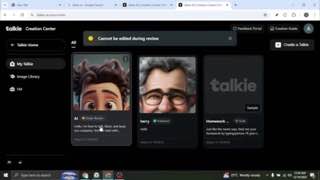
6Next, choose a voice that matches the style of your character.
 7
7When everything looks good, the name, details, image, and voice.
8 6.9×@TalkieTopiatiktok249K views
 4.8×@AI Masteryyoutube53 views
 118×@Byte Barrieryoutube4.5K views
 13.6×@Mathias Does Techyoutube3.6K views462×@AI Masteryyoutube5.1K views
Earlier playbook analysis · not fully re-reviewed in the latest pass
This playbook belongs to a structure shared across brands. Its member videos count toward each structure’s total. Open a structure to compare the grouped playbooks.
That's it.