 1:10
1:10Plays here · Open on youtube ↗
“Are you looking forward to public or private your talking on Talkie AI than you on the right video?”
The opening line · 0:00 · move: howto
Uses an on-screen walkthrough to answer “How To Make Your Talkie AI Profile Public or Private,” turning a search query into a reproducible Talkie product task.
@How to Tech Guide · 506 followers · 5 of 30 recent posts mention Talkie · creator page →
- 0:00Are you looking forward to public or private your talking on Talkie AI than you on the right video?
- 0:05Today I will be showing you the step as the process on how you can easily public or private your talkie AI.
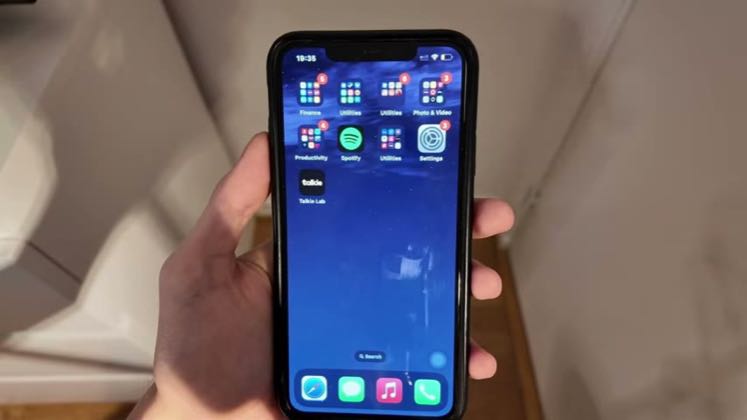
- 0:10First and first you need to head over to your application Talkie AI.
Repeat the user's exact how-to query, show the taps in Talkie, and stop as soon as the requested state is visible.
Tutorial publishers answering narrow setup, character, privacy, rewards, and messaging questions · 13 creators · 46 posts
Open the full playbook →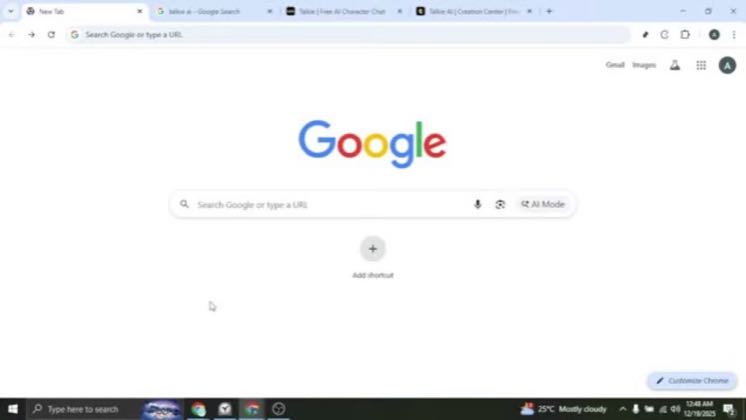

this post · other creators who ran it
@How to Tech Guideyoutube · 506 followers · median 58 views · n=60best post3065.3×views · for TalkieUnknown Public video title says “How To PIN Chats On Talkie AI”; the commercial relationship is unverified.Open creator →Views and likes are public counts at capture time. The multiple compares this post with the creator’s own recent median, not a claim about what caused its reach. Read the methodology →