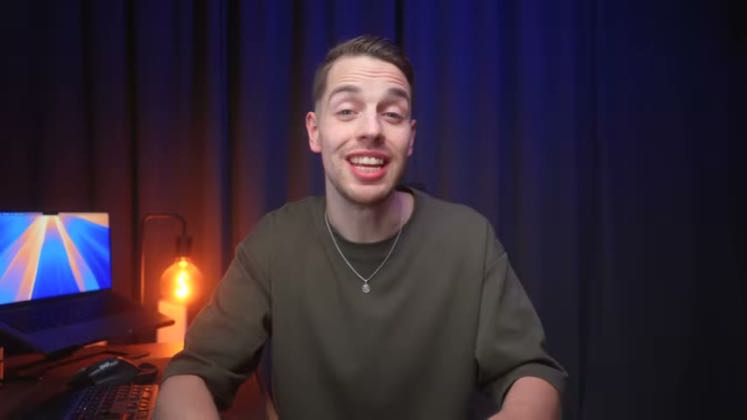
 PAID7:25
Plays here · Open on youtube ↗
“In this video, I'm going to show you a”
The opening line · 0:00 · move: creator-claim
Teaches a three-step product-animation workflow from one reference image: build consistent start/end frames, bridge them with Kling 3.0, repair label warping through prompt iteration, and reverse the frames to create a loop before routing viewers to a free prompt community.
@Thomas Lundström · 27.9K followers · 3 of 30 recent posts mention Kling AI · creator page →
- 0:00In this video, I'm going to show you a
- 0:02simple workflow to create [music] fully
- 0:03customizable, professionallooking
Start from a buyer-ready output, walk through image creation and planning, then use Kling as the motion step that turns the static asset into a shippable film or ad.
Filmmaking and advertising educators teaching multi-tool production · 107 creators · 124 posts
Open the full playbook →


this post · other creators who ran it
@Thomas Lundströmyoutube · 27.9K followers · median 4.2K views · n=60best post29K7×views · for Kling AIUnknown The current tutorial explicitly teaches Kling 3.0 for product animation — https://www.youtube.com/watch?v=bxzZXYpTS64. Its disclosure says `If you use my links & buy something you support me while you pay nothing extra`, but the listed creator-specific links are for other tools and do not prove a direct Kling commercial relationship.Open creator →Views and likes are public counts at capture time. The multiple compares this post with the creator’s own recent median, not a claim about what caused its reach. Read the methodology →