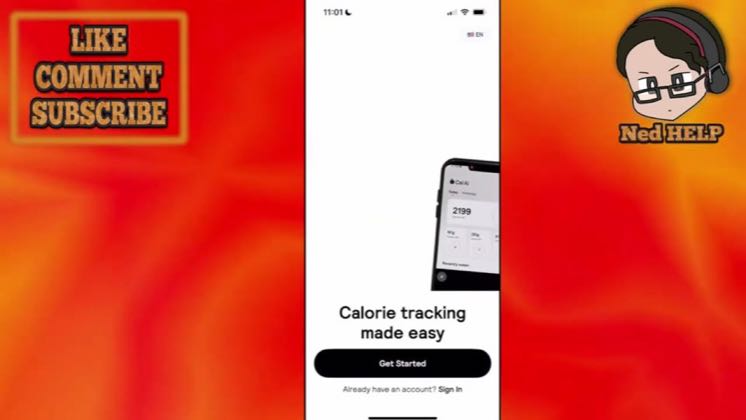
 3:01
3:01Plays here · Open on youtube ↗
“LIKE COMMENT SUBSCRIBE”
The opening line · 0:00 · move: howto
Mirrors a beginner search, narrates every onboarding choice on screen, and withholds the camera-scan payoff until the custom plan is ready.
@Ned HELP · 71.1K followers · 0 of 30 recent posts mention Cal AI · creator page →
 0:00
0:00 0:00
0:00 0:01
0:01 0:02
0:02 0:03
0:03 0:04
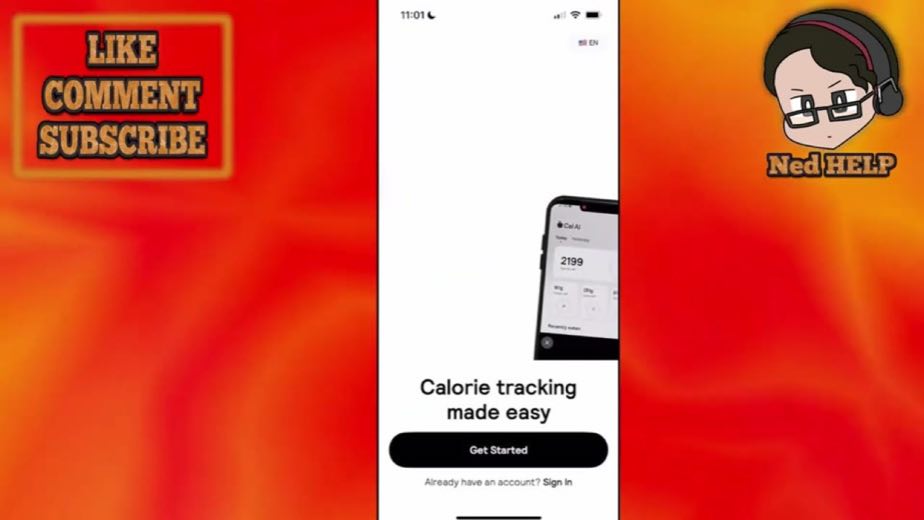
0:04The opening repeats the search intent word for word.
 0:05
0:05 0:06
0:06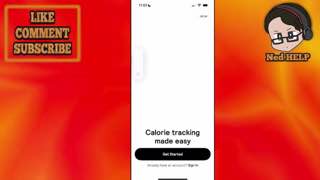 0:07
0:07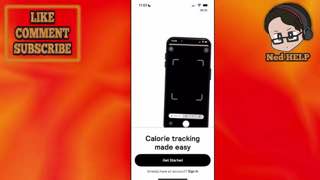 0:08
0:08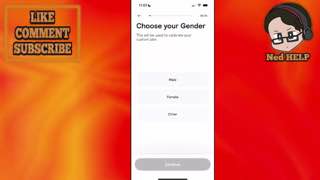 0:09
0:09The walkthrough assumes no prior knowledge and anchors every instruction to visible UI.
4 lines · members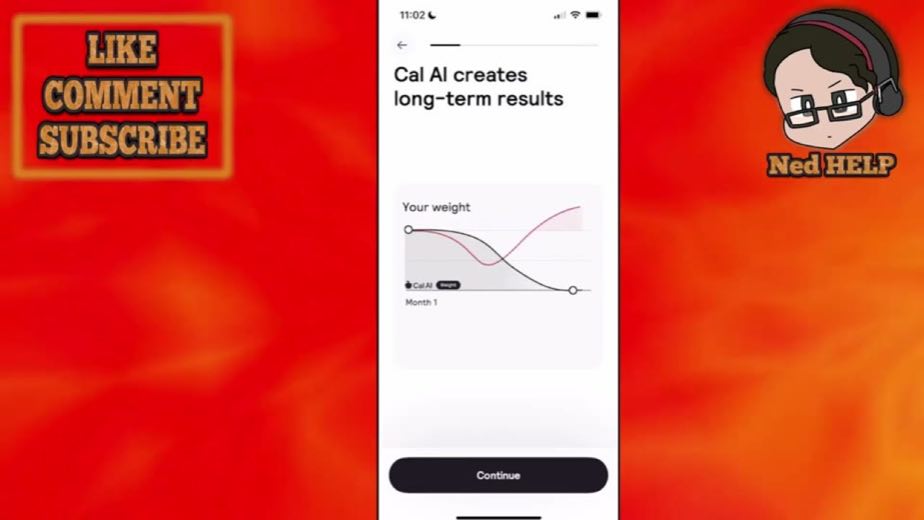 0:30
0:30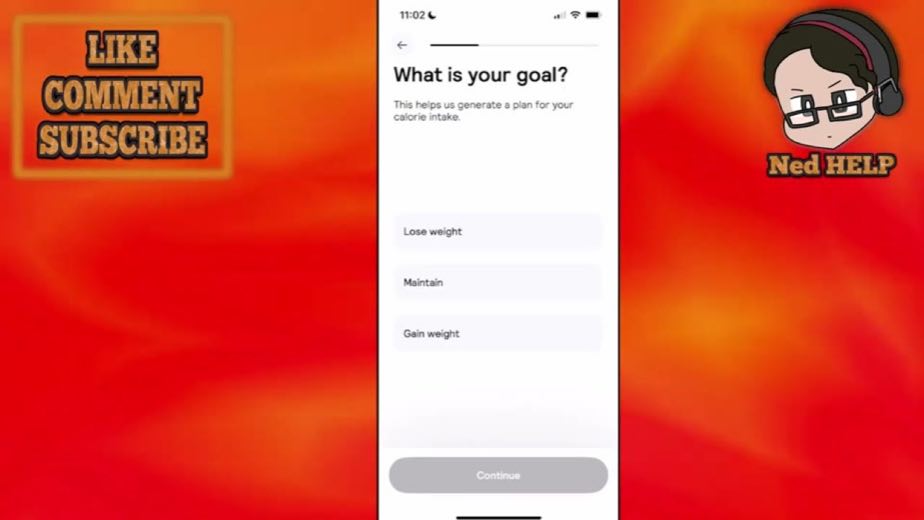 1:01
1:01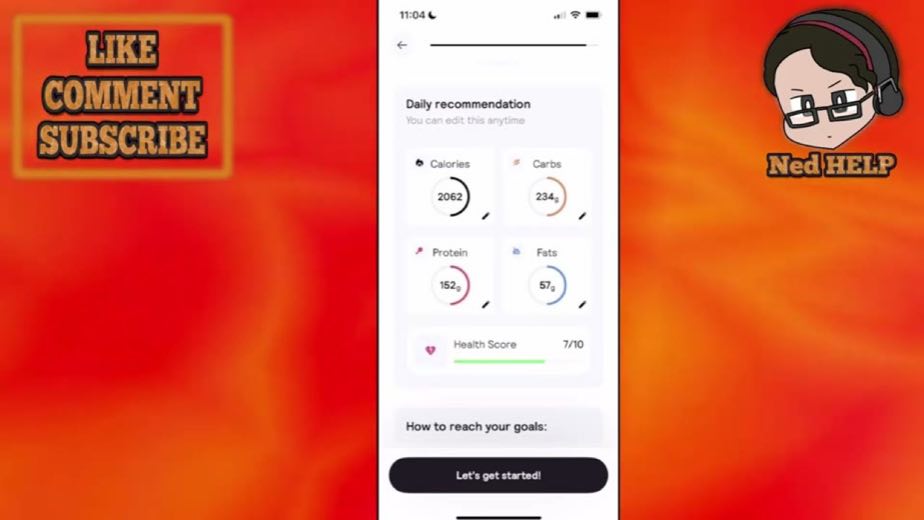 2:17
2:17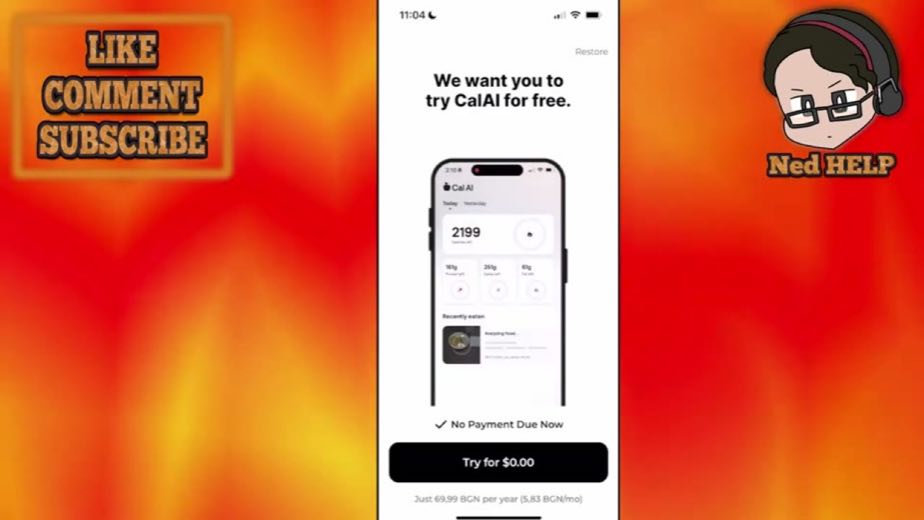 2:47
2:47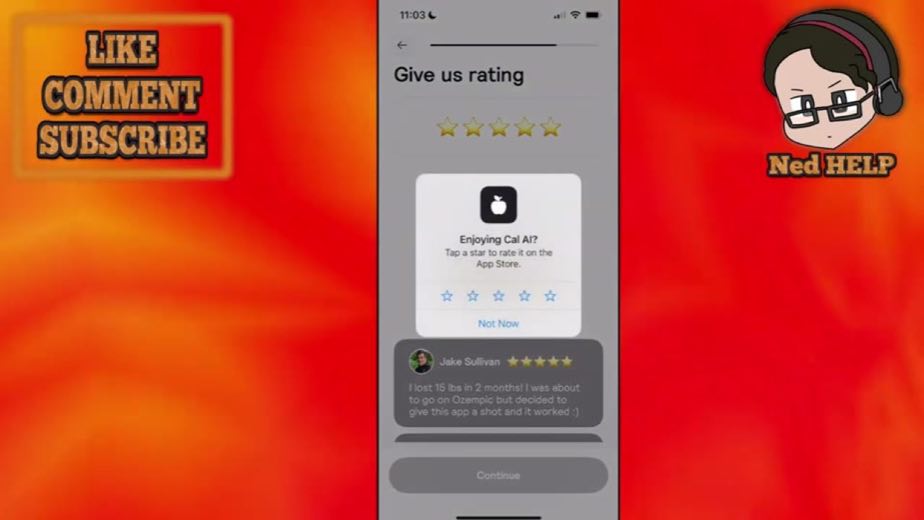 1:46
1:46Mirror the exact search query in the title, walk every onboarding screen in order, demonstrate the camera scan near the payoff, then close with a generic subscribe or link CTA.
Utility tutorial and app-review channels answering beginner, setup and comparison searches on YouTube · 9 creators · 10 posts
Open the full playbook →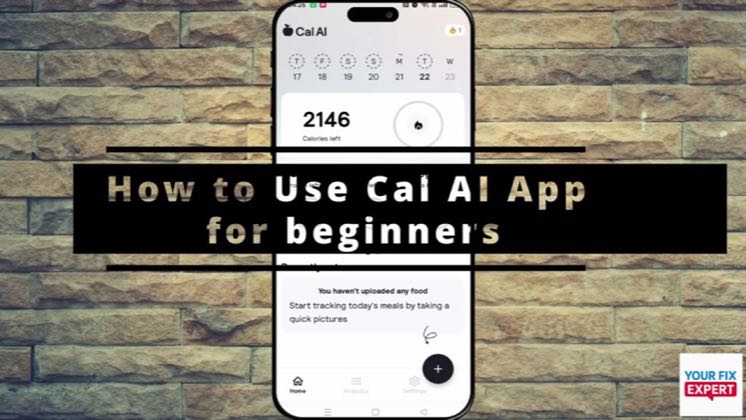

this post · other creators who ran it
@Ned HELPyoutube · 71.1K followers · median 47 views · n=60best post10.2K216×views · for Cal AIUnknown “How To Use Cal Ai App \| Beginner Tutorial” identifies calai; public caption checked, commercial relationship unverified — https://www.youtube.com/watch?v=VXZcrlhD-ssOpen creator →Views and likes are public counts at capture time. The multiple compares this post with the creator’s own recent median, not a claim about what caused its reach. Read the methodology →