 1
1HOOK · howtoMirror the query0:00
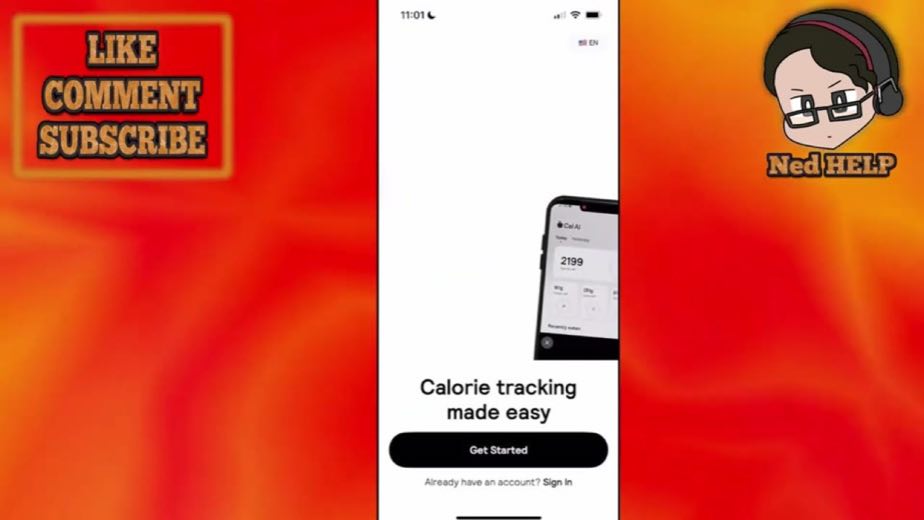
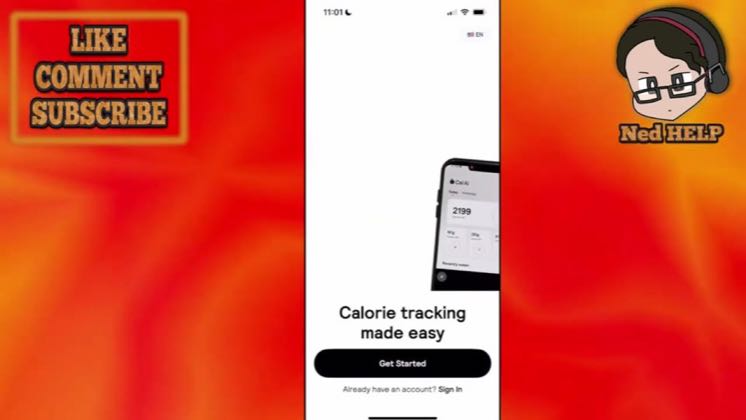
How to use the Kau AI app as a beginner.
 3:01
3:01The anchor — the post this playbook is read from.
Open the post page →
Mirror the exact search query in the title, walk every onboarding screen in order, demonstrate the camera scan near the payoff, then close with a generic subscribe or link CTA.
Who runs it Utility tutorial and app-review channels answering beginner, setup and comparison searches on YouTube
1How to use the Kau AI app as a beginner.
 2
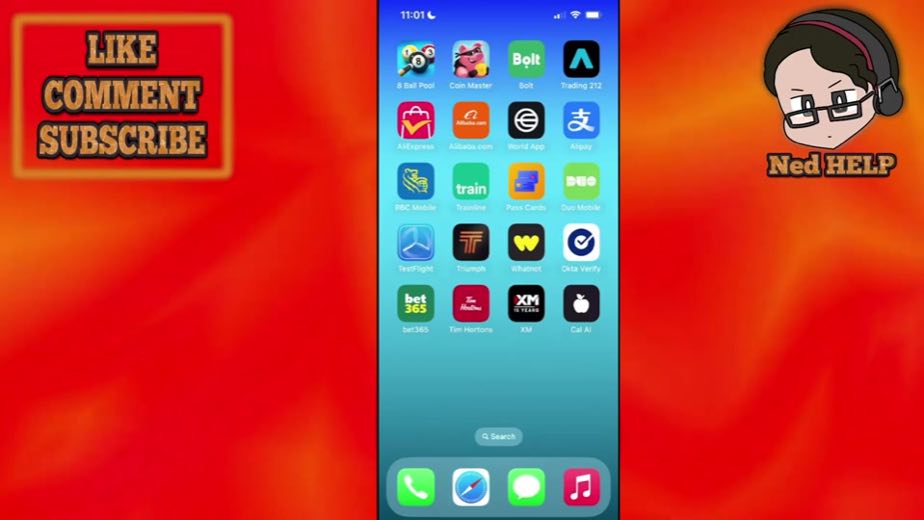
2Once you open up Kau AI you will click on get started here
 3
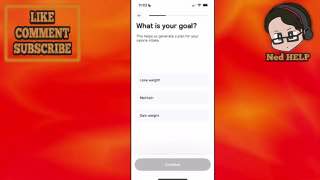
3let's say that I do three to five workouts per week.
 4
4We will do maintain weight and click on continue.
 5
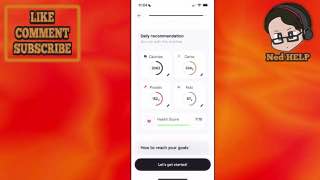
5it is going to begin generating a specific plan cater towards our needs.
 6
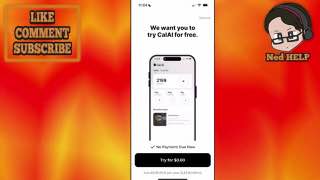
6Once you eat something you use your camera, it's then going to detect the calories
 7
7Once you set it up it's fairly easy to use.
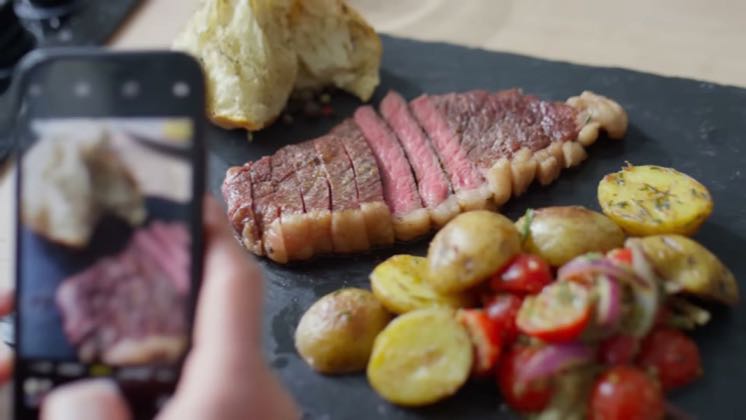 AFFILIATE@Greg Doucetteyoutube126.4K views
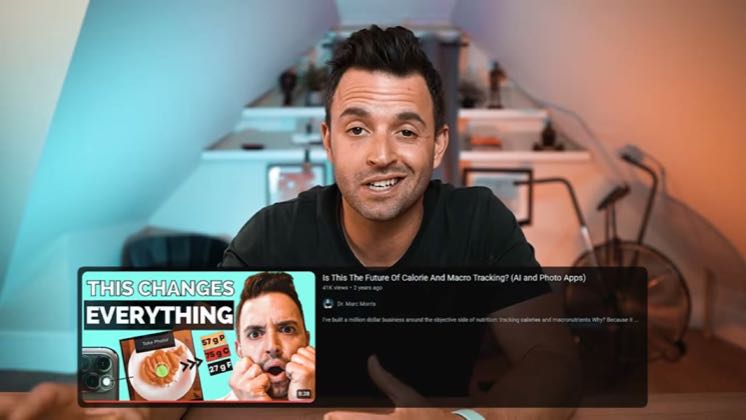 PAID383×@Dr. Marc Morrisyoutube79.6K views216×@Ned HELPyoutube10.2K views
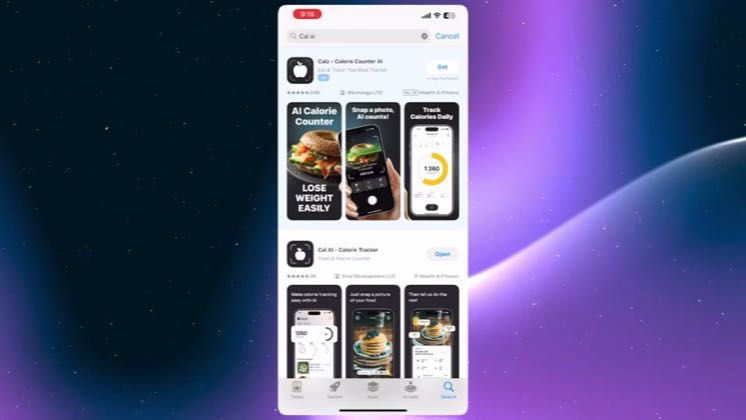 20.6×@YourTechGuruyoutube3.4K views
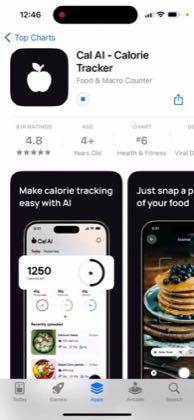 PAID9.1×@App reviewsyoutube2.5K views
Earlier playbook analysis · not fully re-reviewed in the latest pass
This playbook belongs to a structure shared across brands. Its member videos count toward each structure’s total. Open a structure to compare the grouped playbooks.