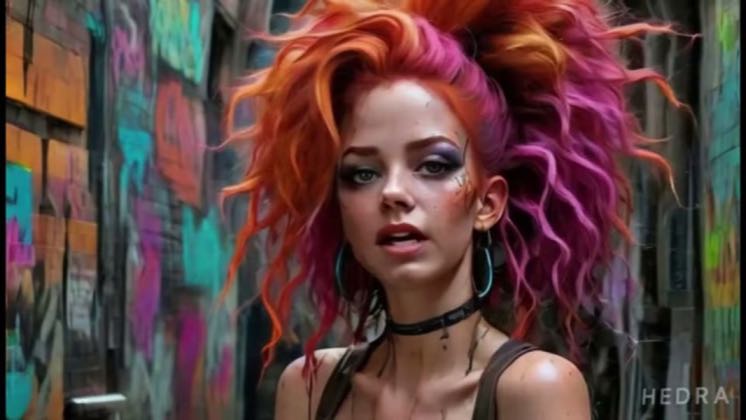
 4:26
4:26Plays here · Open on youtube ↗
“Hey everyone, welcome back to the WinQT AI Channel.”
The opening line · 0:00 · move: howto
Gives a clean launch-era walkthrough of free-plan limits, generated, imported and recorded audio, voice browsing, platform aspect ratios, uploaded, captured and prompted characters, random prompting, lip-sync generation, output quality and MP4 download.
@Win QT-AI · 111 followers · 1 of 30 recent posts mention Hedra · creator page →
- 0:00Hey everyone, welcome back to the WinQT AI Channel.
- 0:03In this video, I will guide you through transforming your photos into lifelike characters using
- 0:07Hedra AI from facial animation to voiceover.
Open on a character already talking, then reveal that one image plus audio and an emotion prompt created the presenter before routing viewers to a follow, DM, link, or keyword CTA.
TikTok AI educators and avatar creators turning their own generated characters into the on-camera host · 87 creators · 87 posts
Open the full playbook →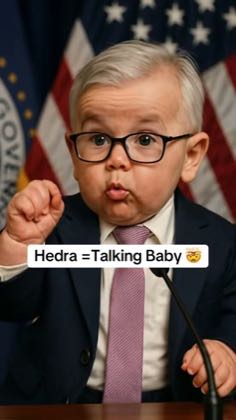
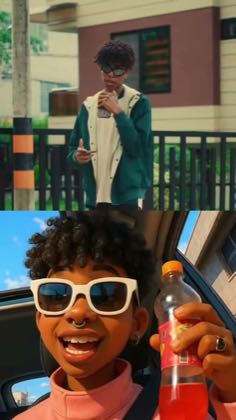
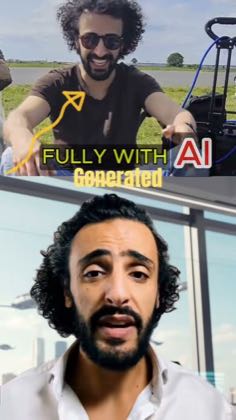
this post · other creators who ran it
@Win QT-AIyoutube · 111 followers · median 32 views · n=42best post2497.8×views · for Hedraorganic The source contains no commercial disclosure or tracked Hedra link, and the creator's broader feed covers competing AI creation tools; only 1 of 30 recent uploads mentions Hedra — https://www.youtube.com/watch?v=UrlVsQ3RC8UOpen creator →Views and likes are public counts at capture time. The multiple compares this post with the creator’s own recent median, not a claim about what caused its reach. Read the methodology →