1:12

Plays here · Open on youtube ↗

Unknown“Freepik Launches Veo3 \| JSON Prompt Generation Workflow Explained” identifies Magnific/Freepik; public description checked, commercial relationship unverified — https://www.youtube.com/watch?v=TV3Kgb0MDgs1:12 · on_screen hook

“翻译 | 零重力瓦力”

The opening line · 0:00 · move: howto

Uses a direct product claim to introduce Magnific/Freepik, then supports it with a compact feature or workflow demonstration.

71views1likes↑2.7×vs their usual post · 26 views17creators ran this script

@Allow AI · 164 followers · 3 of 30 recent posts mention Magnific / Freepik AI · creator page →

The script, step by step6 steps
1Promise code-free structureon-screen-text0:00–0:11
Promise code-free structure at 0:000:00
Promise code-free structure at 0:010:01
Promise code-free structure at 0:020:02
Promise code-free structure at 0:030:03
Promise code-free structure at 0:040:04
Promise code-free structure at 0:050:05
Promise code-free structure at 0:060:06
Promise code-free structure at 0:070:07
Promise code-free structure at 0:080:08
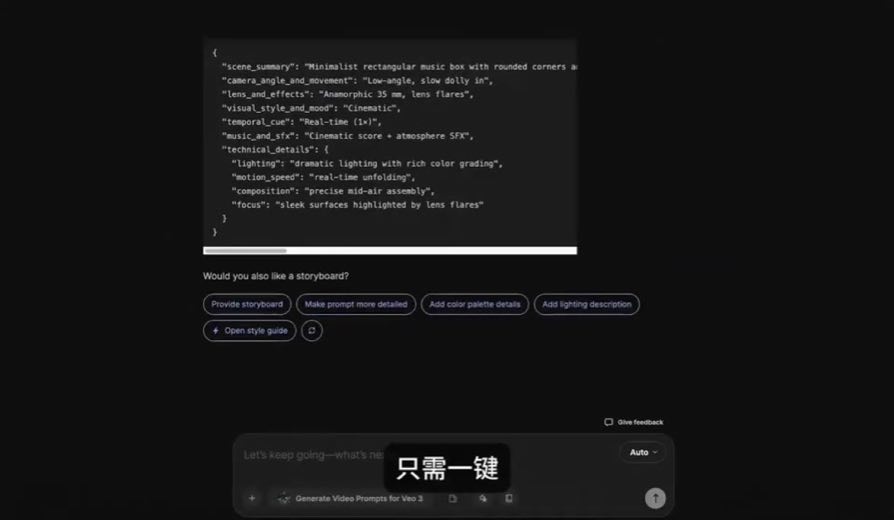
0:00You'll learn how to create JSON prompts using the AI Assistant without writing a single line of code.

A technical artifact is made accessible before the workflow begins.
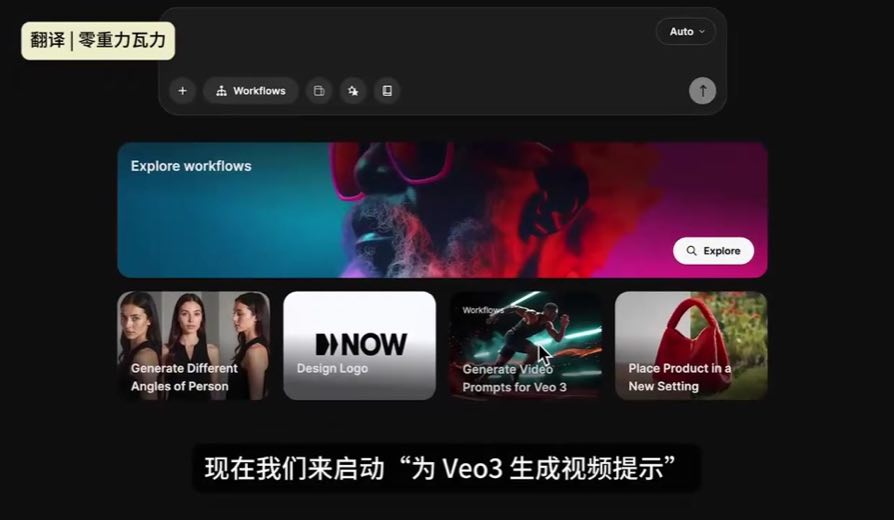
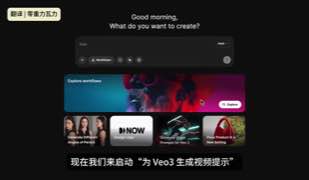
0:07Let's launch the Generate Video prompts for VO3 workflow.
2Start from intent0:11–0:17
Start from intent at 0:090:09
0:11We start with a scene description that captures the main idea of what we want to create.

The process begins in creator language rather than model settings.
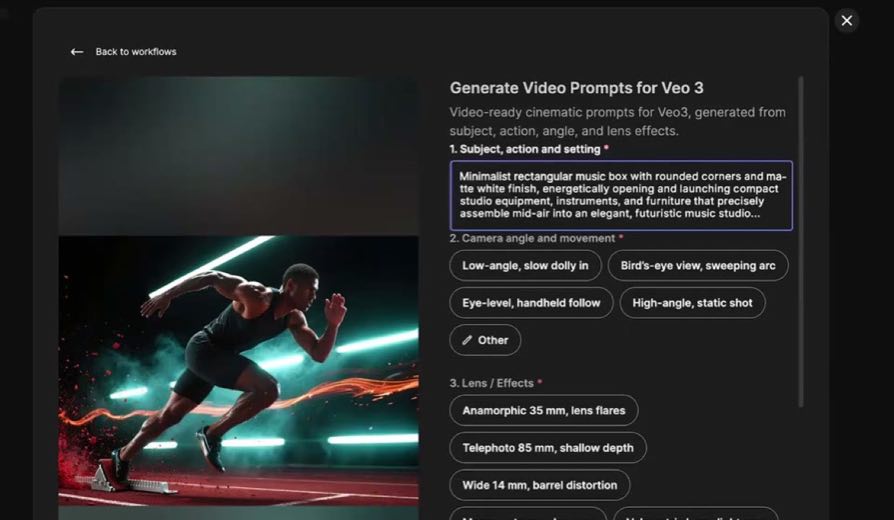
3Expose the control surface0:17–0:45
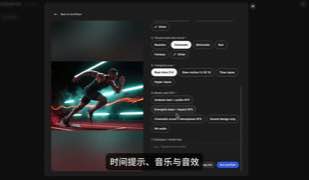
Expose the control surface at 0:130:13
Expose the control surface at 0:260:26
6 lines · members
4Package the prompt0:45–0:51
Package the prompt at 0:460:46
1 lines · members
5Route into the model0:51–1:04
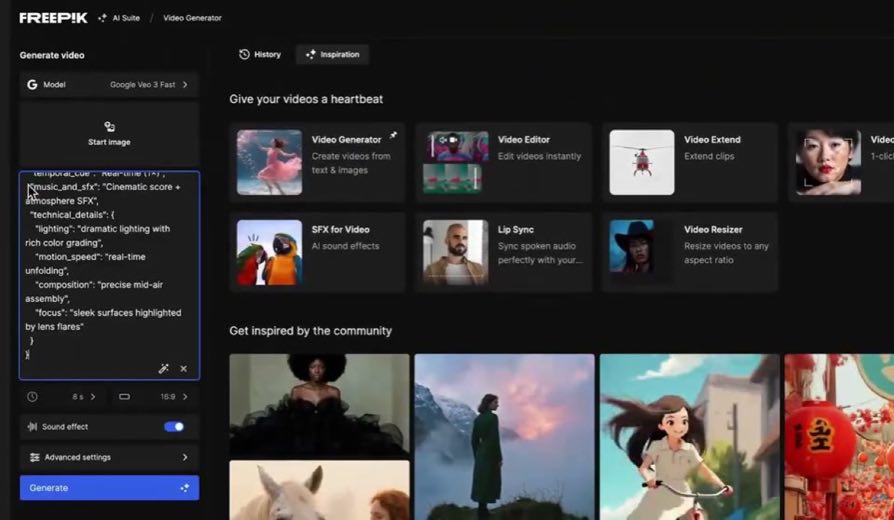
Route into the model at 0:590:59
1 lines · members
6Show rangecta · none1:04–1:12
Show range at 1:121:12
1 lines · members
9 more linesmembers read and copy every script on the site
Where this post sitsthe repetition is the proof
Anchors the playbook
Use one workflow to sell access to many models

Teach a concrete video job from prompt to export, pause at the model selector to frame choice as control, and make the shared workspace—not any single foundation model—the reason to use Magnific.

Video-generation educators routing one prompt or image through Veo, Seedance, Kling and other models inside Magnific · 17 creators · 17 posts

Open the full playbook →

this post · other creators who ran it

Who made ittheir public relationship signal, and the receipt for it
@Allow AIyoutube · 164 followers · median 26 views · n=60best post712.7×views · for Magnific / Freepik AIUnknown “Freepik Launches Veo3 \| JSON Prompt Generation Workflow Explained” identifies Magnific/Freepik; public description checked, commercial relationship unverified — https://www.youtube.com/watch?v=TV3Kgb0MDgsOpen creator →

Views and likes are public counts at capture time. The multiple compares this post with the creator’s own recent median, not a claim about what caused its reach. Read the methodology →