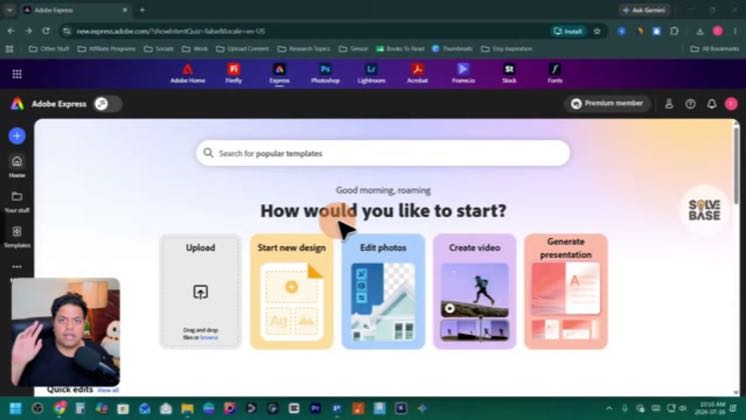
 5:06
5:06Plays here · Open on youtube ↗
“Hey, do you want to learn how to use Adobe Express AI Assistant?”
The opening line · 0:00 · move: question
Demonstrates prompt-led edits while keeping every design element editable, positioning AI Assistant as a speed layer rather than a replacement for creative control.
@SolveBase · 9.2K followers · 0 of 30 recent posts mention Adobe Express · creator page →
- 0:00Hey, do you want to learn how to use Adobe Express AI Assistant?
- 0:05In this video, I'll show you how to do it.
- 0:07It's going to be a step-by-step guide, so let's get to it.
Introduce the new assistant as a speed layer, then prove that text, images, and layout remain editable after the prompt lands.
Ambassador, AI, design, and small-business educators turning the same editable-prompt launch into different buyer jobs · 8 creators · 12 posts
Open the full playbook →
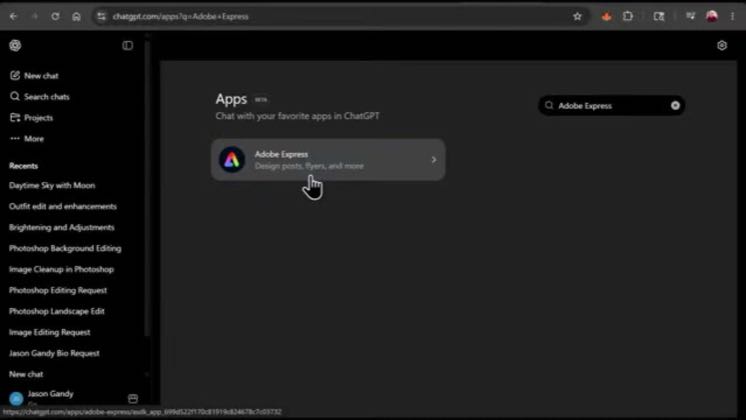

this post · other creators who ran it
@SolveBaseyoutube · 9.2K followers · median 152 views · n=60best post350.2×views · for Adobe ExpressUnknown Checked the retained current exact posts and independent recent feed; no verifiable commercial relationship was found in public metadata.Open creator →Views and likes are public counts at capture time. The multiple compares this post with the creator’s own recent median, not a claim about what caused its reach. Read the methodology →