4:06

Plays here · Open on youtube ↗

Unknown“How to create a Flowchart in Excalidraw” — https://www.youtube.com/watch?v=GqIW3ByZqMU; public page reviewed, but no Excalidraw-specific commercial disclosure or tracked Excalidraw link was found.4:06 · spoken hook

“In today's video, I'll show you how you'd be able to use Excalibur to make flow charts.”

The opening line · 0:00 · move: howto

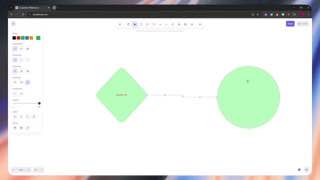
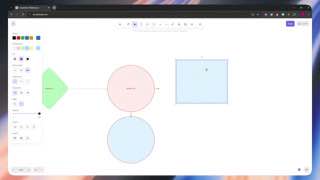
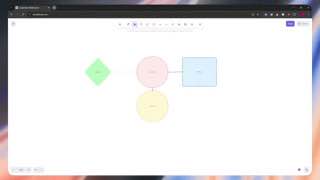
Builds a flowchart manually from styled shapes, text, keyboard-assisted duplication, and connectors that stay attached as nodes move.

1.5Kviews17likes↑12.3×vs their usual post · 119 views6creators ran this script

@Lvl 99 TechSkillz · 1.4K followers · 0 of 60 recent posts mention Excalidraw · creator page →
Playbook · Canvas grammar → complete diagram →
The script, step by step10 steps
1Name the exact canvas taskon-screen-text0:00–0:08
Name the exact canvas task at 0:000:00
Name the exact canvas task at 0:010:01
Name the exact canvas task at 0:020:02
Name the exact canvas task at 0:030:03
Name the exact canvas task at 0:040:04
Name the exact canvas task at 0:050:05
0:00In today's video, I'll show you how you'd be able to use Excalibur to make flow charts.

A single deliverable sets expectations before the blank canvas starts changing.
0:06So let's get started.
2Establish the first diagram node0:08–0:29
Establish the first diagram node at 0:080:08
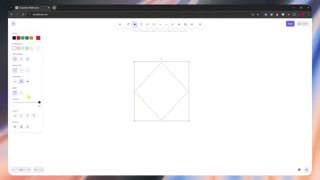
0:08So here we are in Excalibur and from here, the first thing that we're going to do is that

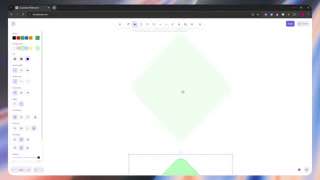
Choosing a diamond introduces shapes as the basic units of the flowchart.

4 lines · members
3Customize its appearance0:29–0:56
Customize its appearance at 0:350:35
5 lines · members
4Put meaning inside the shape0:56–1:23
Put meaning inside the shape at 0:090:09
7 lines · members
5Create a connected neighbor1:23–2:05
Create a connected neighbor at 1:451:45
12 lines · members
6Prove the connector stays attached2:05–2:33
Prove the connector stays attached at 2:202:20
7 lines · members
7Differentiate the second node2:33–2:51
Differentiate the second node at 3:303:30
4 lines · members
8Grow branches with the same operation2:51–3:17
Grow branches with the same operation at 4:054:05
8 lines · members
9Swap geometry and finish the labels3:17–3:53
Swap geometry and finish the labels at 0:070:07
10 lines · members
10Show the promised finished chartcta · follow3:53–4:06
Show the promised finished chart at 0:060:06
5 lines · members
62 more linesmembers read and copy every script on the site
Where this post sitsthe repetition is the proof
Anchors the playbook
Canvas grammar → complete diagram

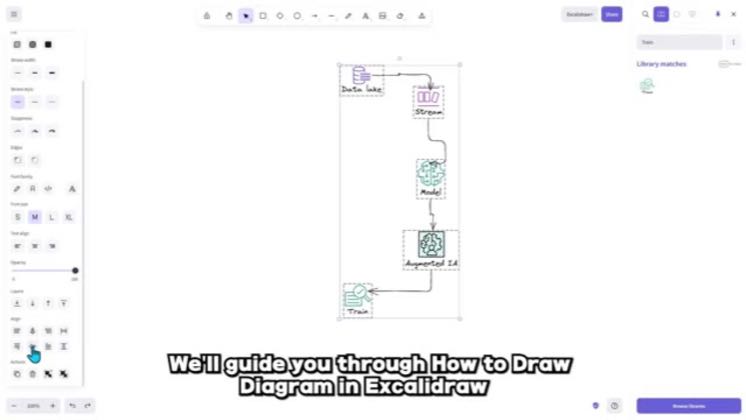
Teach a small set of shapes, text, connectors, libraries and styling controls, then assemble them into a flowchart, chart or system diagram.

SimplyStep, Lvl 99 TechSkillz, Youven, Guide Hub, Ned TECH and Stellar Media · 6 creators · 8 posts

Open the full playbook →
this post · other creators who ran it

Who made ittheir public relationship signal, and the receipt for it
@Lvl 99 TechSkillzyoutube · 1.4K followers · median 119 views · n=59best post2.2K18.2×views · for ExcalidrawUnknown “How to create a Flowchart in Excalidraw” — https://www.youtube.com/watch?v=GqIW3ByZqMU; public page reviewed, but no Excalidraw-specific commercial disclosure or tracked Excalidraw link was found.Open creator →

Views and likes are public counts at capture time. The multiple compares this post with the creator’s own recent median, not a claim about what caused its reach. Read the methodology →