 1
1HOOK · howtoName the exact canvas task0:00
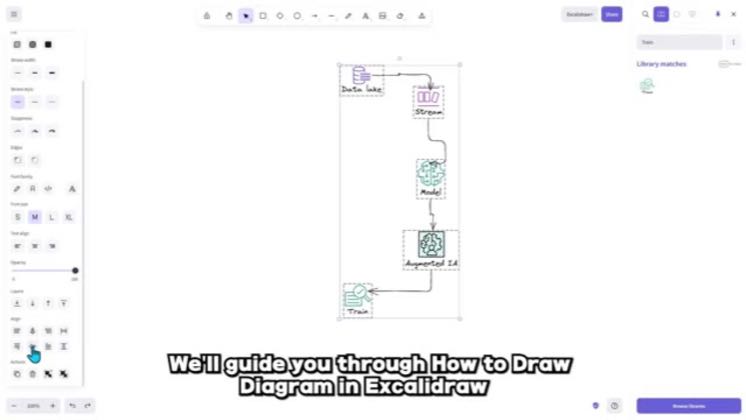
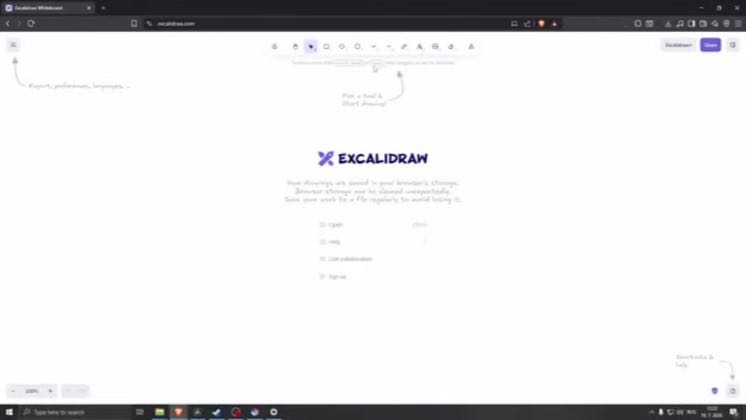
In today's video, I'll show you how you'd be able to use Excalibur to make flow charts.
 4:06
4:06The anchor — the post this playbook is read from.
Open the post page →
Teach a small set of shapes, text, connectors, libraries and styling controls, then assemble them into a flowchart, chart or system diagram.
Who runs it SimplyStep, Lvl 99 TechSkillz, Youven, Guide Hub, Ned TECH and Stellar Media
1In today's video, I'll show you how you'd be able to use Excalibur to make flow charts.
 2
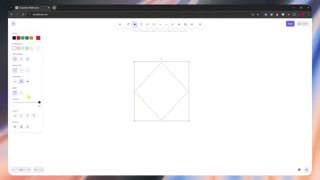
2So here we are in Excalibur and from here, the first thing that we're going to do is that
 3
3And then here is that we can adjust the properties of the shape by navigating here on the left
 4
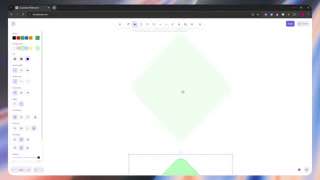
4So let's say I'm satisfied with this and from here, you can add some text inside it
 5
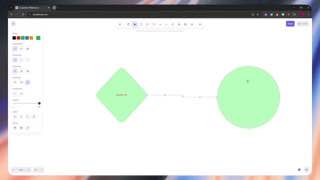
5Now, we're going to create another shape because this is a flow chart.
 6
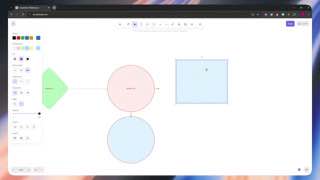
6It's actually already a flow chart and then from here, I can just drag this and then the
 7
7And once again, I cannot change the stroke and the color right there.
Earlier playbook analysis · not fully re-reviewed in the latest pass
This playbook belongs to a structure shared across brands. Its member videos count toward each structure’s total. Open a structure to compare the grouped playbooks.
 8
8And then you can do basically the same thing.
 9
9And now again, you can change the properties and right here and even change the shape.
 10
10We now have our simple flow chart right here created in Excalibur.