 PAID1:44
Plays here · Open on youtube ↗
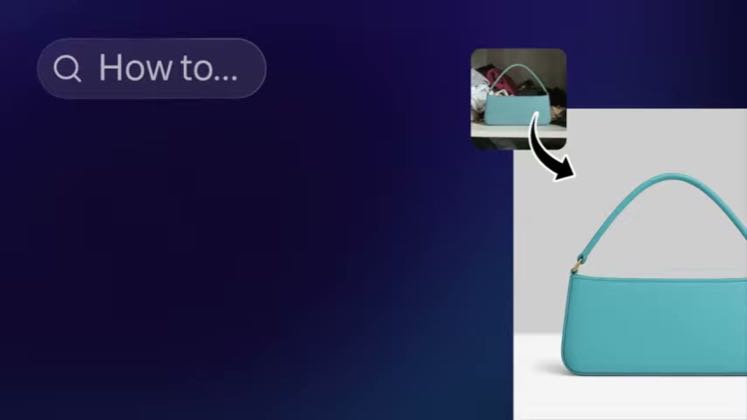
“How to remove and change product photo backgrounds with AI”
The opening line · 0:00 · move: howto
Walks an official end-to-end seller workflow from automatic cutout through lighting, solid and AI backgrounds, Product Staging and generated video, then routes viewers to the background-remover page.
@Photoroom · 29.7K followers · 14 of 30 recent posts mention Photoroom · creator page →
- 0:00Here's how you can remove and change any
- 0:02product photo background using
- 0:03PhotoRoom. Go to photoroom.com and
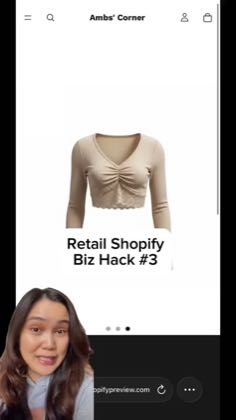
Start with the photos or listing work a small seller cannot finish, show the edit or batch workflow in Photoroom, then end at a product page or Shopify sync instead of a generic app claim.
Small-business and reseller demonstrations on creator and owned accounts · 8 creators · 18 posts
Open the full playbook →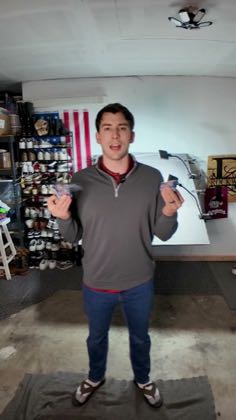

this post · other creators who ran it
@Photoroomyoutube · 29.7K followers · median 875 views · n=60best post1.1K1.3×views · for PhotoroomUnknown YouTube identifies this as Photoroom's brand-owned channel with stable channel ID `UCtiMtERGs1XBNdmrwSW5lIA`; the public video description says “Photoroom makes it easy to remove and change product photo backgrounds using AI in just seconds.” — https://www.youtube.com/watch?v=DwUvprMHrP8. Fourteen of 30 independently scanned recent titles explicitly name Photoroom; flat-feed descriptions were unavailable. Brand ownership is distribution evidence, not a commercial creator deal, so the schema retains `unknown`.Open creator →Views and likes are public counts at capture time. The multiple compares this post with the creator’s own recent median, not a claim about what caused its reach. Read the methodology →