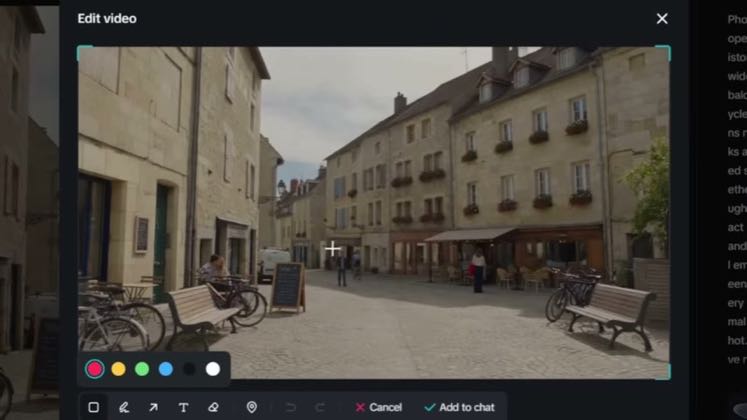
 PROGRAM8:16
Plays here · Open on youtube ↗
“Hey, in this video, I'm going to show you how to use the Dremina 2.5 smart edit feature.”
The opening line · 0:00 · move: howto
Makes the speed claim concrete by showing CapCut AI's inputs, generation controls, finished output, and editable timeline in one tutorial.
@JSFILMZ · 121K followers · 27 of 30 recent posts mention CapCut AI · creator page →
- 0:00Hey, in this video, I'm going to show you how to use the Dremina 2.5 smart edit feature.
- 0:05Now this is exclusively only available in the Dremina sedan 2.5 version.
- 0:11So the first thing we're going to be doing here is generating a 10 second clip.
Open with a fully generated film or ad, isolate one recurring production failure, teach several buyer-specific Omni Reference workflows, and close on the partner link plus a reusable prompt.
YouTube AI-tool reviewers whose descriptions explicitly carry #dreaminapartner · 45 creators · 62 posts
Open the full playbook →
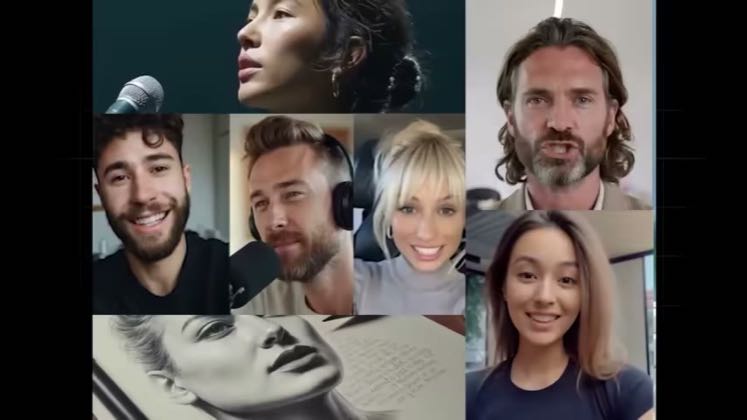

this post · other creators who ran it
@JSFILMZyoutube · 121K followers · median 5.6K views · n=60best post64.9K11.6×views · for CapCut AIprogram “#dreaminapartner”; CapCut creator programs: https://www.capcut.com/partnersOpen creator →Views and likes are public counts at capture time. The multiple compares this post with the creator’s own recent median, not a claim about what caused its reach. Read the methodology →