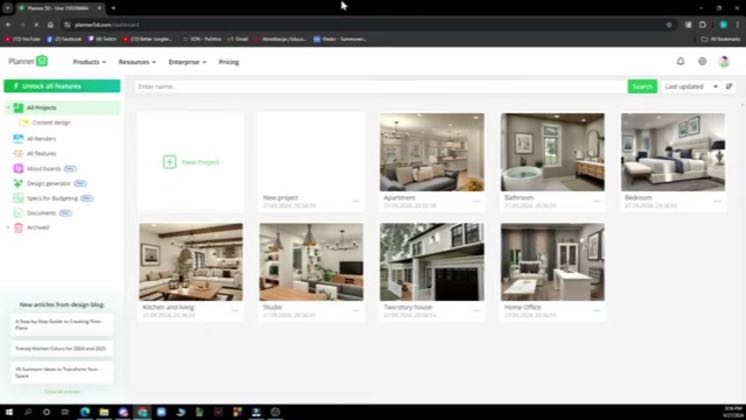
 1:51
1:51Plays here · Open on youtube ↗
“have a guys and welcome back to the channel, work with you guys, I'll be showing you”
The opening line · 0:00 · move: howto
Answers one high-intent settings question by locating Planner 5D’s dimension preferences, switching the project from metric units to feet and inches, and verifying the change.
@Chief Tuts · 16.4K followers · 0 of 30 recent posts mention Planner 5D · creator page →
- 0:00have a guys and welcome back to the channel, work with you guys, I'll be showing you
- 0:05how to change to feet in planar 5d. So guys, the first thing that you of course need
- 0:11to do is go to google and type in planar 5d. After that you just need to go and log into
Start from one structural problem viewers cannot solve, keep the cursor path visible, and end only when the corrected room works in 3D.
Independent mobile tutorial creators answering narrow search questions · 24 creators · 25 posts
Open the full playbook →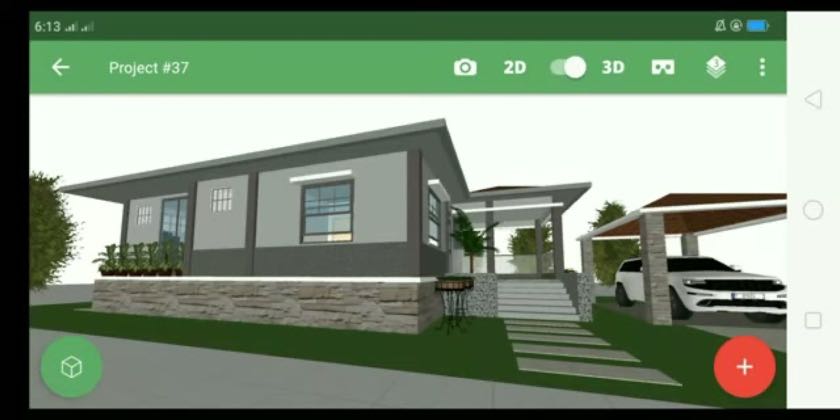

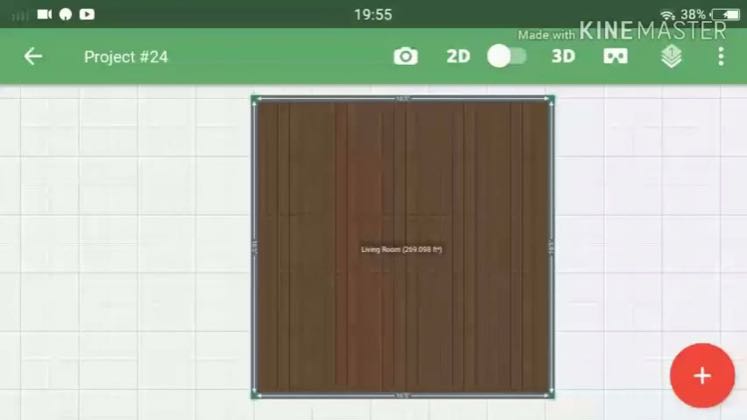
this post · other creators who ran it
@Chief Tutsyoutube · 16.4K followers · median 4 views · n=51best post511128×views · for Planner 5DUnknown The description asks viewers to like and subscribe and gives a contact email, but contains no disclosure, referral URL, creator code, or partner wording: https://www.youtube.com/watch?v=96rRhpbSsagOpen creator →Views and likes are public counts at capture time. The multiple compares this post with the creator’s own recent median, not a claim about what caused its reach. Read the methodology →