PAID6:30

Plays here · Open on youtube ↗

Paid post“Thanks to Adobe for sponsoring this video”6:30 · spoken hook

“With the background remover on Adobe Express, you can instantly remove the background from photos and videos with a single click.”

The opening line · 0:00 · move: howto

Uses a concrete photo or video cleanup to prove one-click background removal, then carries the isolated subject into a publishable thumbnail, post, or product asset.

2Kviews23likes↑1.7×vs their usual post · 1.2K views5creators ran this script

@Jason Gandy · 52.5K followers · 7 of 30 recent posts mention Adobe Express · creator page →

Playbook · One-click background removal job →
The script, step by step8 steps
1Replace the green-screen requirementon-screen-text0:00–0:36
Replace the green-screen requirement at 0:000:00
Replace the green-screen requirement at 0:010:01
Replace the green-screen requirement at 0:020:02
Replace the green-screen requirement at 0:030:03
Replace the green-screen requirement at 0:040:04
Replace the green-screen requirement at 0:050:05
Replace the green-screen requirement at 0:060:06
Replace the green-screen requirement at 0:070:07
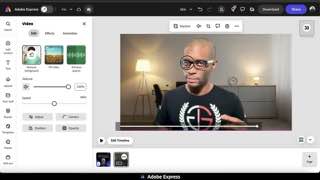
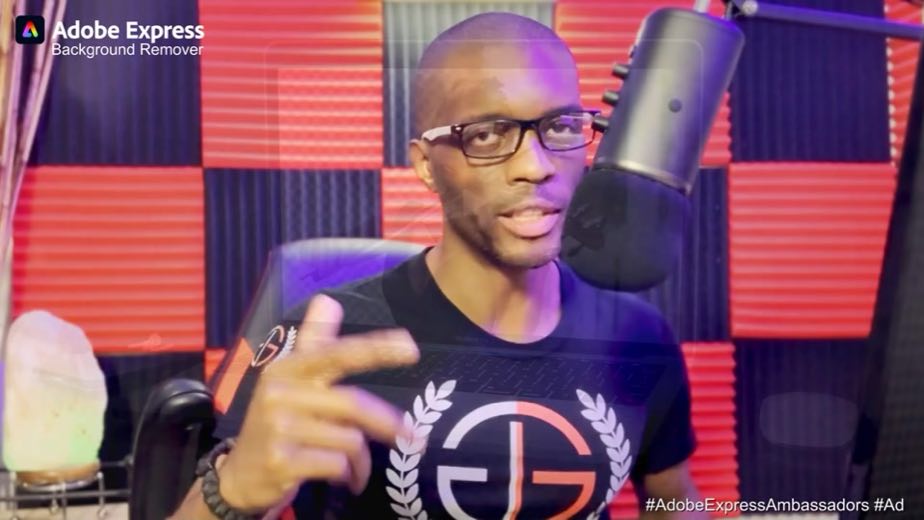
0:00With the background remover on Adobe Express, you can instantly remove the background from photos and videos with a single click.

Cutout examples accompany a one-click promise for both media types, followed by the sponsorship disclosure and description link.
0:08With this powerful tool, you can easily remove image backgrounds for free, and you no longer need to use an annoying green screen for recording videos.
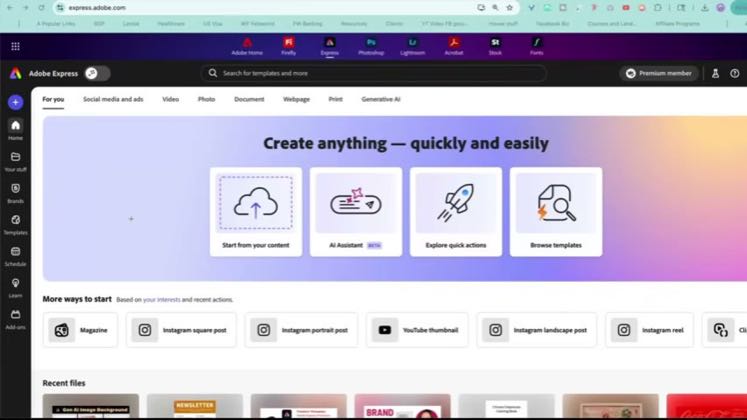
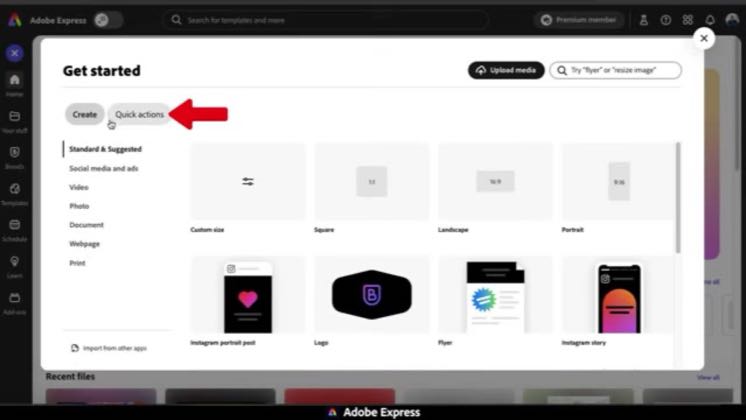
0:16Using the quick actions feature or the full editor on Adobe Express, removing backgrounds is a simple process, and I'll show you how in this Adobe Express sponsored video.
2 lines · members
2Remove a butterfly background in quick actions0:36–1:36
Remove a butterfly background in quick actions at 0:560:56
13 lines · members
3Turn the cutout into a finished image1:36–2:30
Turn the cutout into a finished image at 2:472:47
9 lines · members
4Place the presenter inside a social ad2:30–3:37
Place the presenter inside a social ad at 3:433:43
13 lines · members
5Finish and distribute the social graphic3:37–4:11
Finish and distribute the social graphic at 5:345:34
6 lines · members
6Rescue a recording without reshooting4:11–5:06
Rescue a recording without reshooting at 6:306:30
11 lines · members
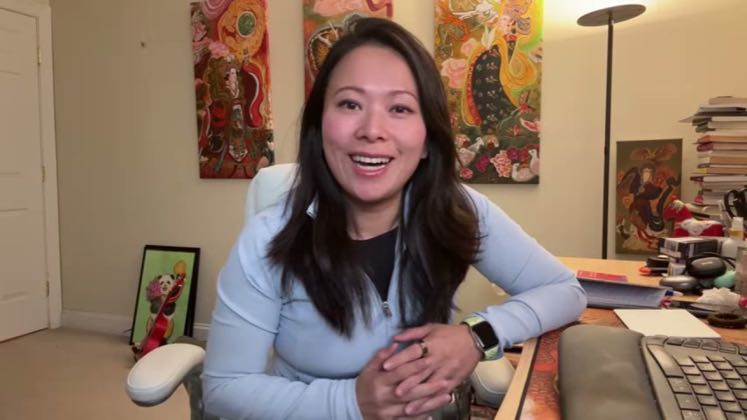
7Re-stage the speaker in an office5:06–5:49
Re-stage the speaker in an office at 0:090:09
7 lines · members
8Play the exported resultcta · link5:49–6:30
Play the exported result at 0:080:08
7 lines · members
68 more linesmembers read and copy every script on the site
Where this post sitsthe repetition is the proof
Anchors the playbook
One-click background removal job

Start with a visibly unusable photo or clip, remove the background in one action, then carry the clean subject into a thumbnail, product post, or artwork.

YouTube, art, product-marketing, and creator educators isolating a subject for a specific downstream asset · 5 creators · 7 posts

Open the full playbook →

this post · other creators who ran it

Who made ittheir public relationship signal, and the receipt for it
@Jason Gandyyoutube · 52.5K followers · median 1.2K views · n=49best post14.5K12.1×views · for Adobe ExpressPaid post “Thanks to Adobe for sponsoring this video”Open creator →

Views and likes are public counts at capture time. The multiple compares this post with the creator’s own recent median, not a claim about what caused its reach. Read the methodology →