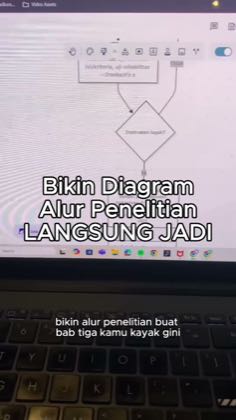
AI code to editable diagram
An external AI produces diagram code that is imported into a diagram tool for rendering or editing.
The four frames are the beats of that post — Mermaid Chart’s biggest, 101.9K views. Open the post →
The code handoff may make the transformation from a verbal specification to a visual artifact legible and may create a clear before-and-after workflow.
It fails when the AI creates the visual directly without a code handoff, when code is never transferred to a diagram tool, or when the result is not opened as a diagram.
Every video in these playbooks counts toward the 6 posts. A video in more than one playbook is counted once.
draw.io / diagrams.net · Generate diagram code and edit it in draw.io · 3 posts
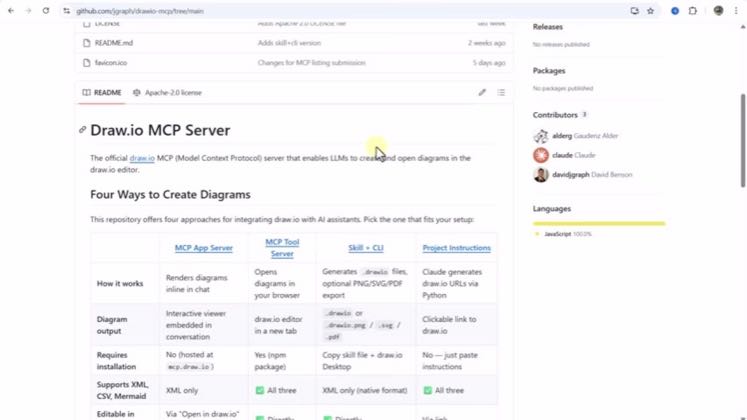
It requests diagram code from an external AI and opens the generated result in editable draw.io.
Open playbook →Mermaid Chart · Render AI-generated Mermaid code in Mermaid Chart · 3 posts
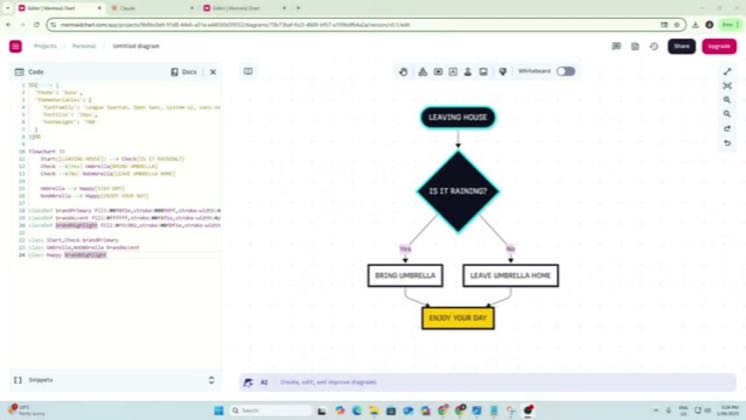
An external AI supplies Mermaid code, that code is pasted into Mermaid Chart, and the diagram is rendered.
Open playbook →These examples explain the shared moves. They do not limit the video count.
1. Request diagram code from an external AI — source quotes
can you help me write an XML code about a workflow chart on developing software?
draw.io / diagrams.net · source post → · Playbook →
input a prompt asking for an XML code to create a diagram.
draw.io / diagrams.net · source post → · Playbook →
use the master prompt here to very quickly prompt Claude to create the code for our flow chart
Mermaid Chart · source post → · Playbook →
2. Copy or hand the generated code to a diagram tool — source quotes
click on copy code and you want to go and just open up a notepad here, paste your XML code
draw.io / diagrams.net · source post → · Playbook →
After chat GPT generates the XML code for your diagram, find the option to copy this code directly from the chat GPT interface.
draw.io / diagrams.net · source post → · Playbook →
we can now copy and paste this across to mermaid
Mermaid Chart · source post → · Playbook →
3. Open the rendered diagram for viewing or editing — source quotes
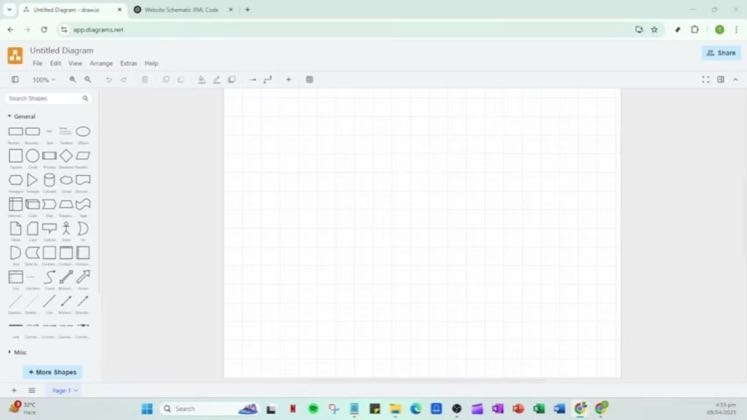
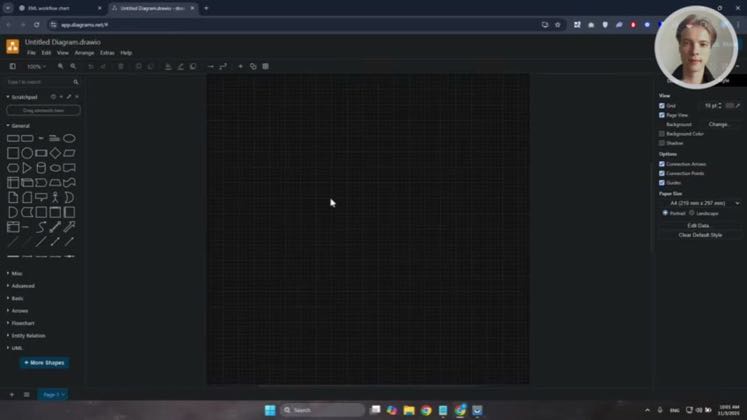
Let's go and just choose this one. This is what I see. Click on open. And basically this is what it's going to look like.
draw.io / diagrams.net · source post → · Playbook →
Upon successful import, you should see the structure you created in chat GPT come to life right within draw.io.
draw.io / diagrams.net · source post → · Playbook →
this is the flow chart that it's created
Mermaid Chart · source post → · Playbook →
What varies: XML for draw.io, Mermaid for Mermaid Chart, manual clipboard transfer, saved-file import, connector-based automation, branded diagrams, and export-oriented endings.

 draw.io / diagrams.net3