 PAID2:02
Plays here · Open on youtube ↗
“Hello friends, new video will be shown in today's video how to enhance the focus of the video. so if you want to enhance the focus of the vi”
The opening line · 0:00 · move: on-screen-text
Builds the base K-drama edit in Alight Motion, then opens Wink and uses AI Repair to show an original-versus-after quality pass while promising the source-video link.
@Zenith_X3 · 17.4K followers · 1 of 2 recent posts mention Wink · creator page →
- 0:00Hello friends, new video will be shown in today's video how to enhance the focus of the video. so if you want to enhance the focus of the video, then please watch the video till the end. then i will give the link to the video.
- 0:30now i will show you how to enhance the focus of the video.
- 1:01now i will show you how to enhance the focus of the video.
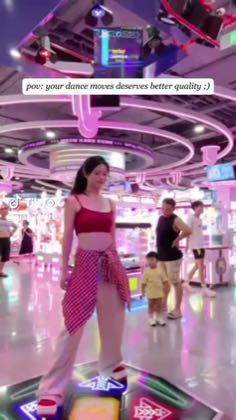
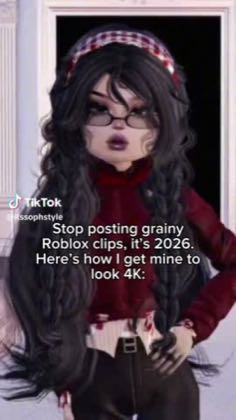
Preserve the creator's native fandom or gaming workflow, then place Wink at the end as the quality-repair layer that turns a blurry fan cam or compressed mobile edit into the shareable result.
K-pop, anime, Roblox and mobile-gaming editors · 27 creators · 27 posts
Open the full playbook →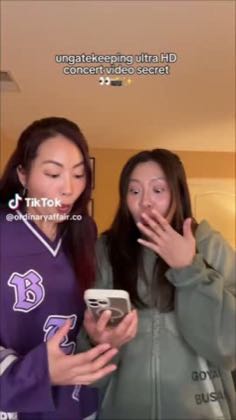
this post · other creators who ran it
@Zenith_X3youtube · 17.4K followers · median 178 views · n=2best post167views · for WinkUnknown The public tutorial demonstrates Wink after an Alight Motion edit, but the two-video channel exposes no paid label, sponsored statement, referral code, creator-specific tracked route, or named program; the relationship is unverified — https://www.youtube.com/watch?v=vpD5Wd1tVTAOpen creator →Views and likes are public counts at capture time. The multiple compares this post with the creator’s own recent median, not a claim about what caused its reach. Read the methodology →