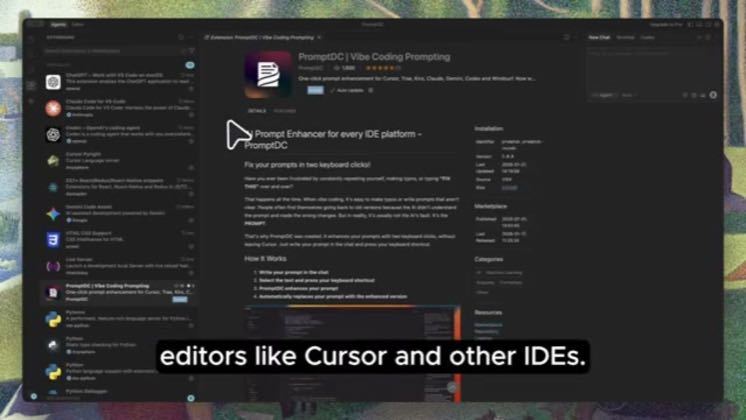
 2:46
2:46Plays here · Open on youtube ↗
“Here's a full demo on how to install and use the Prompt DC extension in local editors like cursor and other IDEs.”
The opening line · 0:00 · move: howto
Teaches the context layer around Cursor—rules, MCP, memory, browser control, or reusable instructions—as the lever that makes the agent reliable: How to Enhance Prompts in Cursor / PromptDC Chrome Extension Full Demo.
@PromptDC - Vibe Coding Prompting · — followers · 1 of 24 recent posts mention Cursor · creator page →
- 0:00Here's a full demo on how to install and use the Prompt DC extension in local editors like cursor and other IDEs.
- 0:08First, install the Prompt DC extension in your local editor such as cursor.
- 0:13Once installed, open the Prompt DC sidebar from the left side of the editor by clicking the Prompt DC icon.
Reframe better AI coding as a context-engineering skill, then make a rule file or MCP connection the reproducible fix.
Developer educators teaching rules, MCP, memory, prompts, and reusable project instructions · 15 creators · 15 posts
Open the full playbook →515@PromptDC - Vibe Coding Prompting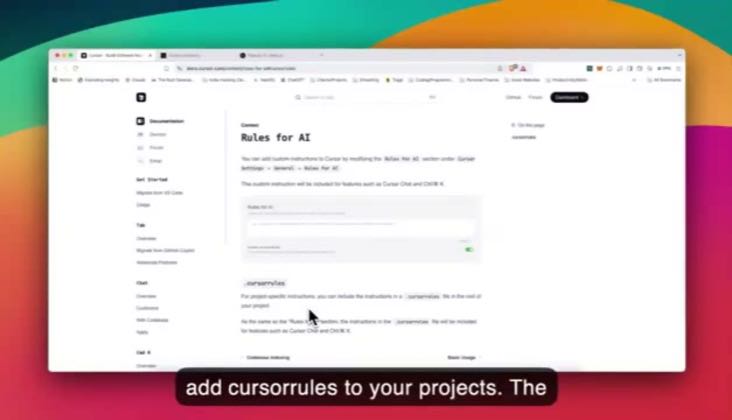 38.8K@James Phoenix
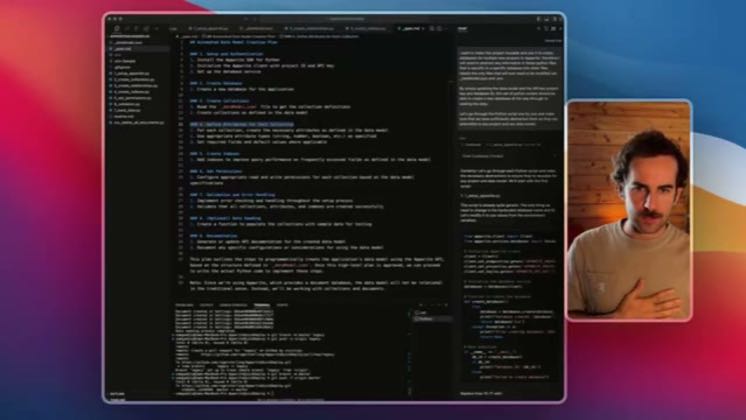 5.5K@Runpoint Partners
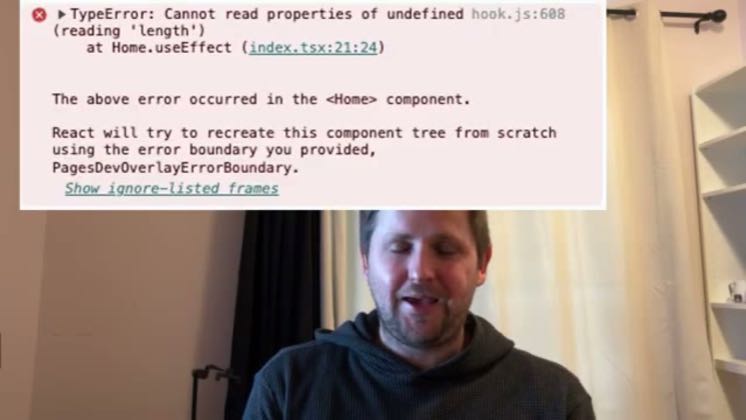 2.4K@Bill Prin - AI Engineering
this post · other creators who ran it
@PromptDC - Vibe Coding Promptingyoutube · — followers · median 95 views · n=60best post5155.4×views · for CursorUnknown “How to Enhance Prompts in Cursor \| PromptDC Chrome Extension Full Demo” identifies cursor; public caption checked, commercial relationship unverified — https://www.youtube.com/watch?v=u158BVf8SAgOpen creator →Views and likes are public counts at capture time. The multiple compares this post with the creator’s own recent median, not a claim about what caused its reach. Read the methodology →