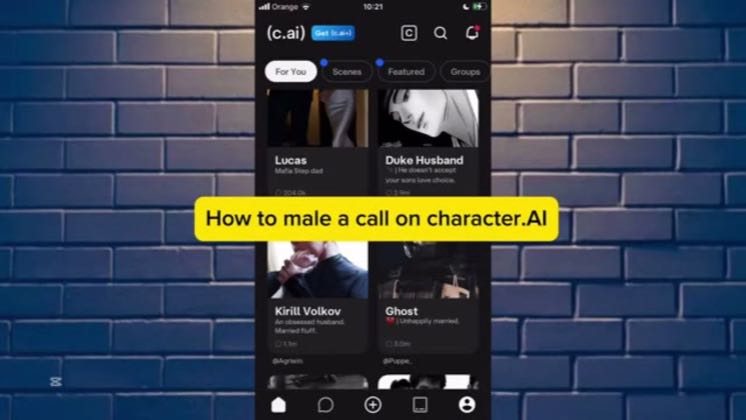
 1:12
1:12Plays here · Open on youtube ↗
“Hello guys today and in this video I will show you how to make a call on Character AI,”
The opening line · 0:00 · move: howto
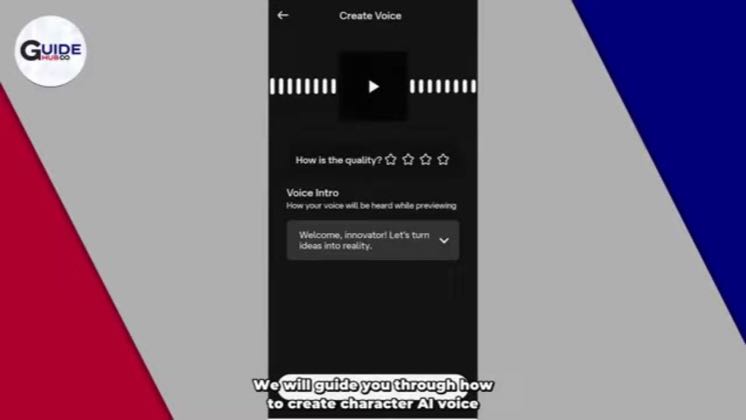
Shows the Character.AI voice-call flow on screen from chat selection through microphone access, while keeping an unrelated QuickMagic affiliate offer outside the brand relationship.
@Tutorial vx · 726 followers · 0 of 30 recent posts mention Character.AI · creator page →
- 0:00Hello guys today and in this video I will show you how to make a call on Character AI, so if you subscribe and I will show you how to make a call on Character AI, if you see that is available for a guide, now for the winner call with Character on Character.AI you can easily go to the app and after that login in or create your account.
- 0:18Now after that you can see this dashboard here and under you can see five options here. Now you can see the first option is a homepage and now we need to go to the second one, it is the message.
- 0:32Now after that you can see all your character or all your chats here, now for example I want to choose chats or making a call with this character here.
Name one blocked setup task, stay inside the app screen, and resolve it before closing on the standard like-and-subscribe prompt.
Tutorial publishers targeting one Character.AI task at a time · 18 creators · 28 posts
Open the full playbook →
this post · other creators who ran it
@Tutorial vxyoutube · 726 followers · median 28 views · n=60best post77027.5×views · for Character.AIUnknown Public post explicitly identifies Character.AI; no verifiable commercial relationship was found. https://www.youtube.com/watch?v=t20keJ6u-IsOpen creator →Views and likes are public counts at capture time. The multiple compares this post with the creator’s own recent median, not a claim about what caused its reach. Read the methodology →