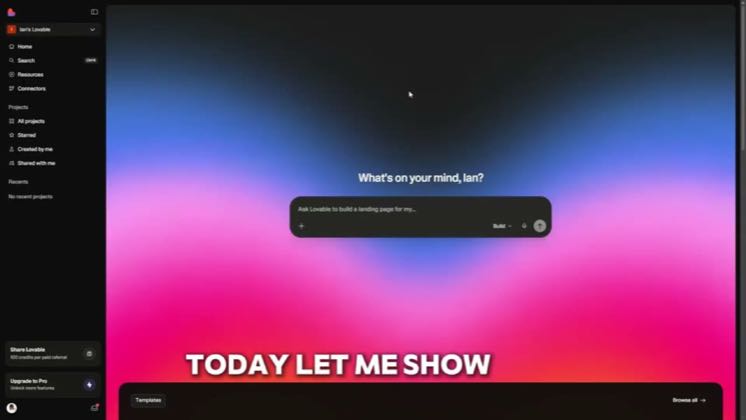
 1:14
1:14Plays here · Open on youtube ↗
“Hey guys, welcome back to Techman. Today let me show you how to add images in lovable.dev.”
The opening line · 0:00 · move: howto
Teaches a concrete Lovable build from prompt through product screens, making visible workflow proof do the selling before the CTA.
@Tech Help Man · 8.8K followers · 0 of 30 recent posts mention Lovable · creator page →
- 0:00Hey guys, welcome back to Techman. Today let me show you how to add images in lovable.dev.
- 0:06Jumping into lovable and trying to add an image feels simple. Until you realize there
- 0:11are actually a couple of ways to do it. When I open the site, the first option I notice
Start with a concrete app, expose the prompt-and-build sequence on screen, and keep errors inside the workflow until a real product is running.
YouTube builders and tutorial publishers who make the full interface, integrations, debugging, and finished app visible · 47 creators · 47 posts
Open the full playbook →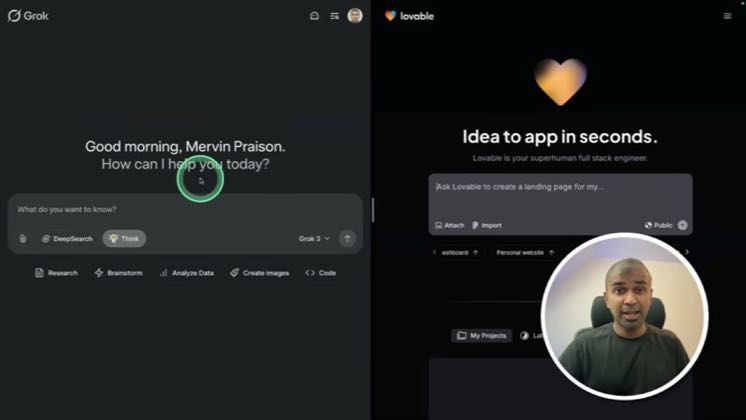

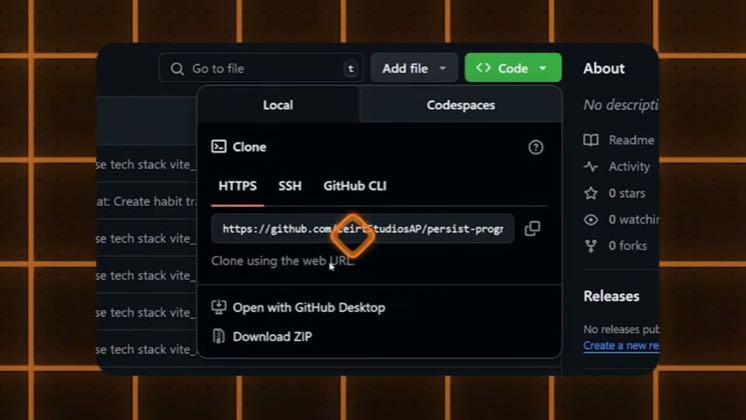
this post · other creators who ran it
@Tech Help Manyoutube · 8.8K followers · median 169 views · n=59best post300.2×views · for LovableUnknown “How To Add Images In Lovable.dev – Full Updated Guide” identifies lovable; public caption checked, commercial relationship unverified — https://www.youtube.com/watch?v=sIswvMLq_IkOpen creator →Views and likes are public counts at capture time. The multiple compares this post with the creator’s own recent median, not a claim about what caused its reach. Read the methodology →