 3:06
3:06Plays here · Open on youtube ↗
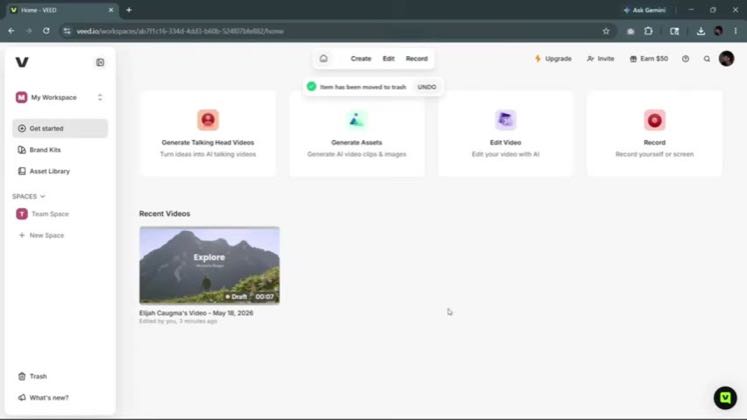
“Hey, dear friends, in this video, I'm going to be showing you how to record your screen”
The opening line · 0:00 · move: howto
Teaches a reproducible VEED workflow in “Record Your Screen Easily in VEED.io (Step by Step),” moving from a concrete editing job through the interface to a usable result.
@Editing in Seconds! · 678 followers · 0 of 30 recent posts mention VEED · creator page →
- 0:00Hey, dear friends, in this video, I'm going to be showing you how to record your screen
- 0:04and maybe also your webcam using vid.io. So just like clip chat or a feed already has a tool
- 0:13which you can use to record your screen and webcam both at the same time. This makes it a lot
Name one narrow editing task in search language, show the exact VEED controls from dashboard to export, and turn the solved job into a shelf of adjacent tutorials.
Editing 24-7, Harry Helps You, Mokha Guide, and adjacent utility channels · 37 creators · 104 posts
Open the full playbook →


this post · other creators who ran it
@Editing in Seconds!youtube · 678 followers · median 82 views · n=60best post1131.4×views · for VEEDUnknown Retained posts and the independent recent feed were checked; public evidence proves VEED attribution, while the commercial relationship remains unverified.Open creator →Views and likes are public counts at capture time. The multiple compares this post with the creator’s own recent median, not a claim about what caused its reach. Read the methodology →