 1:20
1:20Plays here · Open on youtube ↗
“Hello, everyone. Welcome to the channel. In this video, I'll show you how to turn off pure mode in PolyBuzz AI with just a few simple steps.”
The opening line · 0:00 · move: on-screen-text
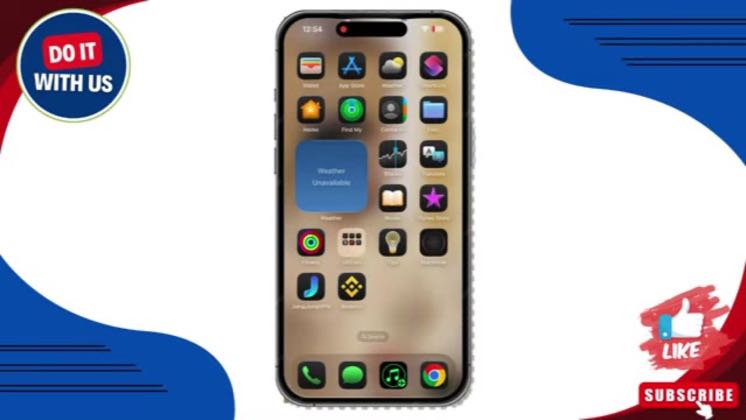
Shows the complete iPhone path from App Store installation and age confirmation through Profile, Settings, Pure Mode, and the final disable confirmation.
@Do It With Us · 1K followers · 2 of 60 recent posts mention PolyBuzz · creator page →
- 0:00Hello, everyone. Welcome to the channel. In this video, I'll show you how to turn off pure mode in PolyBuzz AI with just a few simple steps.
- 0:10So, let's get started.
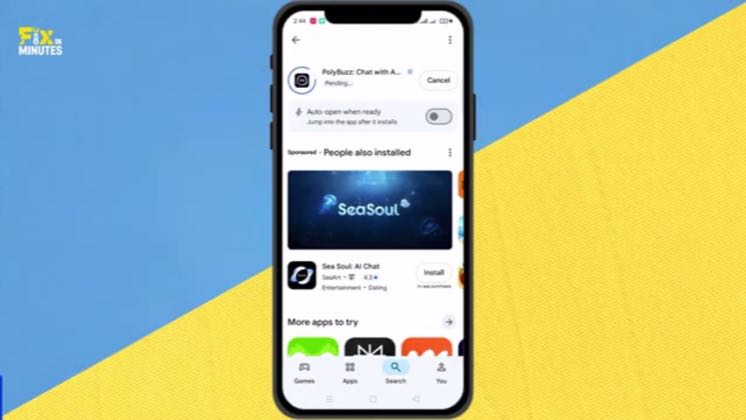
- 0:12First, open the App Store and search for PolyBuzz. Make sure you have the latest updated version installed and then open the app.
Capture high-intent search demand by answering one narrow task—Pure Mode, blur, language, images or character setup—from first tap to verified result.
Six independent utility-tutorial channels · 20 creators · 20 posts
Open the full playbook →
this post · other creators who ran it
@Do It With Usyoutube · 1K followers · median 37 views · n=60best post90.2×views · for PolyBuzzUnknown The tutorial shows the live PolyBuzz settings path and the description links only an unrelated vidIQ affiliate route; no PolyBuzz paid label, sponsored statement, creator code, tracked route, or named program is public. https://www.youtube.com/watch?v=qV25sMZchS8Open creator →Views and likes are public counts at capture time. The multiple compares this post with the creator’s own recent median, not a claim about what caused its reach. Read the methodology →