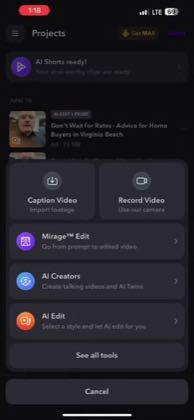
 3:28
3:28Plays here · Open on youtube ↗
“How to use “AI Edit” in the the Captions App”
The opening line · 0:00 · move: none
A silent iPhone screen recording opens with multiple AI Edit outputs, then imports a raw ChatGPT update, selects a Prime style, generates the edit, previews automatic captions and B-roll, replaces media with a prompt and corrects transcript phrases on the timeline.
@Andrew Hooper · 76 followers · creator page →
- 0:24- Ted GPT has launched memory.
- 0:26Couple of weeks ago,
- 0:27first came out to paid users
Show the unedited talking-head clip, compress the workflow to upload plus style selection, and reveal the generated video before preserving manual control.
Creator educators demonstrating the app instead of only promising a polished result · 51 creators · 51 posts
Open the full playbook →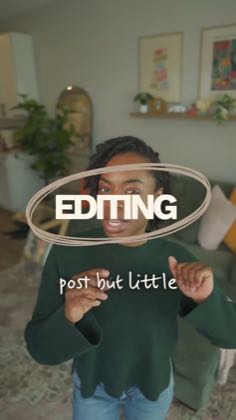
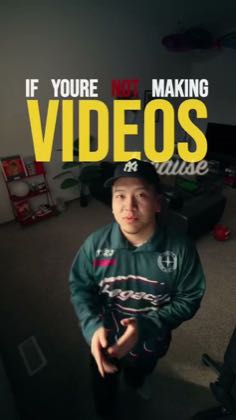
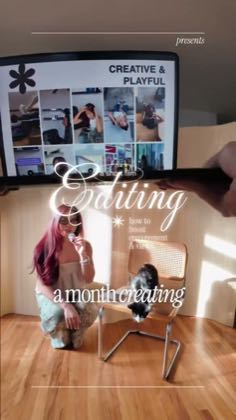
this post · other creators who ran it
@Andrew Hooperyoutube · 76 followers · median 990 views · n=14best post—views · for CaptionsUnknown “Captions App” in the public source; commercial relationship unverified — https://www.youtube.com/watch?v=iypkitpi5zAOpen creator →Views and likes are public counts at capture time. The multiple compares this post with the creator’s own recent median, not a claim about what caused its reach. Read the methodology →