 5:55
5:55Plays here · Open on youtube ↗
Unknown“Captions Ai” in the public source; commercial relationship unverified — https://www.youtube.com/watch?v=iXGaWcXPaVU5:55 · on_screen hook
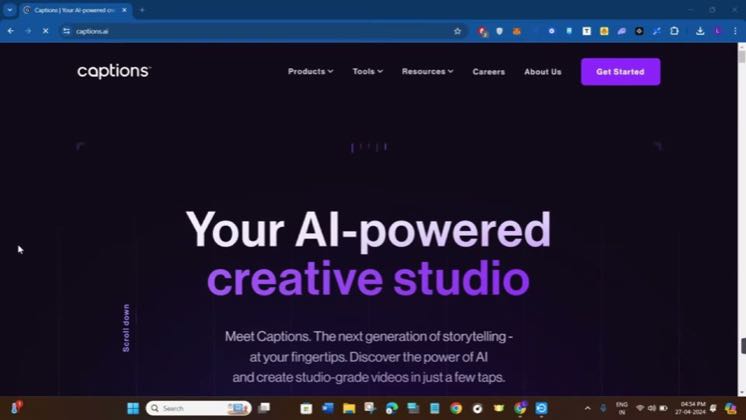
“Your AI-powered creative studio”
The opening line · 0:00 · move: howto
An AI tutorial channel records the complete web Eye Contact path from tool page and upload through language selection, project processing, gaze correction, preview and frame-rate export while explaining the capture conditions needed for usable output.
—views—likes—vs their usual post · 302 views—creators ran this script
@AI Hipe · 3.1K followers · creator page →
The script47 lines · @AI Hipe
- 0:00How to use captions AI eye contact. Hello everyone. Welcome back to the channel. In this video, I will show you how you can easily use captions.ai's eye contact feature. So make sure you watch the video carefully until the very end.
- 0:16In order to do this, you just have to launch your web browser in your PC or in your laptop. And in the search bar, you will have to type captions.ai.
- 0:25I will also put the link of this website down in the description box. So you can click on that link and it will redirect you on the official website of captions.
44 more linesmembers read and copy every script on the site
@AI Hipeyoutube · 3.1K followers · median 302 views · n=60best post—views · for CaptionsUnknown “Captions Ai” in the public source; commercial relationship unverified — https://www.youtube.com/watch?v=iXGaWcXPaVUOpen creator →Views and likes are public counts at capture time. The multiple compares this post with the creator’s own recent median, not a claim about what caused its reach. Read the methodology →