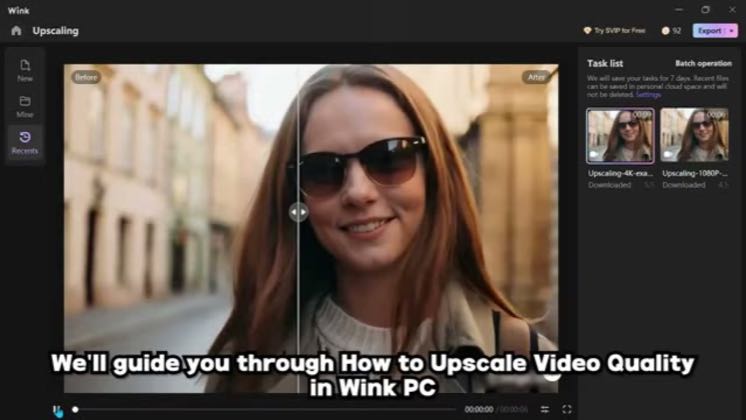
 2:09
2:09Plays here · Open on youtube ↗
“We'll guide you through how to upscale video quality in Wink PC.”
The opening line · 0:00 · move: howto
Turns a before/after restoration or quality repair into a visible Wink workflow, moving from the source through the named control to the finished result before a credit only CTA.
@Guide Hub (2026 WORKING GUIDES) · 3.4K followers · 0 of 15 recent posts mention Wink · creator page →
- 0:00We'll guide you through how to upscale video quality in Wink PC.
- 0:03If you find this helpful, don't forget to like and subscribe.
- 0:07People search for this tutorial because they want to improve low quality or blurry videos
Answer the high-intent 4K, blur-repair and face-smoothing query with the real Wink interface, one source file and a side-by-side result, so search utility—not creator fame—carries discovery.
Mobile-edit tutorial and AI-tool review channels · 93 creators · 110 posts
Open the full playbook →
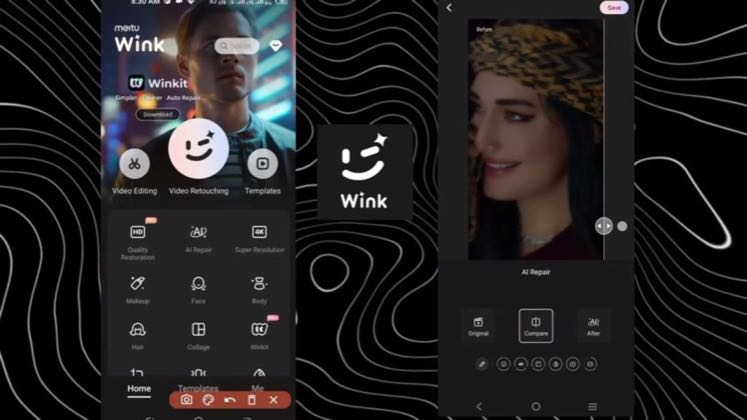

this post · other creators who ran it
@Guide Hub (2026 WORKING GUIDES)youtube · 3.4K followers · median 2 views · n=30best post1.1K540×views · for WinkUnknown `(2026) Learn How To Upscale Video Quality in Wink PC in this video (EASY FULL GUIDE) | Upscale Video Quality in Wi…` identifies Wink; the public post proves tool attribution only, while the commercial relationship is unverified — https://www.youtube.com/watch?v=hglt7xUaNy8Open creator →Views and likes are public counts at capture time. The multiple compares this post with the creator’s own recent median, not a claim about what caused its reach. Read the methodology →