 0:38
0:38Plays here · Open on youtube ↗
“Hi, welcome to the HardCrossed info tunnel. In this video I will show you how to change AI language in Parprox DIA.”
The opening line · 0:00 · move: howto
Solves one narrow settings task in under 40 seconds, pairing a spoken promise with the exact account-icon, scroll, AI Language, and selection taps before a subscribe end card.
@HardReset_info Tests · — followers · creator page →
- 0:00Hi, welcome to the HardCrossed info tunnel. In this video I will show you how to change AI language in Parprox DIA.
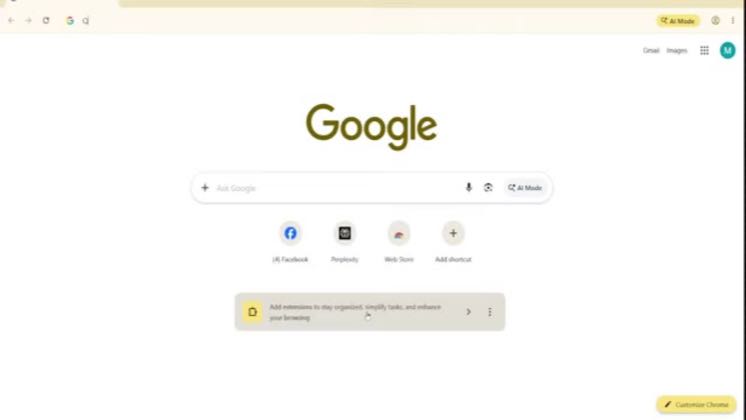
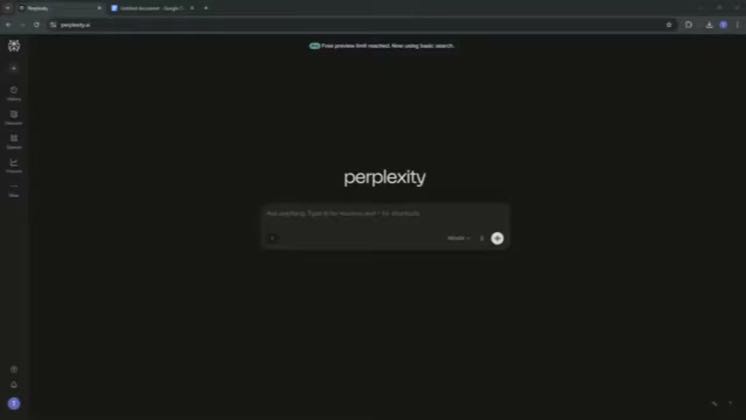
- 0:10So open your Parprox CTA up and tap on your account icon in the left top corner,
- 0:17scroll down and find AI language, tap on it and select whatever you want.
Repeat the exact query in the opening sentence, expose every click inside the live interface, and stop as soon as the requested installation, setting, integration, or export visibly works.
Search-driven software tutorial channels answering one narrow setup or interface question at a time · 16 creators · 16 posts
Open the full playbook →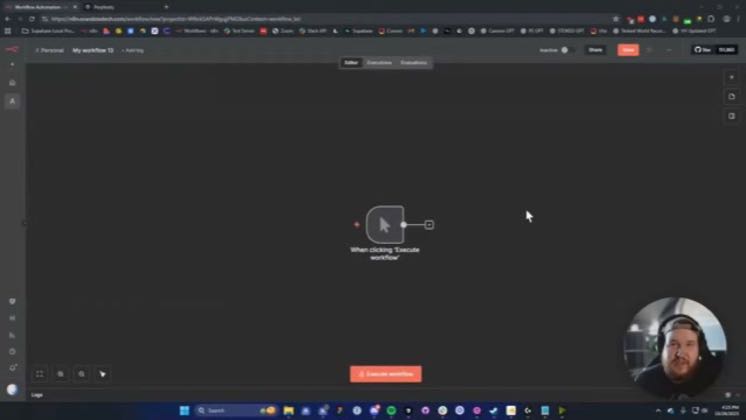
this post · other creators who ran it
@HardReset_info Testsyoutube · — followers · median 33 views · n=60best post1524.6×views · for PerplexityUnknown Public title/caption names Perplexity: “Change AI Language in Perplexity AI” — https://www.youtube.com/watch?v=gEno-BIMBYA; commercial relationship unverified.Open creator →Views and likes are public counts at capture time. The multiple compares this post with the creator’s own recent median, not a claim about what caused its reach. Read the methodology →