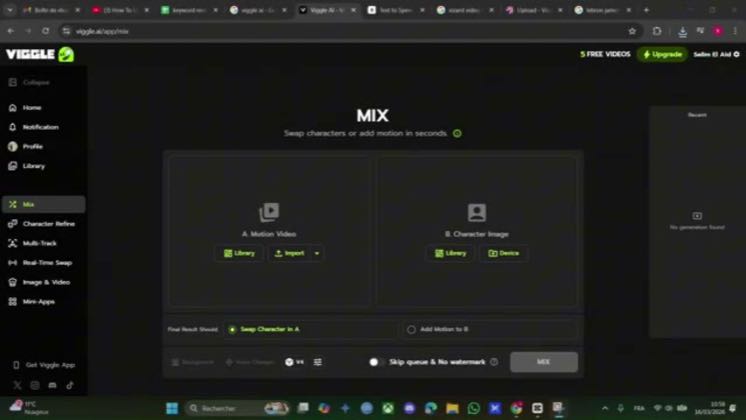
 1:36
1:36Plays here · Open on youtube ↗
“Today, I'm going to show how to use Vigil AI.”
The opening line · 0:00 · move: howto
Turns image upload, motion reference, character swap, and export into a screen-readable lesson before revealing the animated result: How to Use Viggle AI – Animate Characters from Photos [2026 Guide].
@SkillSparkGuru · 75 followers · 0 of 30 recent posts mention Viggle AI · creator page →
- 0:00Today, I'm going to show how to use Vigil AI.
- 0:04So first, open Vigil AI and log in with your account.
- 0:09Here I'm already logged in.
Open with an impossible character move, reveal the one-image input, then screen-record every control until the generated clip is ready for a real edit.
AI-tool educators showing the complete image, motion-reference, background, and export sequence · 35 creators · 35 posts
Open the full playbook →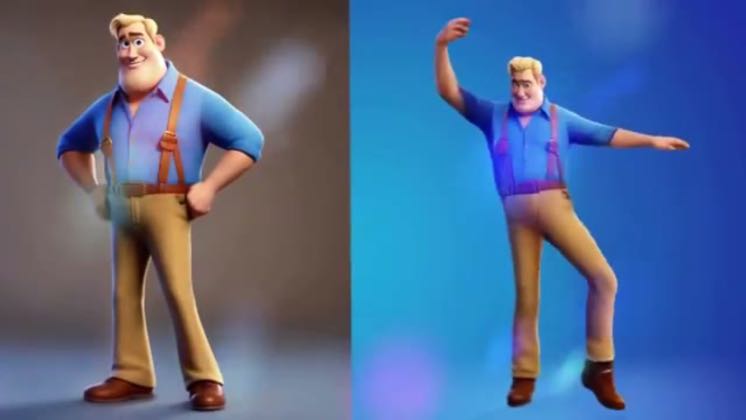

this post · other creators who ran it
@SkillSparkGuruyoutube · 75 followers · median 4 views · n=51best post10526.2×views · for Viggle AIUnknown The post names Viggle, but the public post and channel expose no verifiable commercial relationship. https://www.youtube.com/watch?v=cBMj1zUEOtEOpen creator →Views and likes are public counts at capture time. The multiple compares this post with the creator’s own recent median, not a claim about what caused its reach. Read the methodology →