 3:51
3:51Plays here · Open on youtube ↗
“Wink · AI Repair · HD · Ultra HD · 4K · Save to album”
The opening line · 0:00 · move: result-first
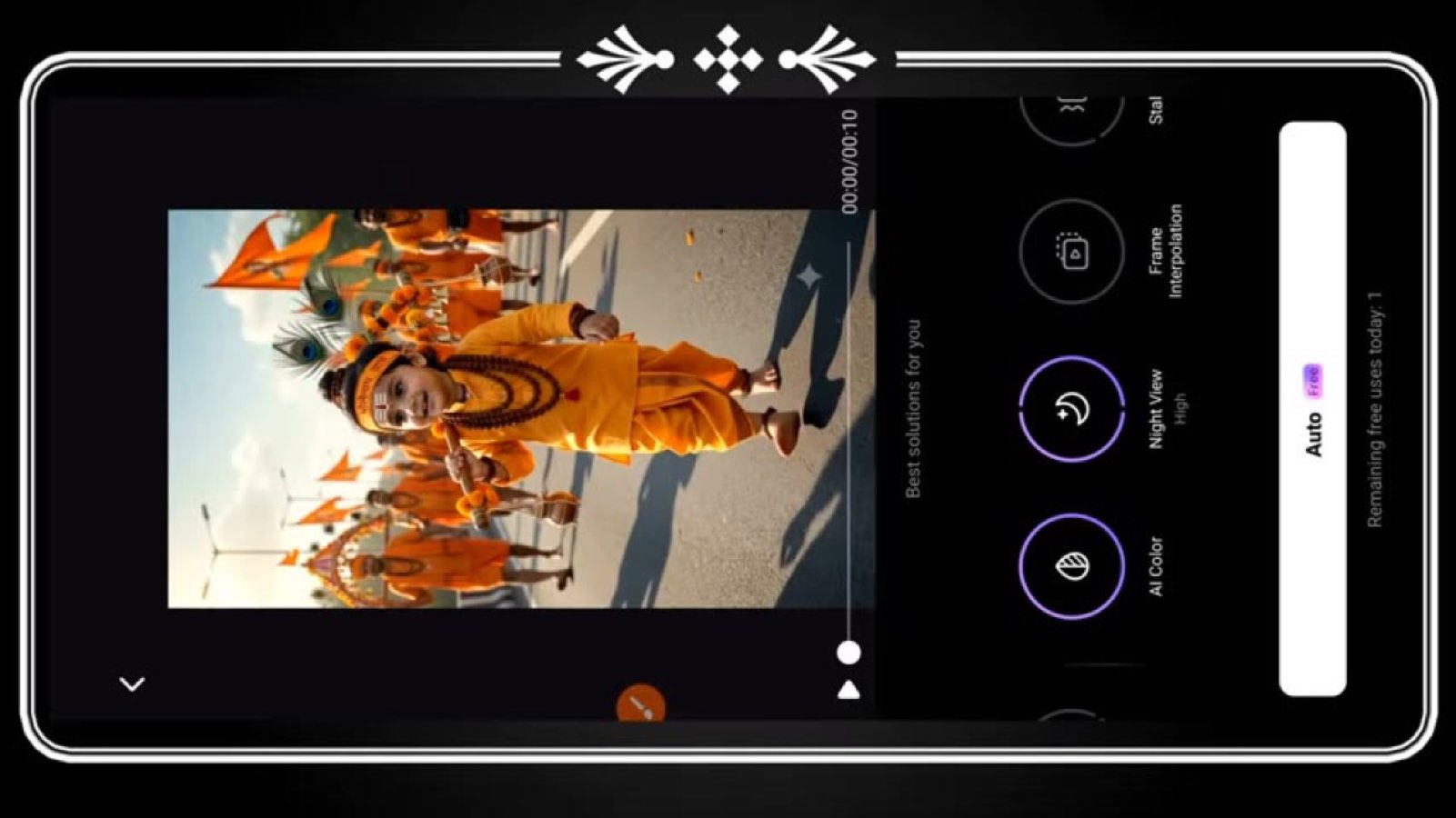
Shows the source clip, opens Wink AI Repair, selects a higher-resolution tier, waits for processing, and saves the enhanced result.
@Technical Badika · 2.8K followers · 1 of 15 recent posts mention Wink · creator page →
 @Technical Badika · 3:51
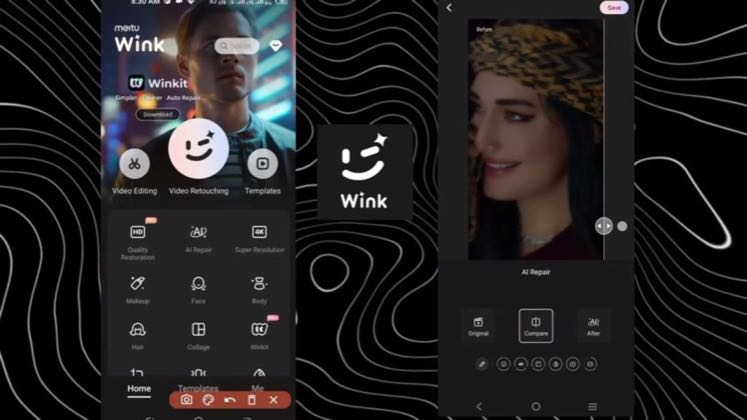
The splash screen identifies the tool behind the enhancement.
The workflow moves from import into Wink's enhancement feature.
The visible quality choices frame resolution as the central payoff.
The final action turns the processed clip into a usable export.
Answer the high-intent 4K, blur-repair and face-smoothing query with the real Wink interface, one source file and a side-by-side result, so search utility—not creator fame—carries discovery.
Mobile-edit tutorial and AI-tool review channels · 93 creators · 110 posts
Open the full playbook →

this post · other creators who ran it
@Technical Badikayoutube · 2.8K followers · median — views · n=—best post57views · for WinkUnknown “Wink app 4k video editing || video quality enhance kaise kare || video hd kaise kare wink app ||” — exact Wink subject attribution; commercial relationship unverified — https://www.youtube.com/watch?v=ZcYVf--MkG0Open creator →Views and likes are public counts at capture time. The multiple compares this post with the creator’s own recent median, not a claim about what caused its reach. Read the methodology →