 0:54
0:54Plays here · Open on youtube ↗
“Here's how to turn on privacy mode in Vispaflow AI. Let's get to it.”
The opening line · 0:00 · move: howto
Demonstrates the hold-key, speak, and auto-edited-text loop on screen so the speed claim is supported by the actual dictation workflow.
@SolveBase · 9.2K followers · 0 of 30 recent posts mention Wispr Flow · creator page →
- 0:00Here's how to turn on privacy mode in Vispaflow AI. Let's get to it.
- 0:04So open up Vispaflow and on the bottom left, you're going to find the settings icon. Press on it.
- 0:10Now you need to press on this data and privacy under account. And on the right hand side,
Demonstrate the one-key voice-to-clean-text loop inside a familiar app, then convert the visible speed gain through a creator-specific trial, link, or code.
Disclosed paid and affiliate creators across tech, productivity, student, and creator-workflow niches · 58 creators · 58 posts
Open the full playbook →

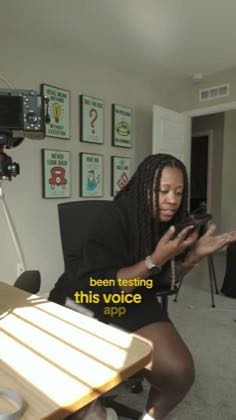
this post · other creators who ran it
@SolveBaseyoutube · 9.2K followers · median 152 views · n=60best post4222.8×views · for Wispr FlowUnknown “How To Turn ON Privacy Mode in Wispr Flow AI” identifies wisprflow; public caption checked, commercial relationship unverified — https://www.youtube.com/watch?v=Y4E6MQjYI28Open creator →Views and likes are public counts at capture time. The multiple compares this post with the creator’s own recent median, not a claim about what caused its reach. Read the methodology →