 1:25
1:25Plays here · Open on youtube ↗
UnknownTwo reviewed tutorials demonstrate Fish Audio, but captured descriptions contain no tracked URL, sponsorship statement, or standing program evidence.1:25 · spoken hook
“In this video, I'm going to show you how to use Fish Audio Voice Changer.”
The opening line · 0:00 · move: on-screen-text
Shows Fish Audio Voice Changer from sign-in and source upload through target selection, conversion and download, then asks viewers to like and subscribe.
607views8likes↑9.8×vs their usual post · 62 views—creators ran this script
@HowToNow · 15.2K followers · 0 of 60 recent posts mention Fish Audio · creator page →
1Start the voice swap from account accesson-screen-text0:00–0:19
 0:00
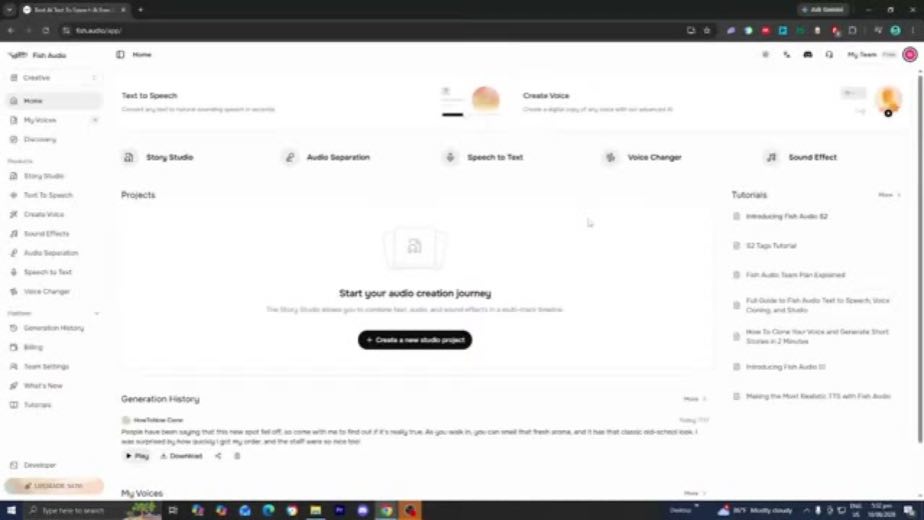
0:000:00In this video, I'm going to show you how to use Fish Audio Voice Changer.
The narrowly named task begins with sign-in and a Gmail signup option, meeting a novice at the dashboard rather than assuming a prepared audio workflow.
0:04So the first thing you want to do is you want to open up Fish Audio and make sure to
0:07sign into your Fish Audio account if you haven't already.
4 lines · members2Record the request inside the changer0:19–0:38
 0:12
0:128 lines · members
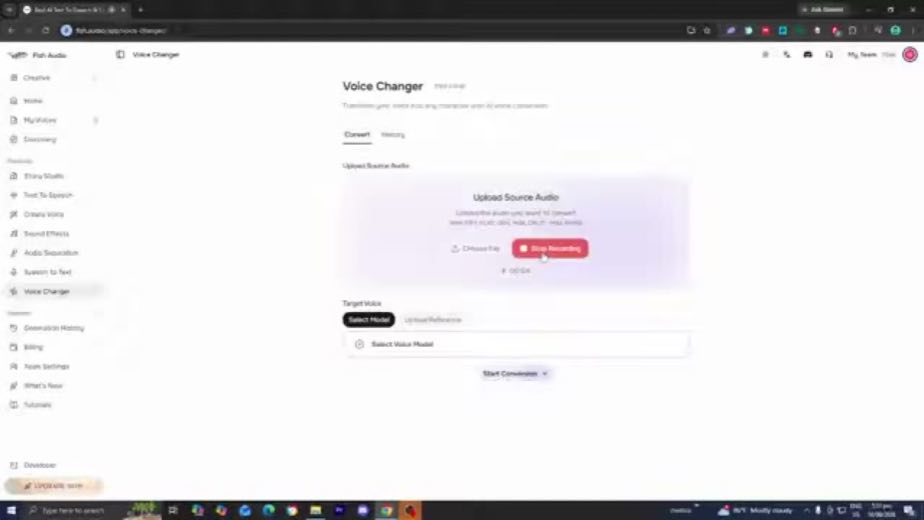
3Choose the Super Smash Bros. target0:38–1:02
 0:36
0:36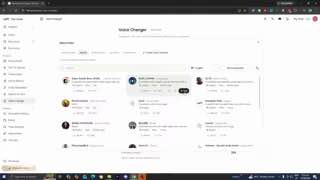 0:48
0:488 lines · members
4Keep the qualified reaction after playbackcta · follow1:02–1:25
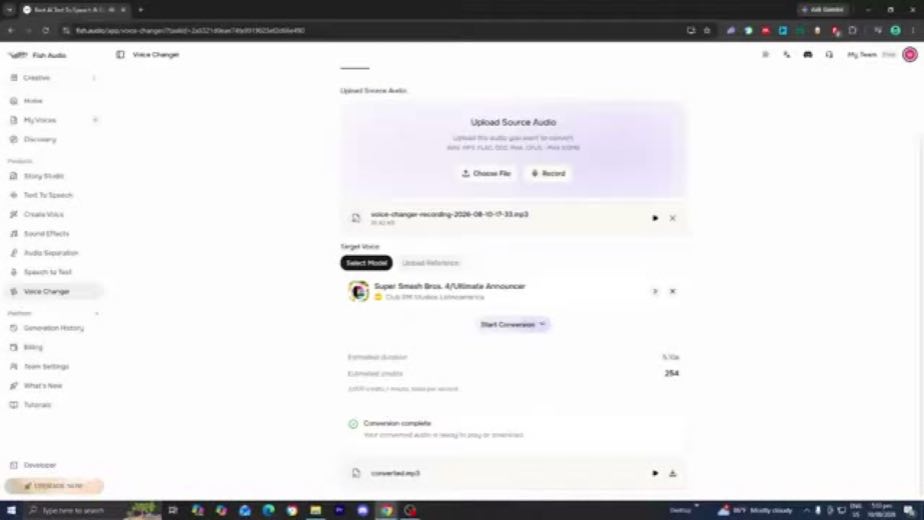 1:12
1:12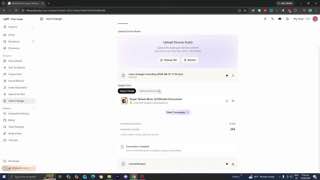 1:24
1:2410 lines · members
30 more linesmembers read and copy every script on the site
@HowToNowyoutube · 15.2K followers · median 62 views · n=60best post78712.7×views · for Fish AudioUnknown Two reviewed tutorials demonstrate Fish Audio, but captured descriptions contain no tracked URL, sponsorship statement, or standing program evidence.Open creator →Views and likes are public counts at capture time. The multiple compares this post with the creator’s own recent median, not a claim about what caused its reach. Read the methodology →