 2:04
2:04Plays here · Open on youtube ↗
Unknown“Captions.AI” in the public source; commercial relationship unverified — https://www.youtube.com/watch?v=XNcUh7OOdJY2:04 · on_screen hook
“David Blaine held his breath underwater for 17 minutes...”
The opening line · 0:00 · move: howto
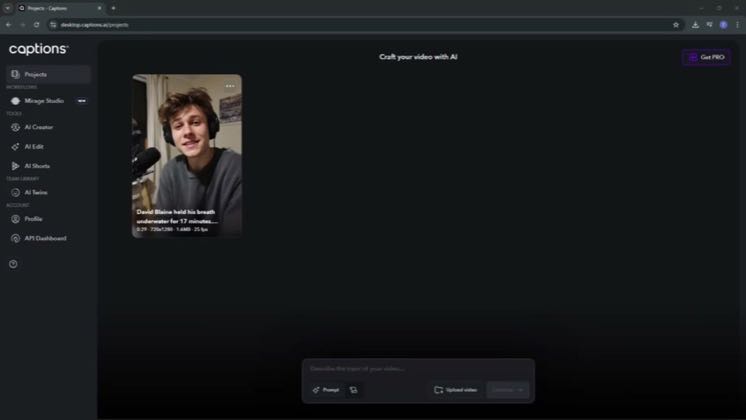
A concise screen-recording tutorial imports a talking-head clip, opens Automatic Tools, applies AI Eye Contact and previews the processed result while explaining footage conditions that make the correction look natural.
—views—likes—vs their usual post · 20 views—creators ran this script
@Harry Helps You · 629 followers · creator page →
The script28 lines · @Harry Helps You
- 0:00In today's video, I'm going to teach you how to apply AI iContact in captions.ai.
- 0:05By the end, you'll know exactly where to find the feature and how to switch it on so your on-camera delivery feels more focused and engaging.
- 0:11First, log into captions.ai.
25 more linesmembers read and copy every script on the site
@Harry Helps Youyoutube · 629 followers · median 20 views · n=60best post—views · for CaptionsUnknown “Captions.AI” in the public source; commercial relationship unverified — https://www.youtube.com/watch?v=XNcUh7OOdJYOpen creator →Views and likes are public counts at capture time. The multiple compares this post with the creator’s own recent median, not a claim about what caused its reach. Read the methodology →