 1:24
1:24Plays here · Open on youtube ↗
UnknownTwenty-four retained tutorials demonstrate distinct Coggle features; cross-links stay within the channel's Coggle series, and no paid label, creator code, tracked target link, or named relationship was found1:24 · spoken hook
“Hey guys, welcome back to the channel. In this tech tutorial video, we're going to show you how you can insert labels or as they are called ”
The opening line · 0:00 · move: on-screen-text
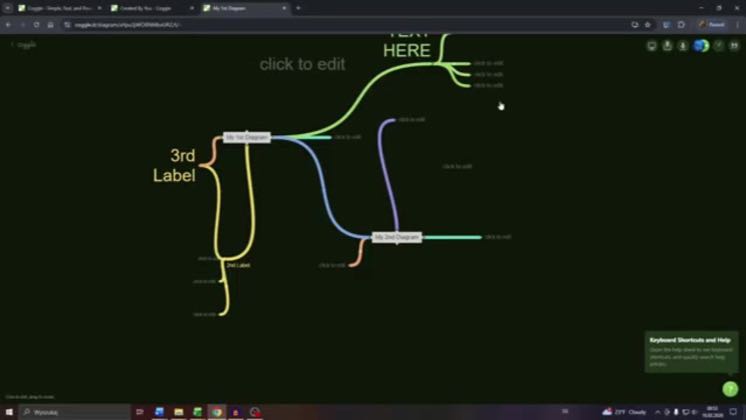
Demonstrates insert Label in Diagram on Coggle inside the live Coggle interface as one focused, searchable task in a larger feature-tutorial series.
21views—likes—vs their usual post · — views—creators ran this script
@SkillFlow Tech · 17.4K followers · creator page →
The script9 lines · @SkillFlow Tech
- 0:00Hey guys, welcome back to the channel. In this tech tutorial video, we're going to show you how you can insert labels or as they are called branches on Coggle to your Coggle diagram. So let us dive into this.
- 0:13So what you want to do is navigate to your diagram on Coggle and there are two ways how you can do this option number one.
- 0:21You simply right click anywhere you like on your diagram, like here, and from that wheel here, select the plus button at label.
6 more linesmembers read and copy every script on the site
@SkillFlow Techyoutube · 17.4K followers · median — views · n=—best post93views · for CoggleUnknown Twenty-four retained tutorials demonstrate distinct Coggle features; cross-links stay within the channel's Coggle series, and no paid label, creator code, tracked target link, or named relationship was foundOpen creator →Views and likes are public counts at capture time. The multiple compares this post with the creator’s own recent median, not a claim about what caused its reach. Read the methodology →