1:13

Plays here · Open on youtube ↗

UnknownThe public video mentions PolyBuzz, but the commercial relationship is unverified. https://www.youtube.com/watch?v=SIboNQuyui81:13 · spoken hook

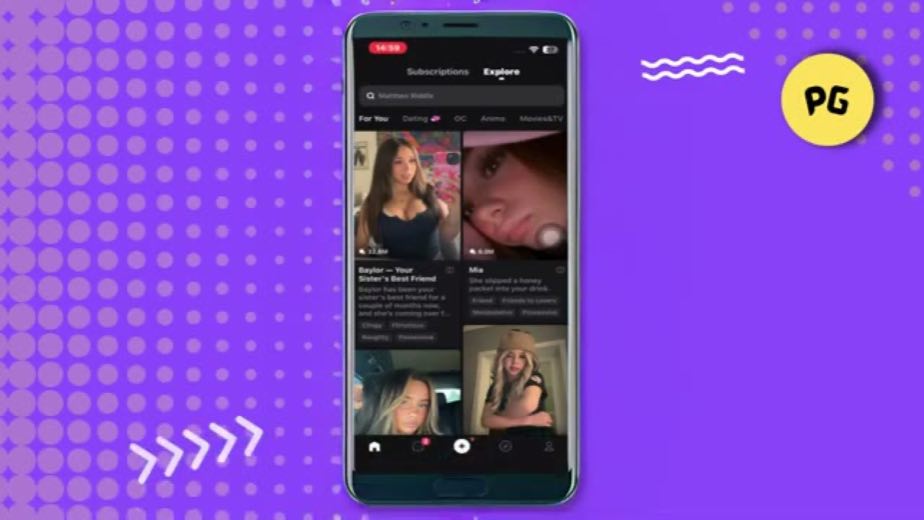
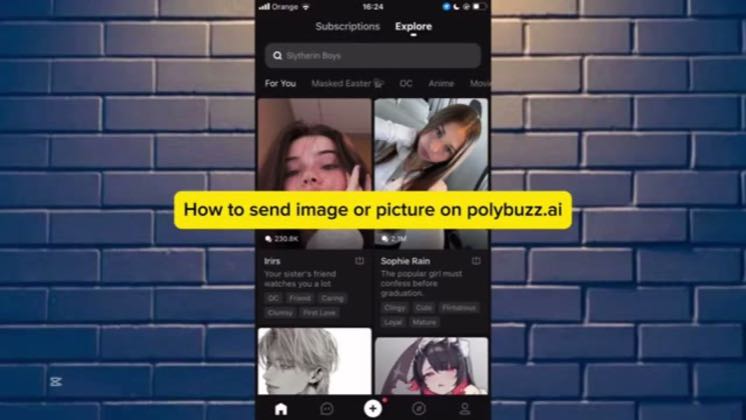
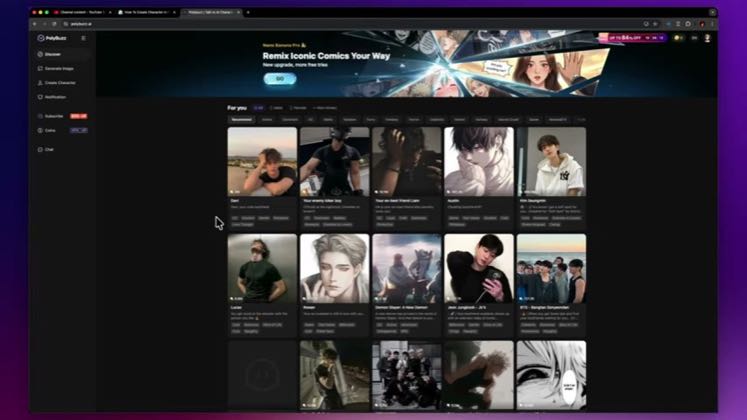
“Hey guys in this video I will show you how to remove sensor on poly buzz alright”

The opening line · 0:00 · move: howto

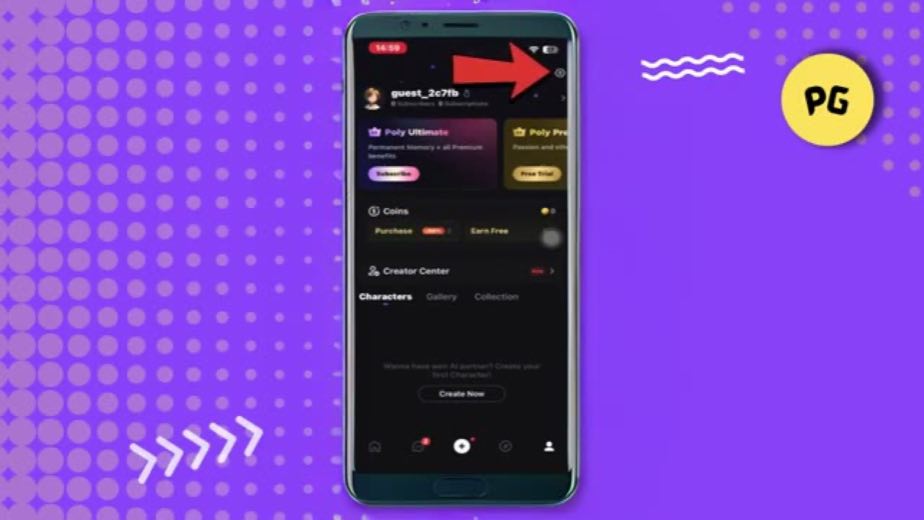
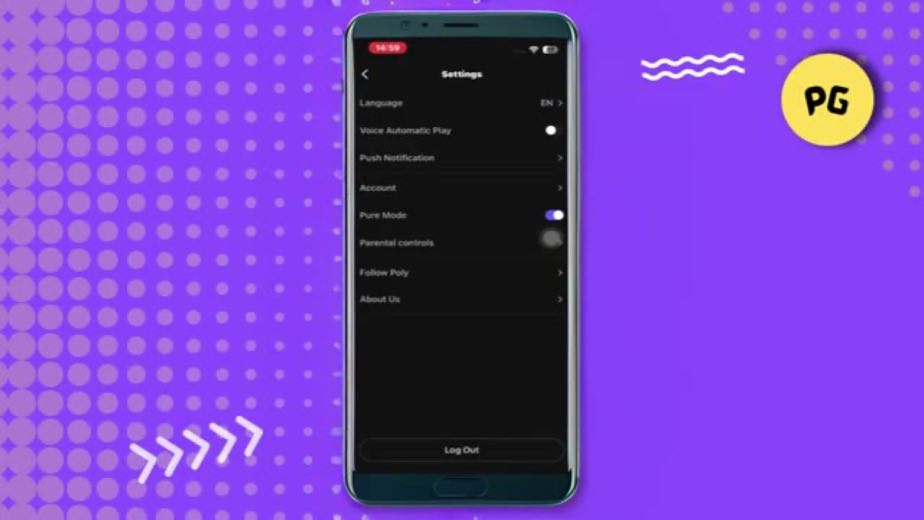
Uses a profile-to-settings walkthrough to answer the recurring censor/blur question without turning into a broad review.

17.1Kviews146likes↑1.2K×vs their usual post · 14 views20creators ran this script

@Perfect Guide · 1.8K followers · creator page →
Playbook · One hidden control → one complete tutorial →
The script, step by step9 steps
1State one outcomecreator-claim0:00–0:10
State one outcome at 0:000:00
State one outcome at 0:010:01
State one outcome at 0:020:02
State one outcome at 0:030:03
State one outcome at 0:040:04
State one outcome at 0:050:05
State one outcome at 0:060:06
0:00Hey guys in this video I will show you how to remove sensor on poly buzz alright so let's begin.

The opening names the exact high-intent task instead of spending time on a general app review.
0:05In today's guide I'll show you how to remove the sensor or blur effect on poly buzz.
2Lower the difficulty0:10–0:14
Lower the difficulty at 0:090:09
0:10The process is very simple and you can do it directly from the app settings in just a few steps.

A quick reassurance reduces the chance that a viewer leaves before seeing the settings path.
3Set the prerequisite0:14–0:19
Set the prerequisite at 0:100:10
1 lines · members
4Enter the account layer0:19–0:28
Enter the account layer at 0:310:31
2 lines · members
5Open the control panel0:28–0:37
Open the control panel at 0:410:41
2 lines · members
6Name the hidden switch0:37–0:48
Name the hidden switch at 1:021:02
2 lines · members
7Perform the fix0:48–0:53
Perform the fix at 1:121:12
1 lines · members
8Handle the confirmation0:53–1:04
Handle the confirmation at 0:080:08
2 lines · members
9Verify the resultcta · none1:04–1:13
Verify the result at 0:070:07
2 lines · members
12 more linesmembers read and copy every script on the site
Where this post sitsthe repetition is the proof
Anchors the playbook
One hidden control → one complete tutorial

Capture high-intent search demand by answering one narrow task—Pure Mode, blur, language, images or character setup—from first tap to verified result.

Six independent utility-tutorial channels · 20 creators · 20 posts

Open the full playbook →
this post · other creators who ran it

Who made ittheir public relationship signal, and the receipt for it
@Perfect Guideyoutube · 1.8K followers · median 14 views · n=58best post17.1K1.2K×views · for PolyBuzzUnknown The public video mentions PolyBuzz, but the commercial relationship is unverified. https://www.youtube.com/watch?v=SIboNQuyui8Open creator →

Views and likes are public counts at capture time. The multiple compares this post with the creator’s own recent median, not a claim about what caused its reach. Read the methodology →