 3:43
3:43Plays here · Open on youtube ↗
UnknownPublic YouTube title and description directly attribute the demonstrated workflow to Lucidchart or Lucidspark; no platform disclosure, explicit sponsorship statement, creator-specific commercial URL, or verified Lucid program membership was captured. https://www.youtube.com/watch?v=SCO8Jj91JVc3:43 · spoken hook
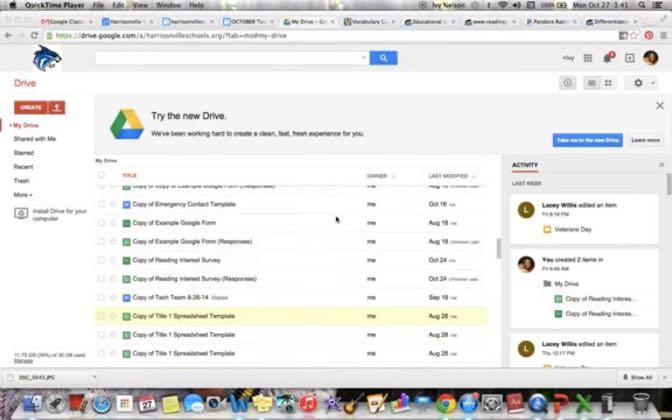
“To use LucidChart in Google Docs to create a graphic organizer, first you go to your Drive and create a new document.”
The opening line · 0:00 · move: howto
Installs the Lucidchart Google Docs add-on, edits a Romeo and Juliet comparison Venn diagram and returns the shared organizer to the class document.
20views—likes—vs their usual post · 20 views—creators ran this script
@Ivy Nelson · — followers · creator page →
The script36 lines · @Ivy Nelson
- 0:00To use LucidChart in Google Docs to create a graphic organizer, first you go to your
- 0:05Drive and create a new document.
- 0:10Then inside the Google Doc, you'll go to the Add-ons tab, you'll go down to where it says
33 more linesmembers read and copy every script on the site
@Ivy Nelsonyoutube · — followers · median 20 views · n=1best post20views · for Lucidchart / LucidsparkUnknown Public YouTube title and description directly attribute the demonstrated workflow to Lucidchart or Lucidspark; no platform disclosure, explicit sponsorship statement, creator-specific commercial URL, or verified Lucid program membership was captured. https://www.youtube.com/watch?v=SCO8Jj91JVcOpen creator →Views and likes are public counts at capture time. The multiple compares this post with the creator’s own recent median, not a claim about what caused its reach. Read the methodology →