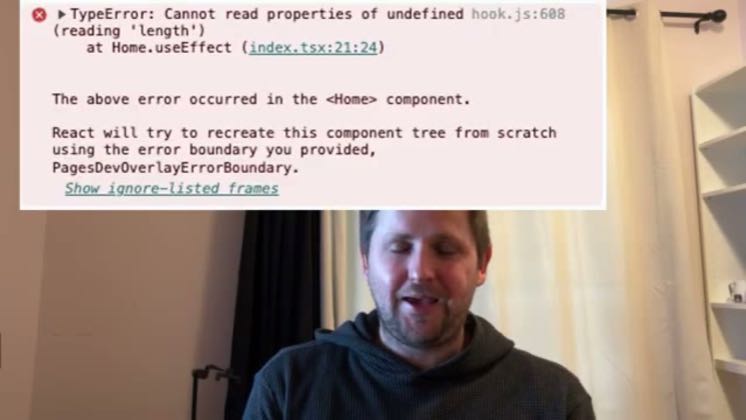
 1:29
1:29Plays here · Open on youtube ↗
“Cursor can't see browser errors by default, so when your app breaks, the AI is completely blind.”
The opening line · 0:00 · move: problem
Teaches the context layer around Cursor—rules, MCP, memory, browser control, or reusable instructions—as the lever that makes the agent reliable: How to Use MCP to Let Cursor IDE See Browser Console Errors (AI Coding Enhancement).
@Bill Prin - AI Engineering · — followers · 4 of 16 recent posts mention Cursor · creator page →
- 0:00Cursor can't see browser errors by default, so when your app breaks, the AI is completely blind.
- 0:05Fortunately, this can be easily fixed with MCP, and in this video, I'll show you how in under 90 seconds.
- 0:10We're going to head over to this browser tools MCP repo, which I'll link in the description along with my own blog post explaining every step in this video.
Reframe better AI coding as a context-engineering skill, then make a rule file or MCP connection the reproducible fix.
Developer educators teaching rules, MCP, memory, prompts, and reusable project instructions · 15 creators · 15 posts
Open the full playbook →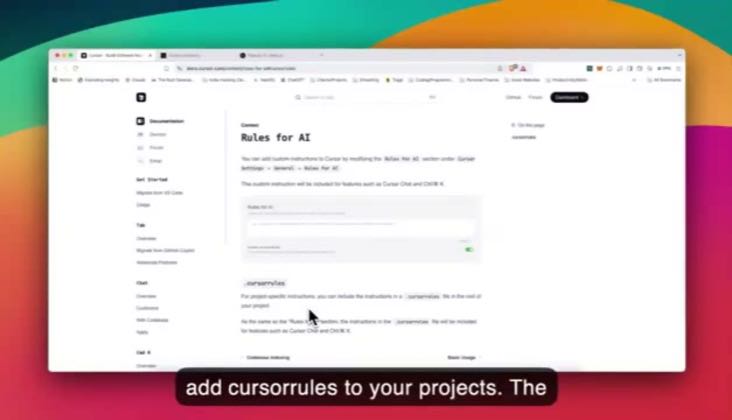

this post · other creators who ran it
@Bill Prin - AI Engineeringyoutube · — followers · median 587 views · n=16best post2.4K4.1×views · for CursorUnknown “How to Use MCP to Let Cursor IDE See Browser Console Errors (AI Coding Enhancement)” identifies cursor; public caption checked, commercial relationship unverified — https://www.youtube.com/watch?v=Pe8v0v_iYLoOpen creator →Views and likes are public counts at capture time. The multiple compares this post with the creator’s own recent median, not a claim about what caused its reach. Read the methodology →