0:54

Plays here · Open on youtube ↗

Unknown“How to Convert Images into Ai Videos on Remini [easy]” identifies remini; public caption checked, commercial relationship unverified — https://www.youtube.com/watch?v=MdhXBTltU_Q0:54 · spoken hook

“Hope you guys are doing great. Welcome back in today's video. I'm going to show you”

The opening line · 0:00 · move: howto

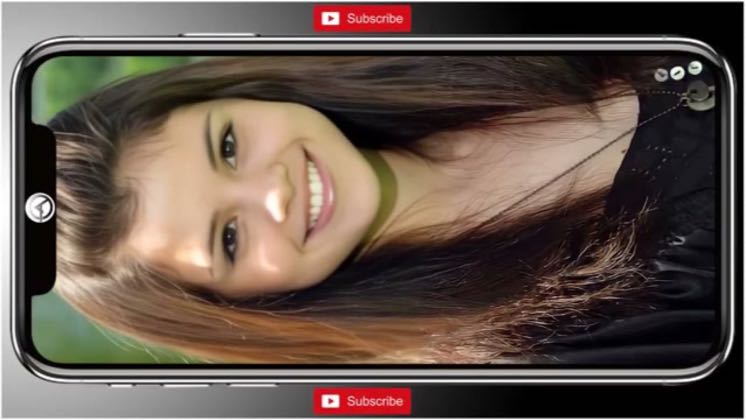
Turns a still image into a moving face or short AI video, saving the animated result for the reveal: How to Convert Images into Ai Videos on Remini [easy].

171views2likes↑15.5×vs their usual post · 11 views6creators ran this script

@Tech Info · — followers · 0 of 30 recent posts mention Remini · creator page →
Playbook · Save the motion for the reveal →
The script, step by step3 steps
1Promise motion from one imageon-screen-text0:00–0:30
Promise motion from one image at 0:000:00
Promise motion from one image at 0:010:01
Promise motion from one image at 0:020:02
Promise motion from one image at 0:030:03
Promise motion from one image at 0:040:04
Promise motion from one image at 0:050:05
Promise motion from one image at 0:060:06
Promise motion from one image at 0:070:07
Promise motion from one image at 0:080:08
Promise motion from one image at 0:090:09
Promise motion from one image at 0:100:10
Promise motion from one image at 0:200:20
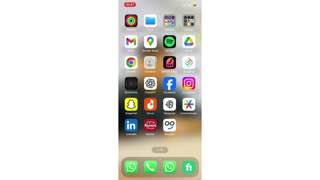
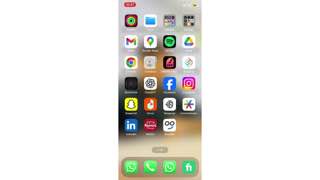
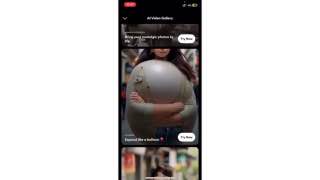
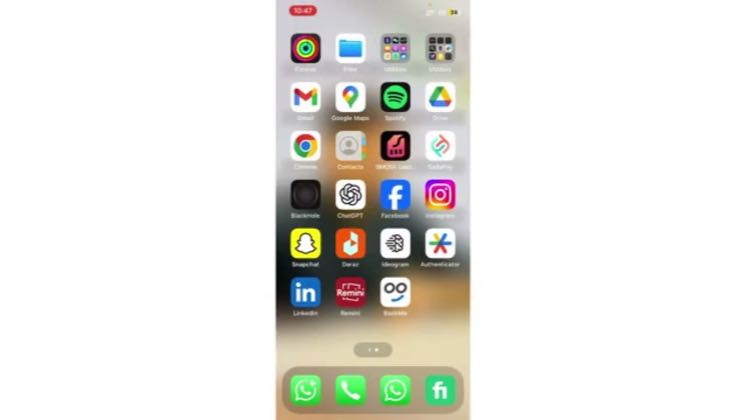
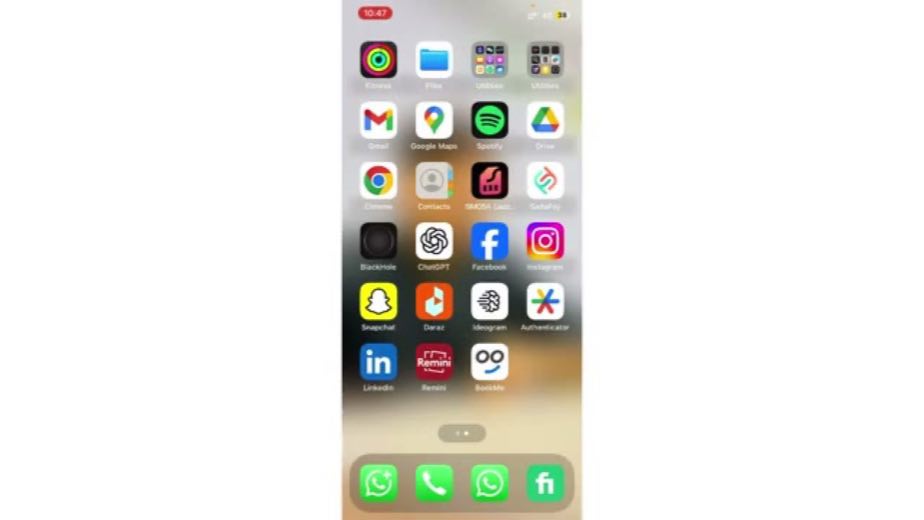
0:00Hope you guys are doing great. Welcome back in today's video. I'm going to show you that how you can convert images to AI videos and the Remini app. So let's get started. So first of all, what we have to do simply, we have to open the Remini. So I'm going to click on this here. And after that, we have to wait 50 seconds until it load. And now simply we have to go to the AI video section. And after going to the AI video section, as you can see, you will be able to see the different types of AI videos here. Now, for example, I'm going to click on this try now here, X-Men balloon. You can choose any of them.

The tutorial names an impossible-looking input/output jump before opening the interface.
2Commit to a template0:30–0:45
Commit to a template at 0:340:34
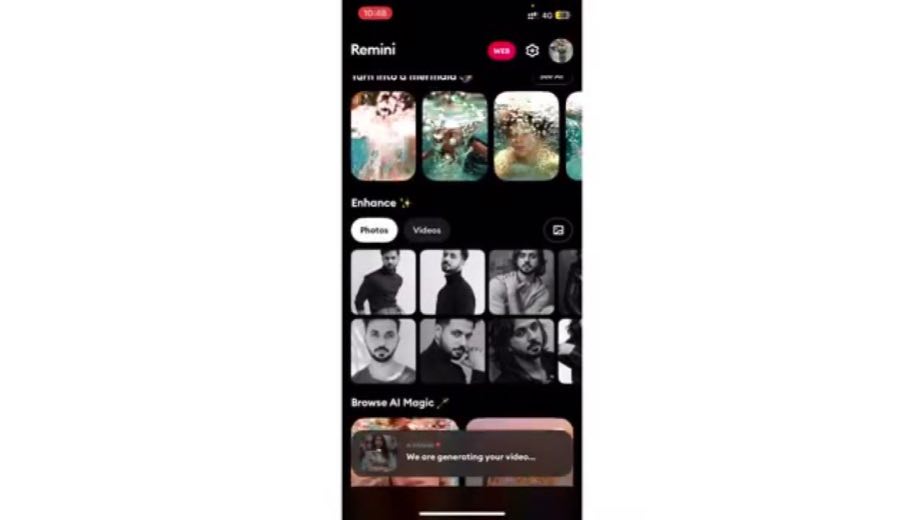
0:30And after that, for example, I'm going to choose this one here. And now we have to click on this and we need to wait for a few seconds until it knows the video. So as you can see, we are generating your video. Now we need to wait for a few seconds like around 12 minutes. And after that video will be ready to use.

Choosing one effect keeps a large template library from slowing the walkthrough.
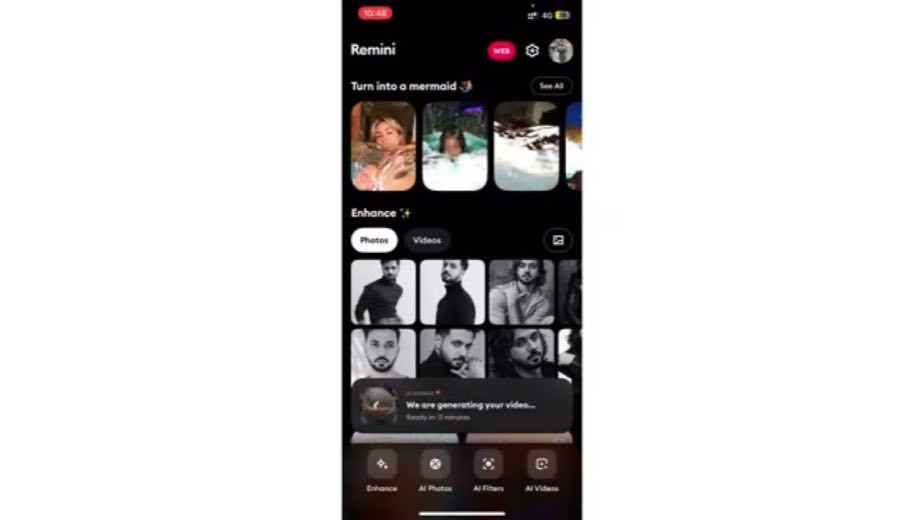
3Close on the new mediumcta · follow0:45–0:54
Close on the new medium at 0:440:44
Close on the new medium at 0:540:54
0:45So this way you can make the AI videos and convert images to AI videos and the Remini app. I hope you guys understand this video that how you can do that. So see you in the next video.

The final line restates the transformation after generation, turning the moving result into proof.

Where this post sitsthe repetition is the proof
Anchors the playbook
Save the motion for the reveal

Choose one familiar still, keep the template selection short, wait visibly for generation, and close on the moving face or video that the original image could not deliver.

Mobile-editing tutorials using Face Animator and AI Video templates to turn one static portrait into a moving artifact · 6 creators · 6 posts

Open the full playbook →
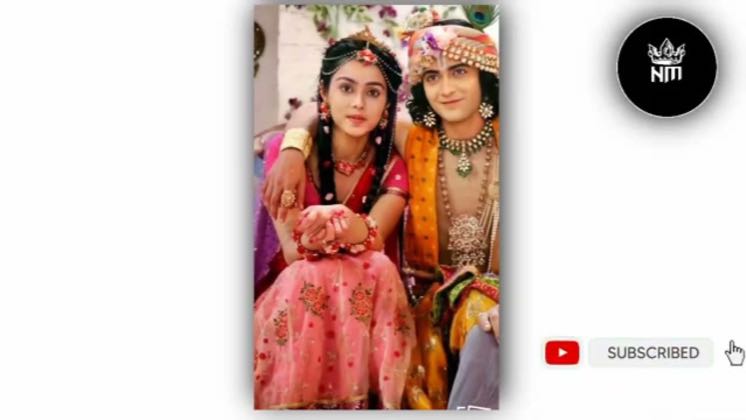
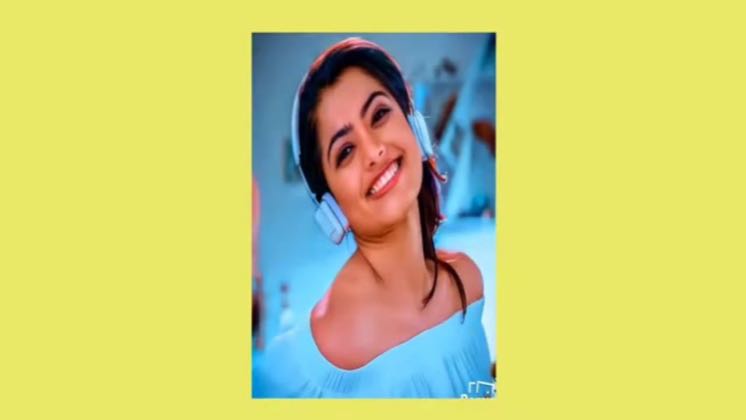
this post · other creators who ran it

Who made ittheir public relationship signal, and the receipt for it
@Tech Infoyoutube · — followers · median 11 views · n=59best post17115.5×views · for ReminiUnknown “How to Convert Images into Ai Videos on Remini [easy]” identifies remini; public caption checked, commercial relationship unverified — https://www.youtube.com/watch?v=MdhXBTltU_QOpen creator →

Views and likes are public counts at capture time. The multiple compares this post with the creator’s own recent median, not a claim about what caused its reach. Read the methodology →