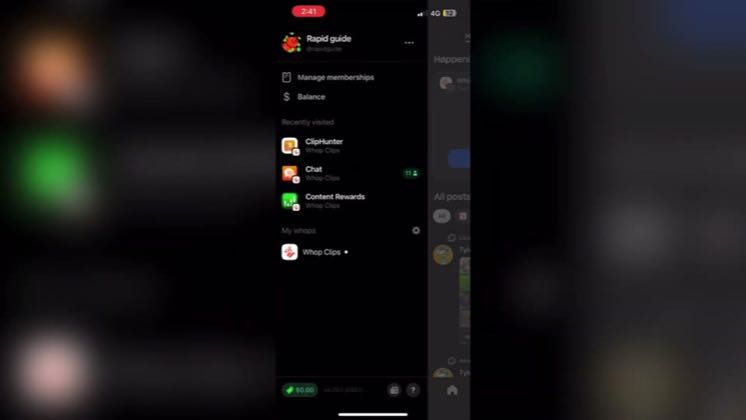
 0:51
0:51Plays here · Open on youtube ↗
Unknown“Whop” appears in the public source; commercial relationship unverified — https://www.youtube.com/watch?v=KwiBXikTiF40:51 · spoken hook
“the WAP app and go to your profile, then tap Account Settings and choose Connected Accounts.”
The opening line · 0:00 · move: howto
Gives a compact mobile proof path for linking Instagram to Whop: Connected Accounts, profile URL, temporary bio verification code, in-app verification, and code removal, with every step visible on screen.
3.1Kviews—likes↑120×vs their usual post · 26 views—creators ran this script
@RapidGuide · 5.4K followers · 0 of 30 recent posts mention Whop · creator page →
The script8 lines · @RapidGuide
- 0:00the WAP app and go to your profile, then tap Account Settings and choose Connected Accounts.
- 0:07Select Instagram, then paste your Instagram profile link in the field provided.
- 0:12This lets WAP know which account you're verifying.
5 more linesmembers read and copy every script on the site
@RapidGuideyoutube · 5.4K followers · median 26 views · n=59best post3.1K120×views · for WhopUnknown “Whop” appears in the public source; commercial relationship unverified — https://www.youtube.com/watch?v=KwiBXikTiF4Open creator →Views and likes are public counts at capture time. The multiple compares this post with the creator’s own recent median, not a claim about what caused its reach. Read the methodology →