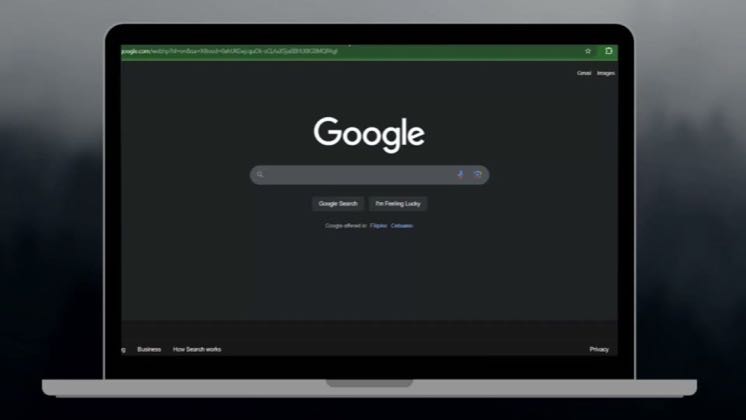
 1:47
1:47Plays here · Open on youtube ↗
“Hi everyone, in this video I'll show you how to use the Captions AI App on your PC.”
The opening line · 0:00 · move: howto
A faceless desktop tutorial tours Captions’ project creation and demonstrates the upload, AI Edit, translation and AI-avatar paths, positions them as automatic cuts, transitions and effects for professional output, distinguishes free from Pro features, and closes with like, subscribe and comment prompts.
@Tutorial Academy · 2.5K followers · creator page →
- 0:00Hi everyone, in this video I'll show you how to use the Captions AI App on your PC.
- 0:07Whether you're a beginner or a pro, this tool makes video editing super easy and efficient.
- 0:13First, go to Captions AI website or open the desktop application if you have it installed.
Show the unedited talking-head clip, compress the workflow to upload plus style selection, and reveal the generated video before preserving manual control.
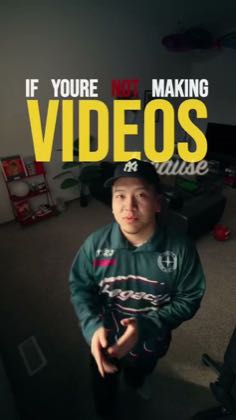
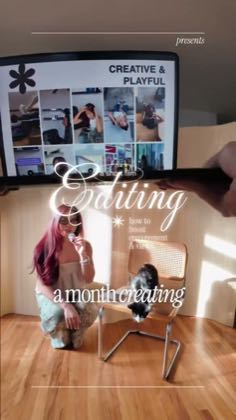
Creator educators demonstrating the app instead of only promising a polished result · 51 creators · 51 posts
Open the full playbook →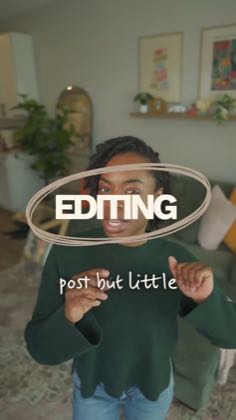
this post · other creators who ran it
@Tutorial Academyyoutube · 2.5K followers · median 8 views · n=53best post—views · for CaptionsUnknown “Captions AI” in the public source; commercial relationship unverified — https://www.youtube.com/watch?v=KrHqmVKD9N8Open creator →Views and likes are public counts at capture time. The multiple compares this post with the creator’s own recent median, not a claim about what caused its reach. Read the methodology →