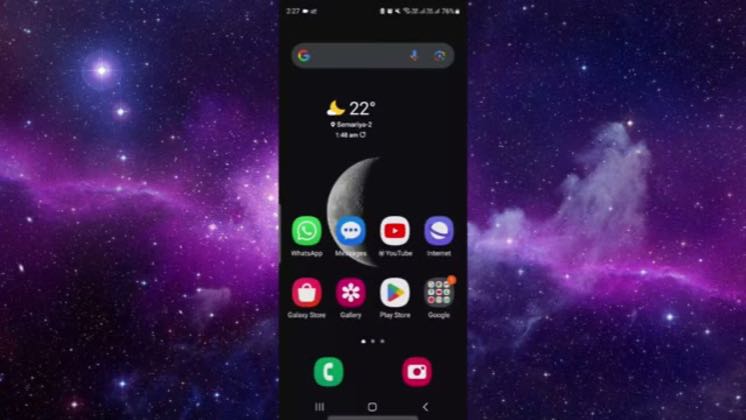
 1:00
1:00Plays here · Open on youtube ↗
UnknownPublic post explicitly identifies Character.AI; no verifiable commercial relationship was found.1:00 · spoken hook
“Hello and welcome back to my channel. In today's video, I will show you how to attach a persona”
The opening line · 0:00 · move: howto
Answers a concrete Character.AI setup or troubleshooting question with visible product steps that viewers can reproduce immediately.
1views—likes↑0.2×vs their usual post · 4 views18creators ran this script
@Smart Solutions · 1.1K followers · 0 of 30 recent posts mention Character.AI · creator page →
The script12 lines · @Smart Solutions
- 0:00Hello and welcome back to my channel. In today's video, I will show you how to attach a persona to a specific chat in AI
- 0:08Character app. So let's get started. So to do that first of all open the character a app
- 0:15So here you will just log in with your register account in your
9 more linesmembers read and copy every script on the site
Runs the playbook
Fix-it search demand
Name one blocked setup task, stay inside the app screen, and resolve it before closing on the standard like-and-subscribe prompt.
Tutorial publishers targeting one Character.AI task at a time · 18 creators · 28 posts
Open the full playbook →
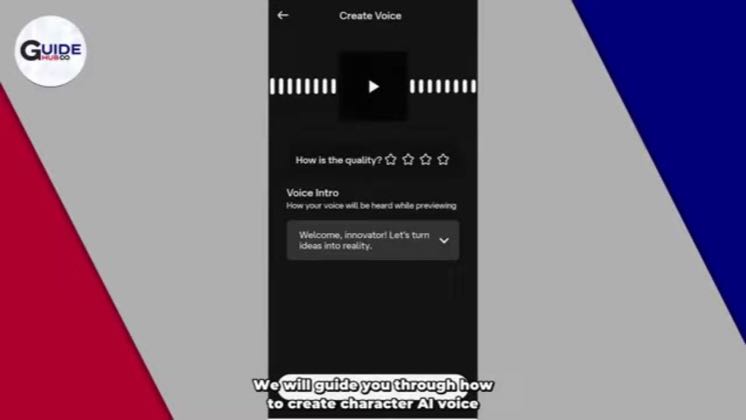
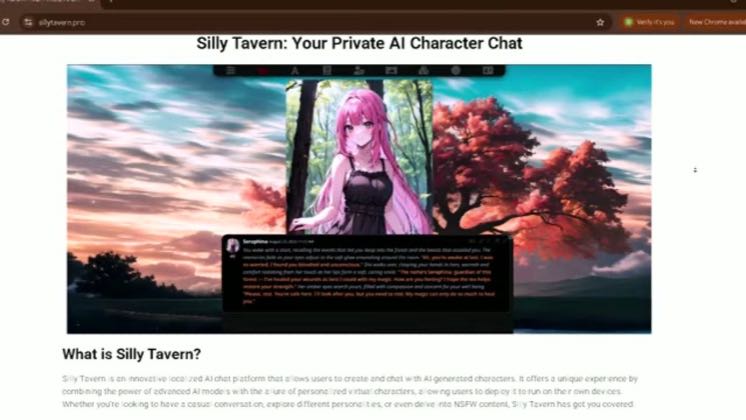
this post · other creators who ran it
@Smart Solutionsyoutube · 1.1K followers · median 4 views · n=52best post41×views · for Character.AIUnknown Public post explicitly identifies Character.AI; no verifiable commercial relationship was found.Open creator →Views and likes are public counts at capture time. The multiple compares this post with the creator’s own recent median, not a claim about what caused its reach. Read the methodology →