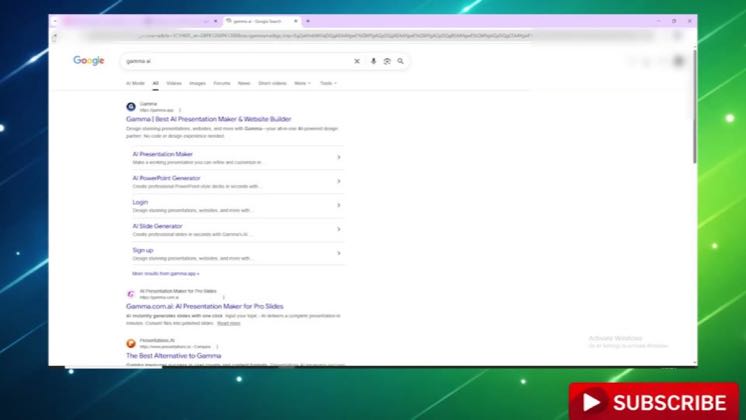
 0:59
0:59Plays here · Open on youtube ↗
“Hello everyone welcome back to another video. Today I'll show you how to”
The opening line · 0:00 · move: howto
Gives a literal click-by-click import, edit, present, and export tutorial for turning a PDF into Gamma slides.
@Funded Frog · 2K followers · 0 of 30 recent posts mention Gamma · creator page →
- 0:00Hello everyone welcome back to another video. Today I'll show you how to use Gamma AI to
- 0:04turn a document or PDF into slides. First open Gamma AI on your browser or app and log in to
- 0:11your account. After that click on create new. Next select the option called import file or
Keep the source work where it already lives, hand the conversation or file to Gamma, and turn it into a designed deck without another copy-editing pass.
AI and productivity educators importing conversations, PDFs, notes, and documents instead of starting from a blank presentation prompt · 42 creators · 42 posts
Open the full playbook →


this post · other creators who ran it
@Funded Frogyoutube · 2K followers · median 23 views · n=60best post30.1×views · for GammaUnknown “honest review” and a Gamma tutorial identify the tool; public description checked, commercial relationship unverified — https://www.youtube.com/watch?v=ES8V5iB7D8IOpen creator →Views and likes are public counts at capture time. The multiple compares this post with the creator’s own recent median, not a claim about what caused its reach. Read the methodology →