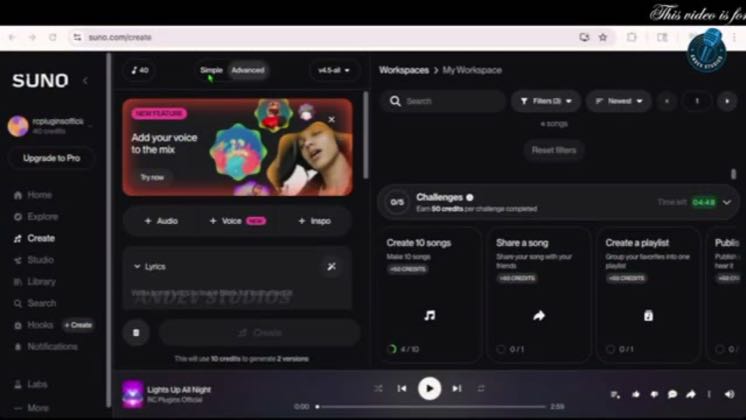
 PAID5:11
Plays here · Open on youtube ↗
“Hello friends, welcome back to the channel. Today we are checking out two powerful AI”
The opening line · 0:00 · move: other
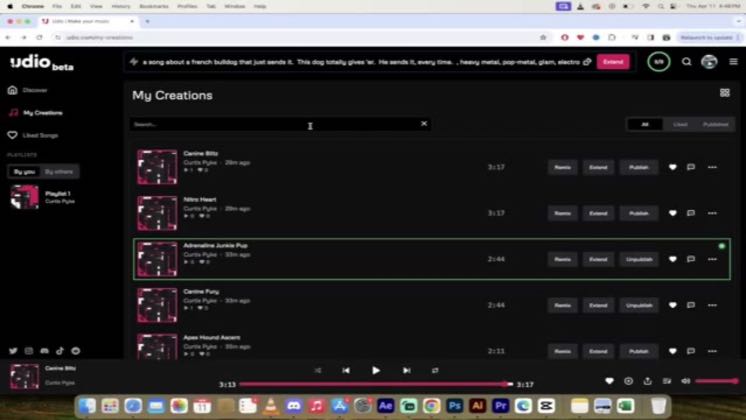
Shows the Udio interface from prompt or source audio to a playable result, resolving one concrete creation task on screen: How to use AI in music production // DEMO & REVIEW // SUNO // UDIO.
@Andev Studios · — followers · 1 of 13 recent posts mention Udio · creator page →
- 0:00Hello friends, welcome back to the channel. Today we are checking out two powerful AI
- 0:06music tools, Suno and Udyo. Let's jump right in. Let's see how we can create music in
- 0:12Suno AI in just 30 seconds using AI. First, I opened Chachi period and asked to create
Remove the studio prerequisite, type one concrete brief on screen, and keep editing until the viewer hears a finished track they can reproduce.
General AI educators and tutorial channels walking non-musicians through a complete Udio generation · 35 creators · 35 posts
Open the full playbook →
this post · other creators who ran it
@Andev Studiosyoutube · — followers · median 1.6K views · n=15best post7130.4×views · for UdioUnknown “How to use AI in music production \|\| DEMO & REVIEW \|\| SUNO \|\| UDIO” identifies udio; public caption checked, commercial relationship unverified — https://www.youtube.com/watch?v=BzpQ4IKMB9IOpen creator →Views and likes are public counts at capture time. The multiple compares this post with the creator’s own recent median, not a claim about what caused its reach. Read the methodology →