 2:29
2:29Plays here · Open on youtube ↗
UnknownRetained posts and the independent recent feed were checked; public evidence proves Luma attribution, while the commercial relationship remains unverified.2:29 · spoken hook
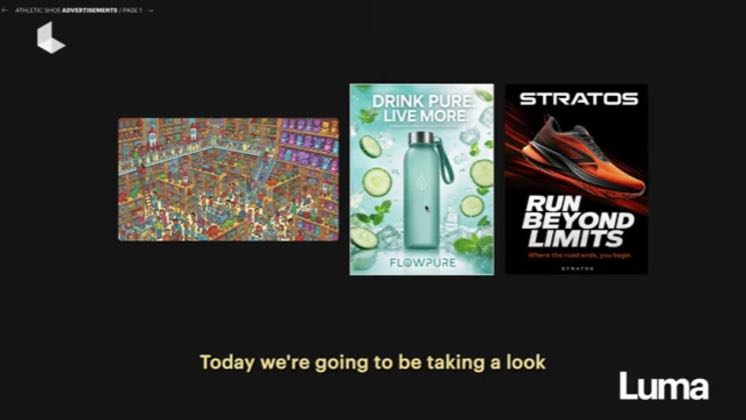
“Today we're going to be taking a look at layers inside of the Luma app.”
The opening line · 0:00 · move: howto
Uses the finished Luma-attributed output in “Mastering Layers in Luma AI: Extract & Edit Elements [95/100]]” as visual proof while leaving the commercial relationship unverified.
20views—likes↑1×vs their usual post · 20 views—creators ran this script
@Review Ai Videos · 666 followers · 0 of 30 recent posts mention Luma Dream Machine · creator page →
The script29 lines · @Review Ai Videos
- 0:00Today we're going to be taking a look at layers inside of the Luma app.
- 0:04To start, navigate to your image and right click, find the extract layers feature,
- 0:09and specify how you would like the image to be broken apart into separate layers.
26 more linesmembers read and copy every script on the site
@Review Ai Videosyoutube · 666 followers · median 20 views · n=60best post201×views · for Luma Dream MachineUnknown Retained posts and the independent recent feed were checked; public evidence proves Luma attribution, while the commercial relationship remains unverified.Open creator →Views and likes are public counts at capture time. The multiple compares this post with the creator’s own recent median, not a claim about what caused its reach. Read the methodology →