 PAID1:34
Plays here · Open on youtube ↗
Unknown“Tofu Golem” publishes a Picsart-focused overview or tutorial; no Picsart paid disclosure, creator code, tracked Picsart link, or standing relationship was captured. https://www.youtube.com/watch?v=8iqAC2yU9rY1:34 · spoken hook
“I am the tofu golem. Please enjoy the video.”
The opening line · 0:00 · move: creator-claim
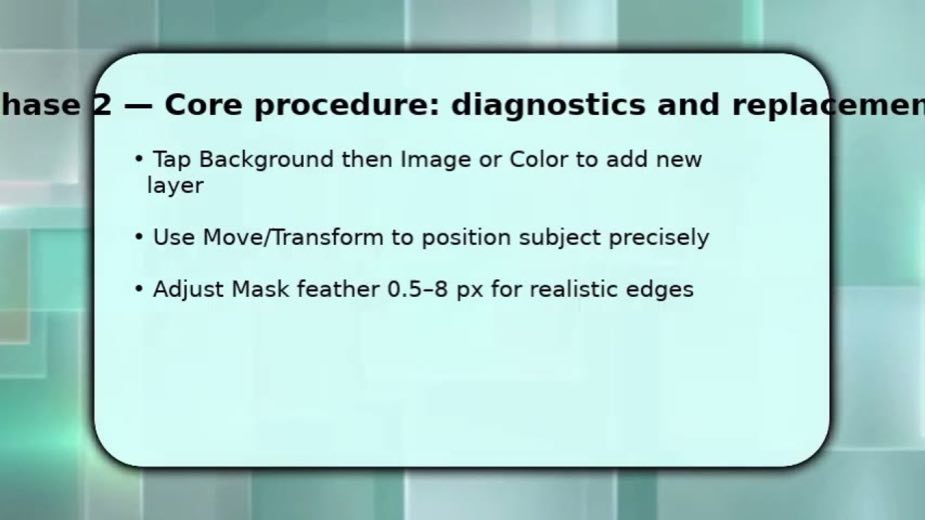
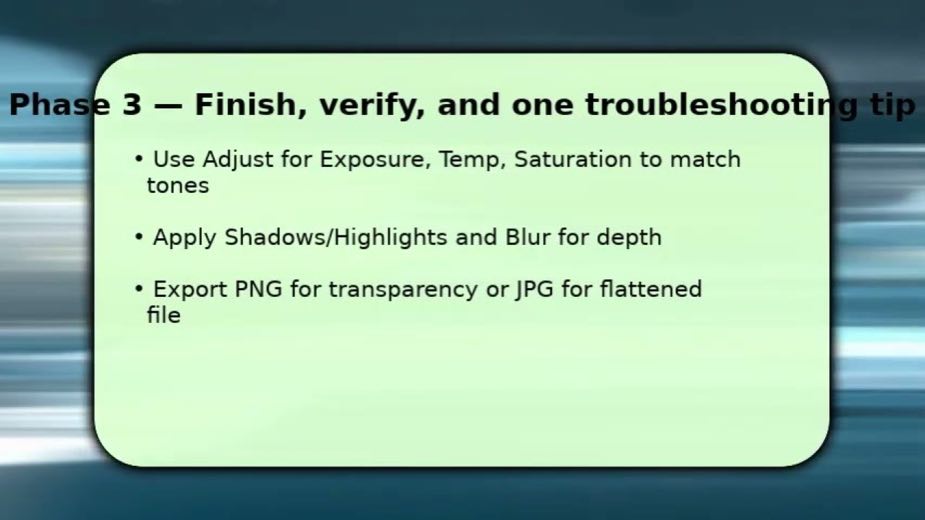
Teaches background replacement in Picsart from cutout and edge cleanup through layer placement, lighting match, depth, and export, using generic instructional slides.
4views—likes—vs their usual post · — views—creators ran this script
@Tofu Golem · — followers · creator page →
1Introduce the tofu-golem hostcreator-claim0:00–0:03
 0:00
0:000:00I am the tofu golem. Please enjoy the video.
A cartoon food backdrop supplies channel identity before the narrated background-replacement instructions begin.
2Separate the subject before changing the scene0:03–0:24
 0:13
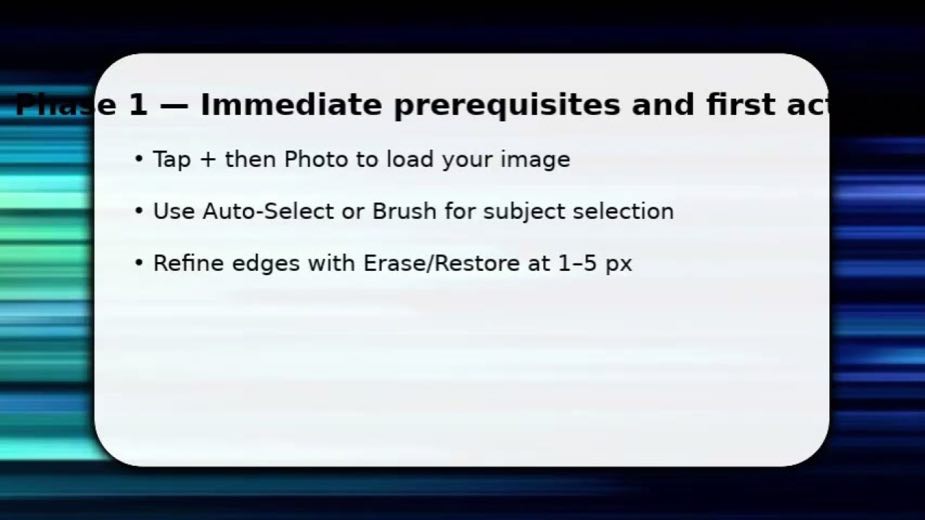
0:130:03You start by opening Pixar and importing the photo you want.
Import, automatic cutout and brush corrections are presented as prerequisites on a slide, not as a captured sequence of app taps.
0:07Tap the plus sign, choose photo, then pick the image.
3 lines · members3Make hair the cutout quality check0:24–0:30
 0:40
0:401 lines · members
4Place the cutout in its new setting0:30–0:45
 0:54
0:544 lines · members
5Explain why the subject looks pasted in0:45–0:57
 1:21
1:214 lines · members
6Match warmth before choosing the file formatcta · link0:57–1:34
 1:34
1:348 lines · members
20 more linesmembers read and copy every script on the site
@Tofu Golemyoutube · — followers · median — views · n=—best post4views · for PicsartUnknown “Tofu Golem” publishes a Picsart-focused overview or tutorial; no Picsart paid disclosure, creator code, tracked Picsart link, or standing relationship was captured. https://www.youtube.com/watch?v=8iqAC2yU9rYOpen creator →Views and likes are public counts at capture time. The multiple compares this post with the creator’s own recent median, not a claim about what caused its reach. Read the methodology →