 PAID1:21
Plays here · Open on youtube ↗
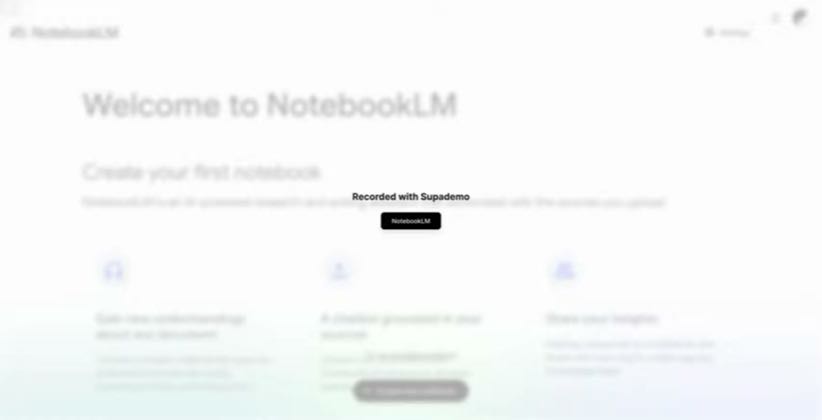
“First, open the notebook LM website.”
The opening line · 0:00 · move: command
A Supademo-branded walkthrough shows the exact clicks for creating a notebook, loading thesis sources, querying them and pinning useful answers into notes.
@Supademo Tutorials · 29 followers · 0 of 30 recent posts mention NotebookLM · creator page →
- 0:04First, open the notebook LM website.
- 0:08Next, click on create new notebook.
- 0:12Now, add sources or upload files and
Upload trusted source material, let NotebookLM extract structure, then carry its summary, study asset or production prompt into the next tool or task.
Workflow educators turning existing videos, PDFs or notes into the next piece of work · 71 creators · 77 posts
Open the full playbook →


this post · other creators who ran it
@Supademo Tutorialsyoutube · 29 followers · median 10 views · n=56best post1.8K185×views · for NotebookLMUnknown The current public walkthrough was created to promote Supademo's own interactive-demo product and links a Supademo-hosted version; that owned context does not establish a NotebookLM paid, affiliate or creator relationship. https://www.youtube.com/watch?v=80t6oSHc_EcOpen creator →Views and likes are public counts at capture time. The multiple compares this post with the creator’s own recent median, not a claim about what caused its reach. Read the methodology →