1:28

Plays here · Open on youtube ↗

Unknown“How To Get 4K QUALITY On CapCut & Wink! (2026 Tutorial)” — exact Wink subject attribution; commercial relationship unverified — https://www.youtube.com/watch?v=6SGqVmHa6s81:28 · spoken hook

“Hey guys! Welcome to my very first video. If you're tired of your edits looking like this,”

The opening line · 0:00 · move: result-first

Contrasts a weak edit with a crisp result, discloses exact CapCut settings, exports a 2K intermediate, and uses Wink Ultra HD for the final 4K upscale.

449views20likes—vs their usual post · — views27creators ran this script

@rosyreign2 · 73 followers · 0 of 15 recent posts mention Wink · creator page →
Playbook · Finish the native edit with one quality pass →
The script, step by step12 steps
1Name the weak stateresult-first0:00–0:05
Name the weak state at 0:000:00
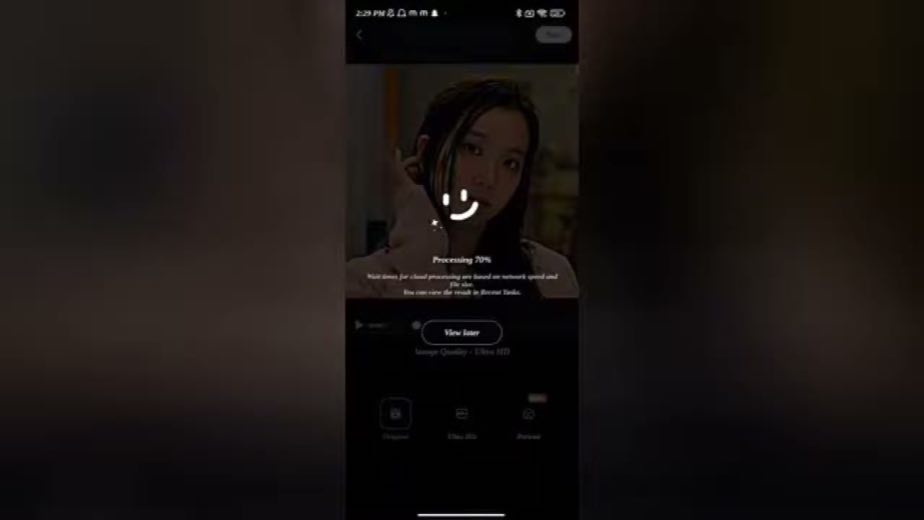
0:00Hey guys! Welcome to my very first video. If you're tired of your edits looking like this,

The creator starts from a visibly low-quality edit.
2Preview the payoff0:05–0:10
Preview the payoff at 0:120:12
0:05and you want them to look crisp and professional like this, you're in the right place.

The contrast supplies the reason to keep watching.
3Promise the recipe0:10–0:15
Promise the recipe at 0:370:37
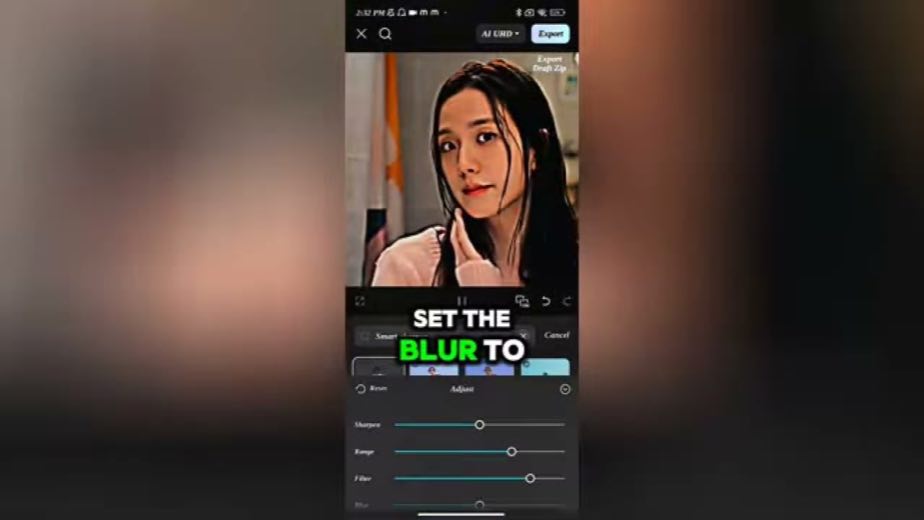
0:10Today, I'm showing you my exact cap cut workflow to get that high-end 4K quality

The script commits to revealing a repeatable process.
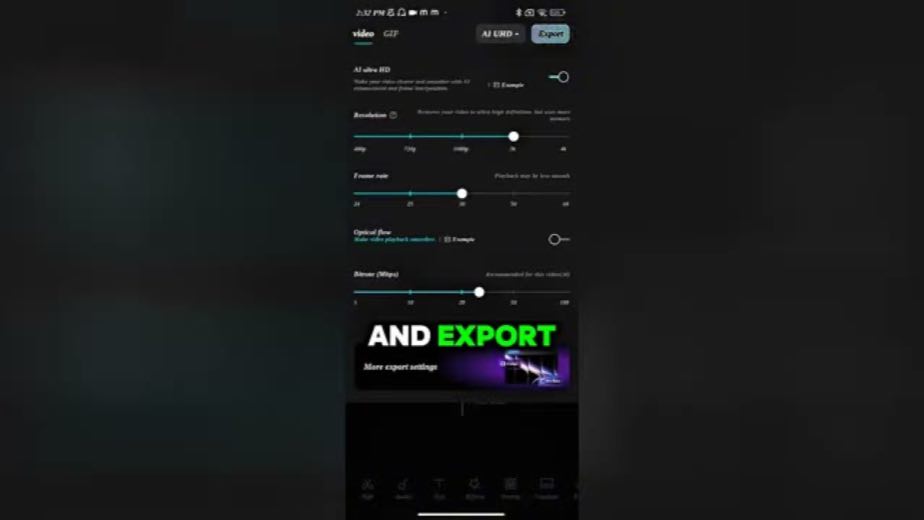
4Lower the barrier0:15–0:19
Lower the barrier at 0:500:50
1 lines · members
5Start in CapCut0:19–0:24
Start in CapCut at 1:151:15
1 lines · members
6Choose the source0:24–0:27
Choose the source at 1:271:27
1 lines · members
7Stack clarity tools0:27–0:37
2 lines · members
8Reveal exact values0:37–0:44
1 lines · members
9Export the intermediate0:44–0:56
1 lines · members
10Hand off to Wink0:56–1:23
1 lines · members
11Deliver the result1:23–1:26
1 lines · members
12Close cleanlycta · none1:26–1:28
1 lines · members
10 more linesmembers read and copy every script on the site
Where this post sitsthe repetition is the proof
Runs the playbook
Finish the native edit with one quality pass

Preserve the creator's native fandom or gaming workflow, then place Wink at the end as the quality-repair layer that turns a blurry fan cam or compressed mobile edit into the shareable result.

K-pop, anime, Roblox and mobile-gaming editors · 27 creators · 27 posts

Open the full playbook →

this post · other creators who ran it

Who made ittheir public relationship signal, and the receipt for it
@rosyreign2youtube · 73 followers · median — views · n=—best post449views · for WinkUnknown “How To Get 4K QUALITY On CapCut & Wink! (2026 Tutorial)” — exact Wink subject attribution; commercial relationship unverified — https://www.youtube.com/watch?v=6SGqVmHa6s8Open creator →

Views and likes are public counts at capture time. The multiple compares this post with the creator’s own recent median, not a claim about what caused its reach. Read the methodology →