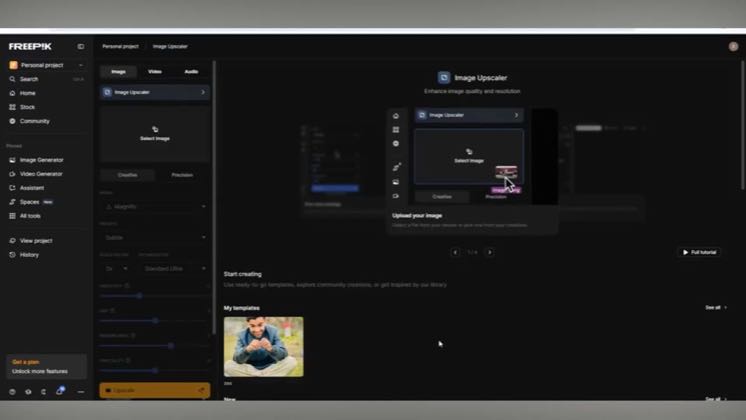
 0:26
0:26Plays here · Open on youtube ↗
“Welcome back to another video. In today's video I'll show you how to use FreePick AI image upscaler to increase resolution.”
The opening line · 0:00 · move: howto
Demonstrates Freepik's image upscaler from upload through settings, before-and-after comparison, and export in a compressed screen recording.
@Funded Frog · 2K followers · 0 of 30 recent posts mention Magnific / Freepik AI · creator page →
- 0:00Welcome back to another video. In today's video I'll show you how to use FreePick AI image upscaler to increase resolution.
- 0:06Start by opening the Edit tab in the Image Generator.
- 0:09Upload an image directly from your device. Adjust the settings to achieve the look you want.
Start with the mushy-detail failure every AI image creator knows, reveal that Magnific invents missing texture instead of stretching pixels, then prove the claim with controls, close-ups and competitor trade-offs.
AI-art educators, photographers and review channels testing Magnific against ordinary enlargement and Topaz · 10 creators · 10 posts
Open the full playbook →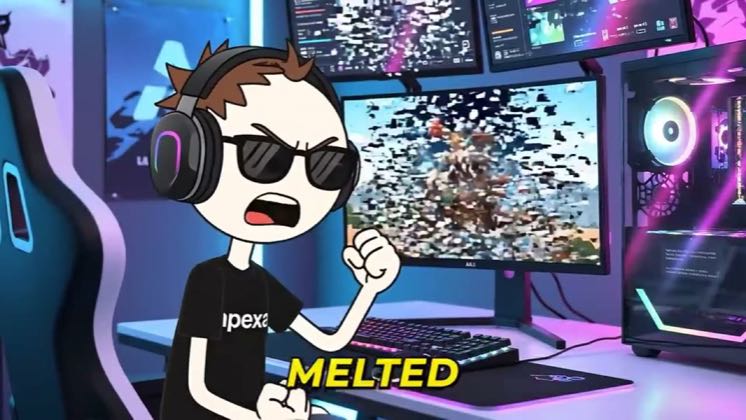

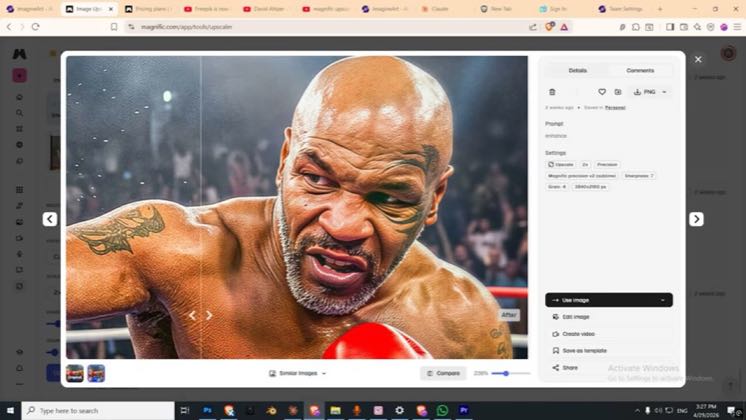
this post · other creators who ran it
@Funded Frogyoutube · 2K followers · median 23 views · n=60best post2109.1×views · for Magnific / Freepik AIUnknown “How to Use Freepik AI Image Upscaler to Increase Resolution 2026 | Step-by-Step Guide” identifies Magnific/Freepik and the audited frames show the named product; commercial relationship unverified — https://www.youtube.com/watch?v=53ABEZXwY8kOpen creator →Views and likes are public counts at capture time. The multiple compares this post with the creator’s own recent median, not a claim about what caused its reach. Read the methodology →